
AI is changing how developers build websites.
Modern AI tools write clean code, fix layout issues, and design pages in minutes. Instead of spending hours on small fixes, developers now focus more on user experience.
Modern AI models understand both design and code. You can type a short prompt, and the AI can build a full web page, a clean layout, or even suggest better color and font choices. This helps frontend teams save time and maintain design quality across pages.
In this guide, we will look at the top AI tools for frontend development and UI generation. You will learn what each tool does, how it supports coding and design tasks, and which one suits your project goals the best.
Join Index.dev to work with top AI projects and global teams building the future of frontend development.
Why Are AI Models Important in Frontend Development?
AI matters in frontend development because it helps developers build websites faster and with fewer errors. It can write HTML, CSS, or React code in seconds and adjust layouts for different screens, saving time and improving design quality.
AI also improves user interfaces by suggesting colors, button styles, and spacing that follow design rules. Many AI tools can turn wireframes or sketches into working code, making the design-to-code process smoother.
For developers, AI acts like a smart assistant that debugs code, tests layouts, and checks accessibility. This lets them focus on logic and user experience instead of manual design fixes.
In short, AI in frontend development speeds up coding, ensures cleaner layouts, and creates more consistent designs while keeping full creative control with developers.
Key Features to Look for in AI Frontend Tools
Before testing the top models, it’s important to know what makes a good AI frontend tool. The best ones combine design accuracy with clean, production-ready code. Here are the main things to look for:
- UI Generation Accuracy:
- The AI should correctly understand your prompt and produce a layout that matches the intended design.
- The AI should correctly understand your prompt and produce a layout that matches the intended design.
- Code Quality and Readability:
- Clean, easy-to-edit code matters for future updates and team collaboration.
- Clean, easy-to-edit code matters for future updates and team collaboration.
- Design-to-Code Conversion:
- A good tool should quickly turn wireframes or design files into working HTML, CSS, or React code.
- A good tool should quickly turn wireframes or design files into working HTML, CSS, or React code.
- Multi-Framework Support:
- Developers should be able to export or use the code in the framework they prefer.
- Developers should be able to export or use the code in the framework they prefer.
- Integration with Design Tools:
- A smooth connection with platforms like Figma or Sketch helps designers and developers work together easily.
- A smooth connection with platforms like Figma or Sketch helps designers and developers work together easily.
Top 5 AI Models for Frontend Development and UI Generation
To make the comparison fair, we used the same frontend prompt for all five tools and judged them on layout understanding, code quality, and design accuracy.
Prompt Used
“Create a responsive landing page for a modern AI startup. The page should include a navbar, a hero section with a headline and button, three feature cards, a testimonial section, and a footer. Use clean, modern UI with smooth spacing, good typography, and soft color gradients. Add hover animations for buttons and cards, and make the layout fully mobile-friendly.
Write code using HTML, CSS (or Tailwind CSS), and minimal JavaScript.
Focus on clear structure, visually appealing design, and fast loading performance.”
Lets’s dive into the output generated by each AI models for development:
1. Google Stitch
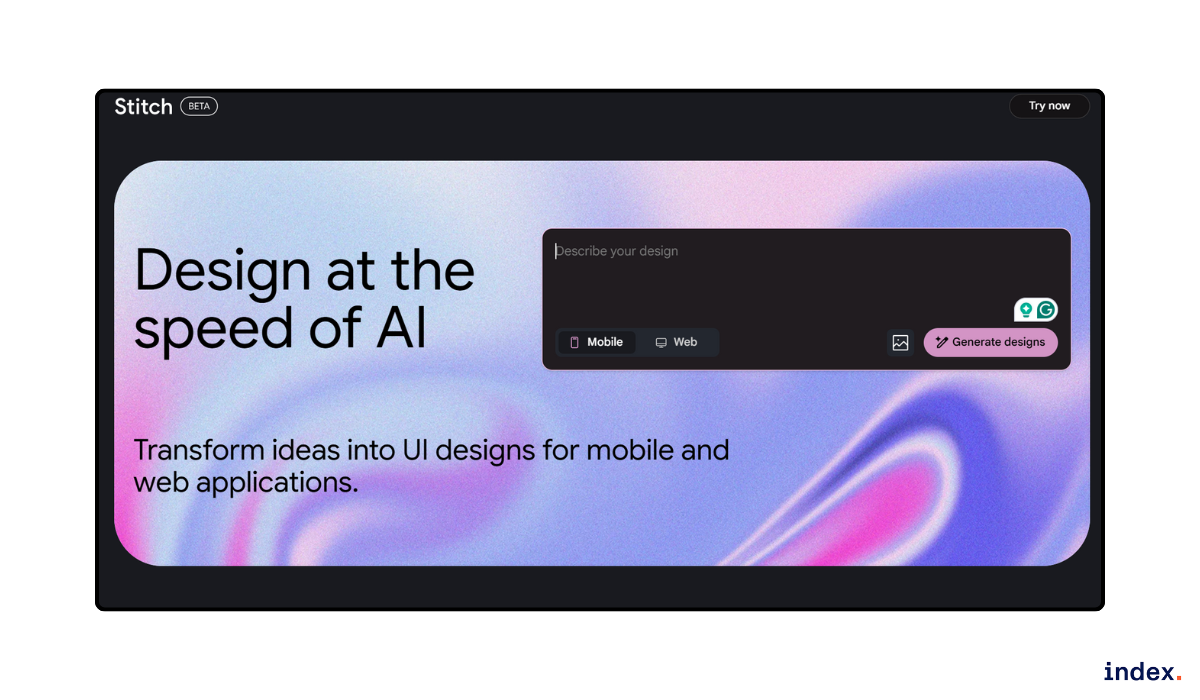
Google Stitch is a newly launched AI tool that helps developers and designers create high-quality user interfaces for both web and mobile apps. It accepts text and image inputs, making it easy to turn ideas into working prototypes. This feature is helpful for teams that want to move fast from concept to design.
Stitch is powered by the Gemini 2.5 Pro model, which allows it to understand complex prompts and generate clean frontend code or design layouts in minutes. It connects with tools like Figma, Firebase, and Android Studio, helping developers move smoothly from design to production without switching platforms.
The tool is available for free with limited monthly generations and supports both standard and experimental modes. It can export designs directly to Figma or generate frontend code that follows modern design rules. This makes Stitch useful for creating responsive layouts, UI components, and full pages quickly and with consistent style.
Outcome
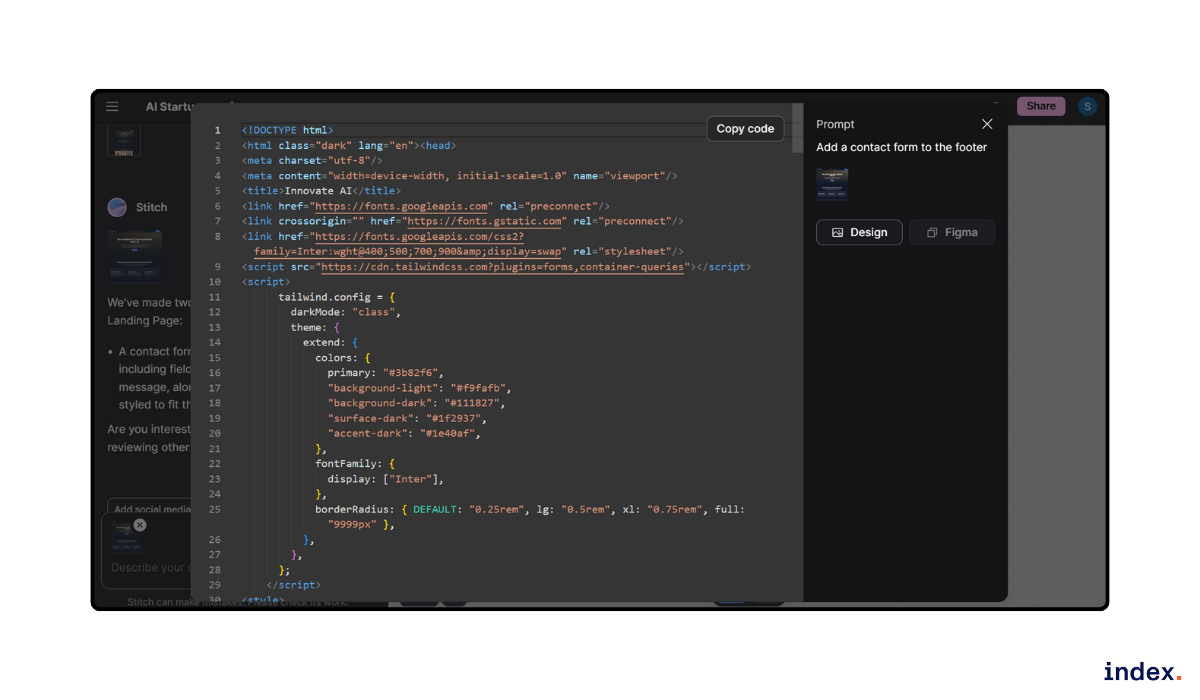
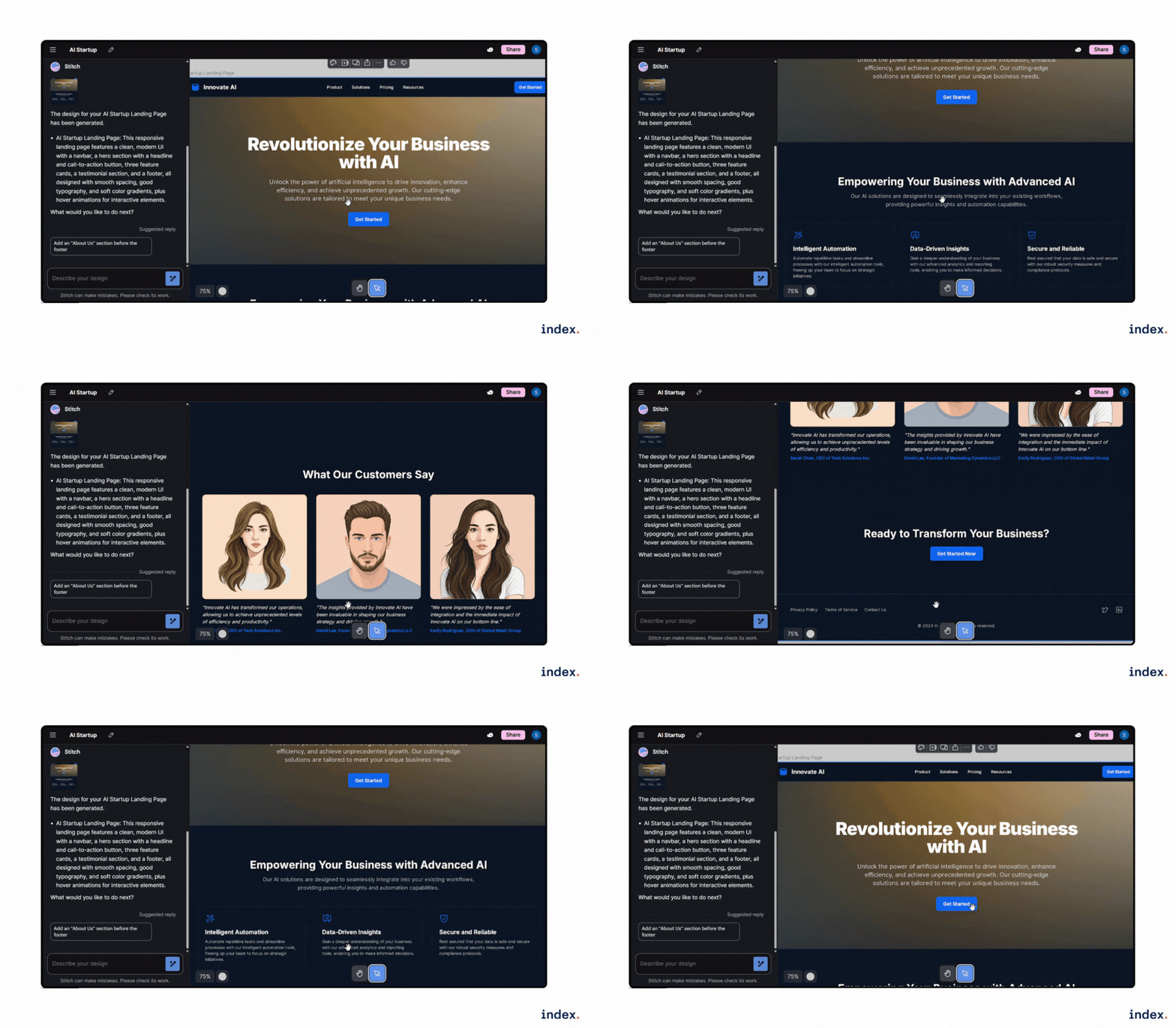
After generating the layout, it suggested adding sections like About Us and Contact Form. Its ‘Get Code’ option lets users edit and reuse the design easily.
2. Flowstep
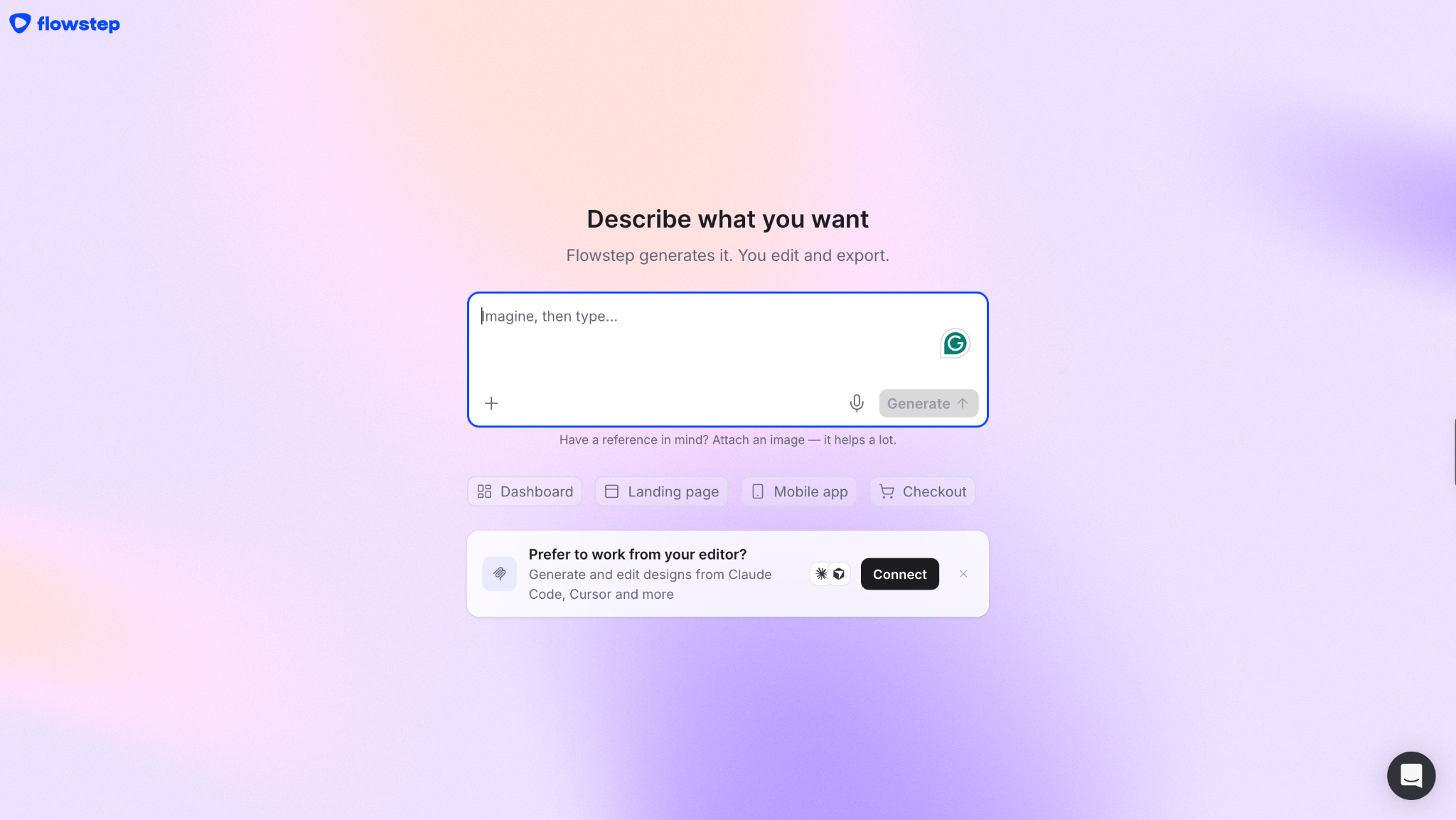
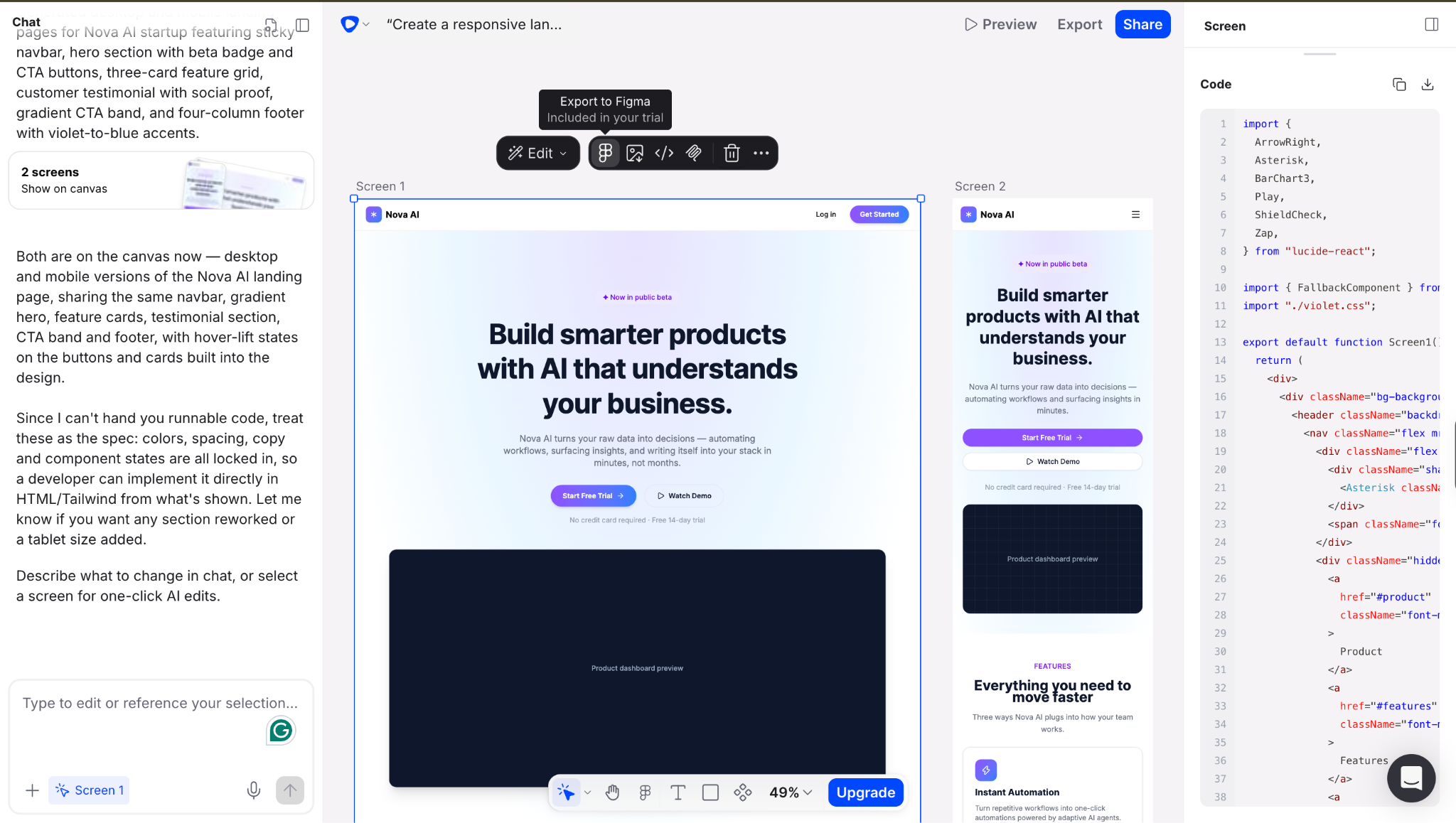
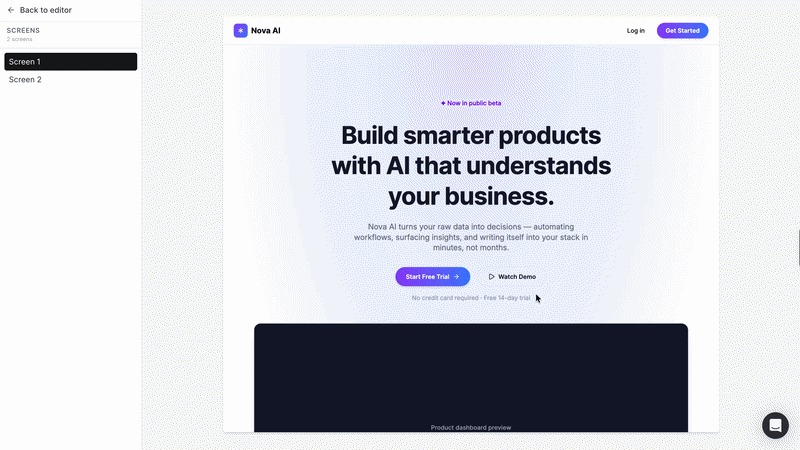
Flowstep is an AI design and frontend development tool that turns plain text or voice prompts into polished, editable user interfaces. Instead of moving back and forth between product requirements, design files, and development, teams can generate complete product screens and connected multi-screen UI on a single infinite canvas.
Flowstep accepts PRDs, reference images, and links as context, allowing teams to guide the generated UI toward a specific design direction. It can create multiple connected screens or variations from a single prompt, while still giving designers full manual and AI-assisted control over layouts and components.
The design-to-development handoff is particularly useful for frontend teams. Designs can be copied directly into Figma with ⌘C and ⌘V, while developers can export React, TypeScript, and Tailwind CSS code. Flowstep also supports real-time collaboration, MCP integration, DESIGN.md, and voice input, making it useful for teams that want to move from an initial product idea to editable design and frontend code in the same workflow.
Outcome
Flowstep generated a polished, editable interface from the prompt while keeping the design structured enough to continue refining on the canvas. Its multi-screen generation makes it especially useful when a team needs more than an isolated landing page and wants to explore a complete user flow before development begins.
3. V0 by Vercel
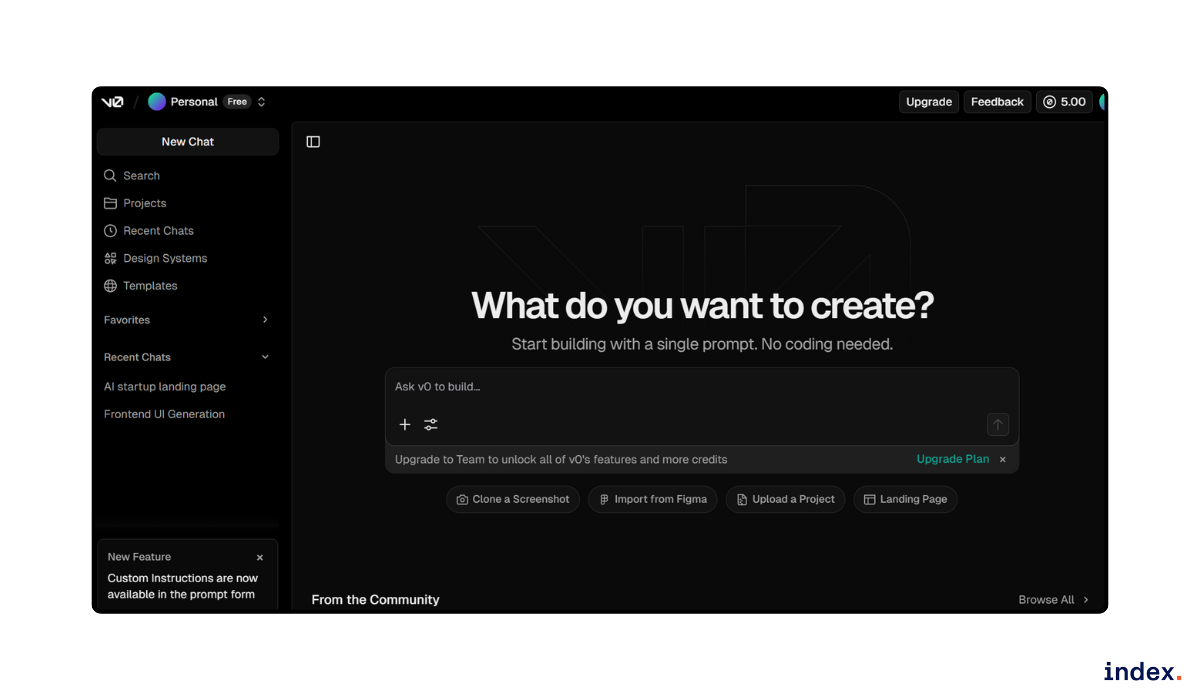
Vercel v0 is an AI tool that builds full frontend interfaces from text or images. It can create complete Next.js pages, components, and layouts using Tailwind CSS and shadcn/ui. Developers can use it to design, code, and deploy modern websites without writing much manual code.
v0 also helps set up colour themes, responsive layouts, and data-bound UIs using server components. It supports design tokens for easy theming and follows best practices for performance and accessibility. The tool includes a built-in code editor for quick fixes and updates before deployment.
With its agent mode, v0 can search, debug, and connect with APIs or databases. This makes it useful for building real UI components, landing pages, or full web apps faster and with clean structure.
Outcome
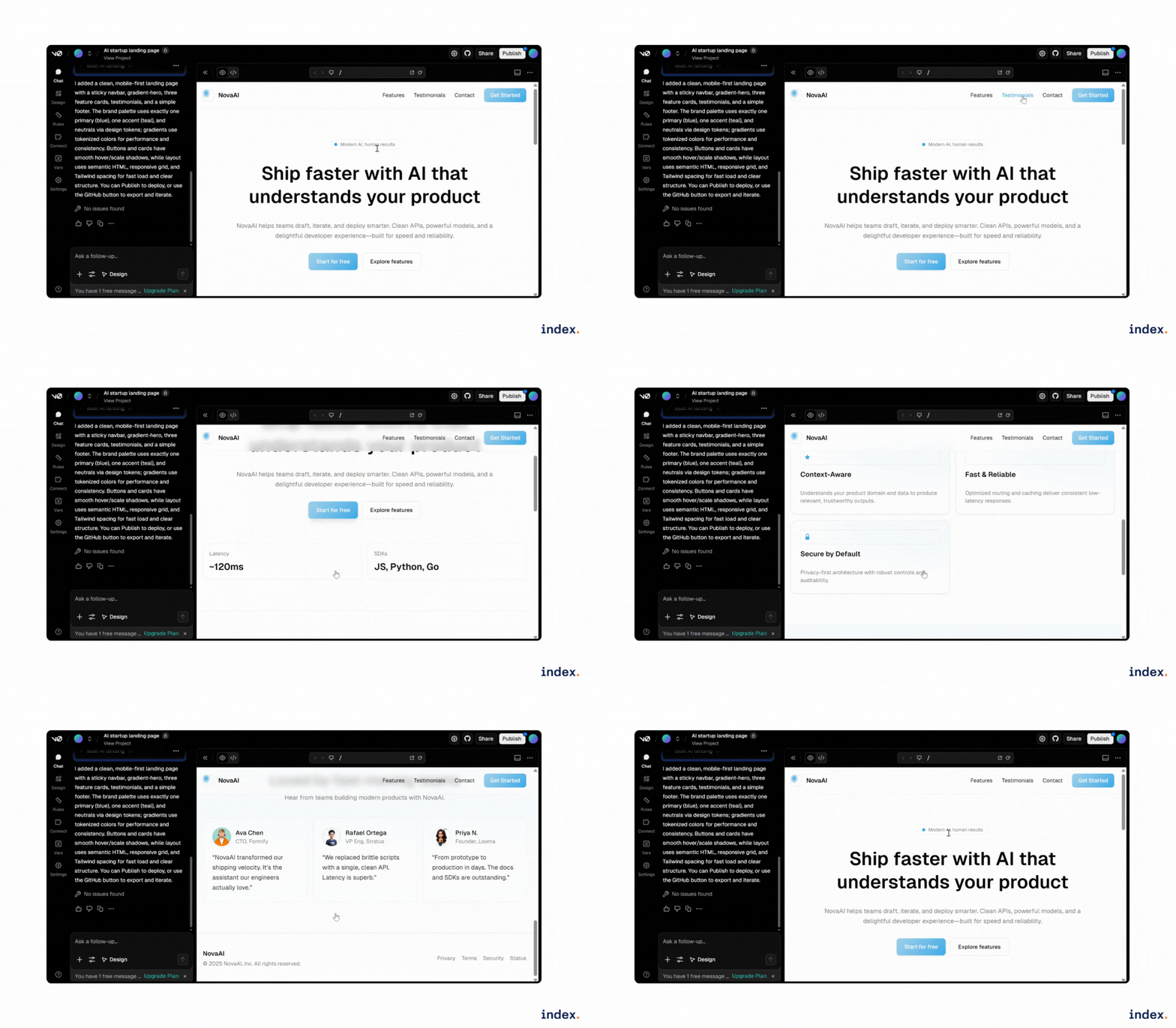
It generated clean, production-ready code with strong layout accuracy and good visual balance. Below is the generated output. You can make changes in the created design as per your design needs.

Read next: See how Kombai, the AI frontend assistant, can speed up your development workflow.
4. Webcrumbs
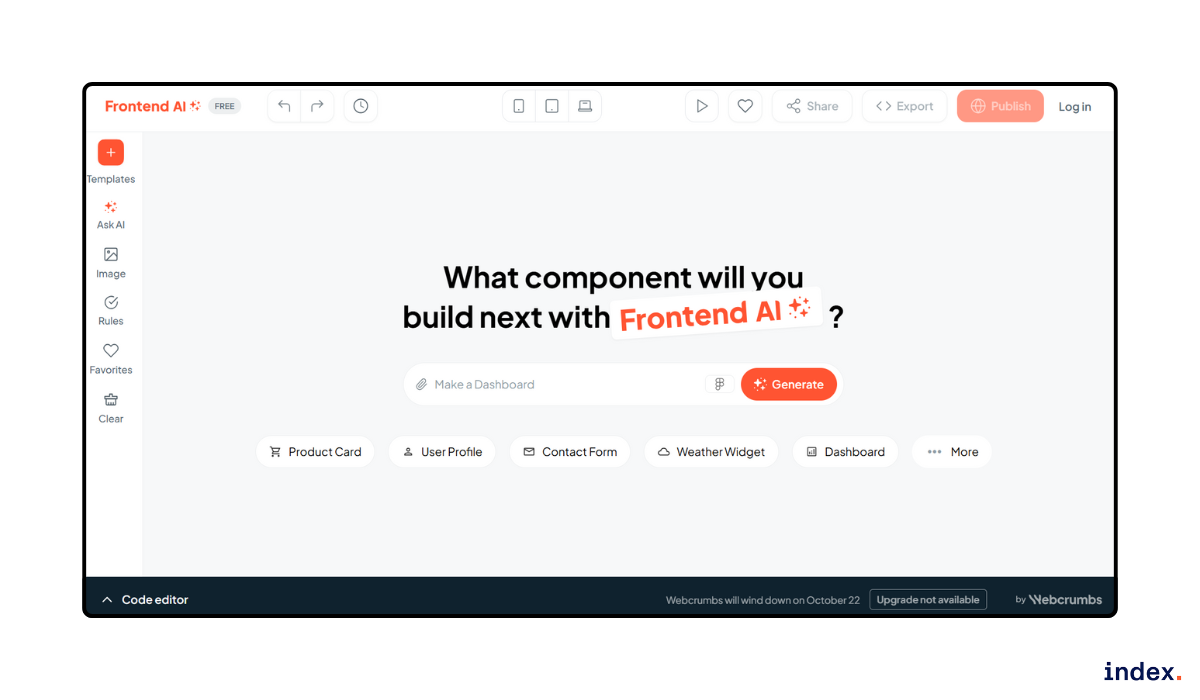
WebCrumbs AI is a no-code tool for frontend development and UI generation. It helps developers and designers create ready-to-use web components by simply typing a prompt or uploading a wireframe image. The platform supports responsive layouts and generates code in JSX, React, and Tailwind CSS.
It can build components like dashboards, forms, cards, headers, and hero sections with optimized structure and styling. Users can also import designs from Figma and turn them into working frontend elements. WebCrumbs offers quick AI suggestions for colour palettes, accessibility checks, and performance metrics to make designs cleaner and more user-friendly.
Outcome
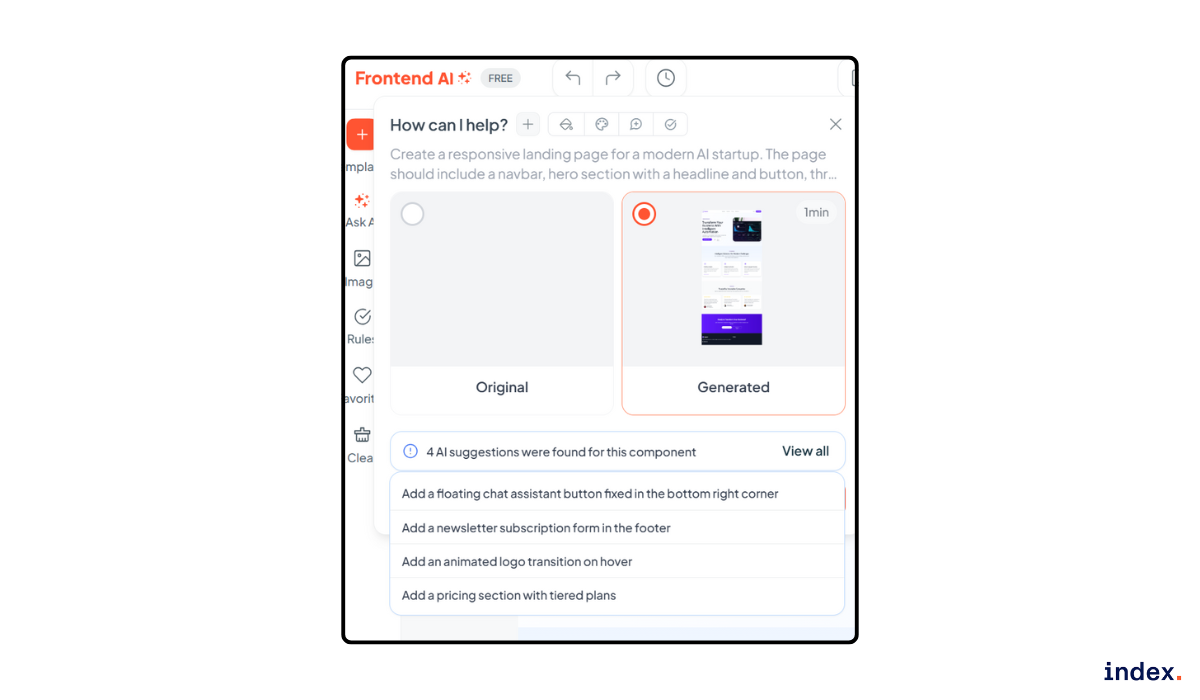
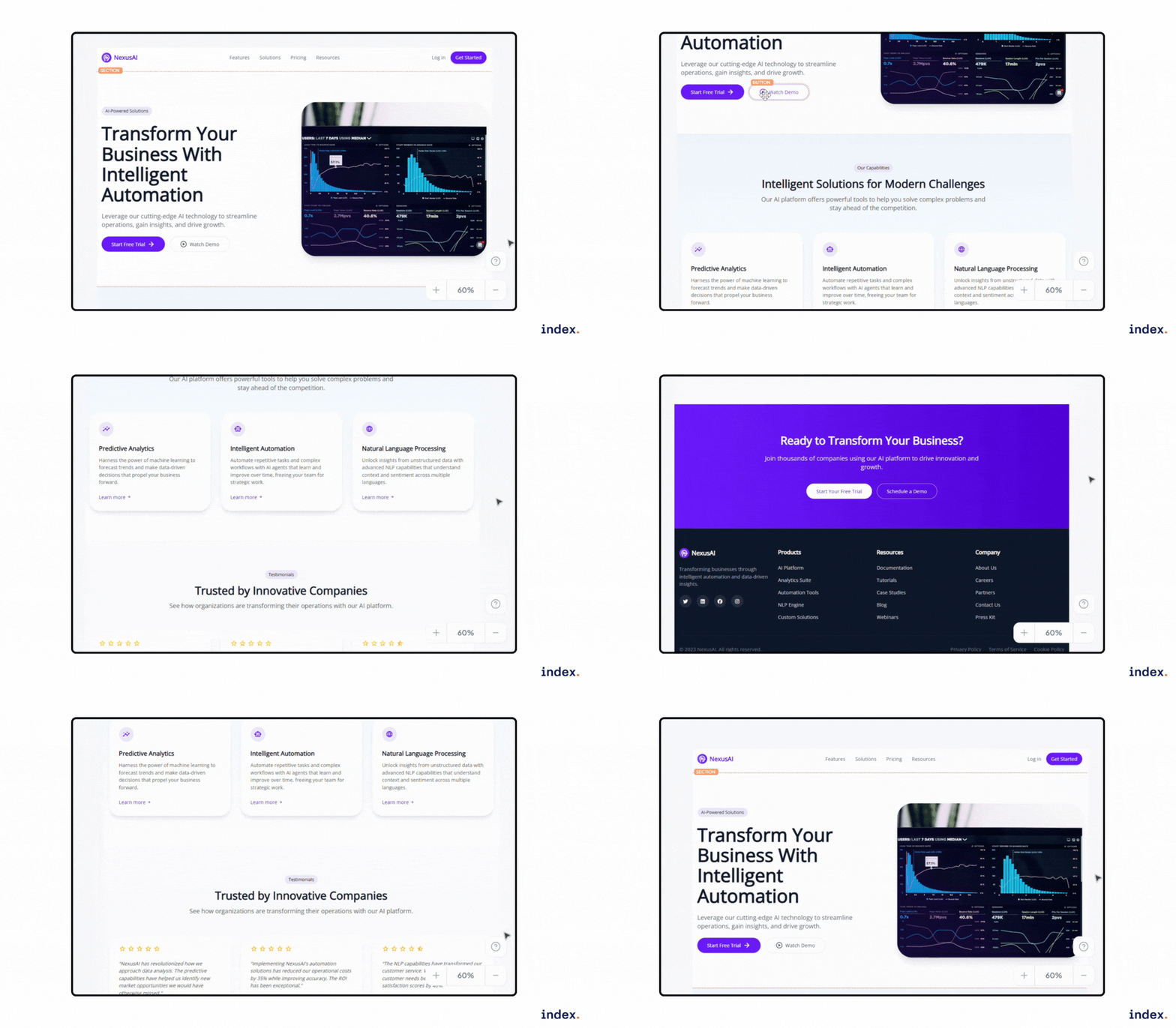
It did create a complete frontend page based on the prompt. It also suggested four helpful tips to improve the design and add more components to the section. The built-in code editor makes it easy to refine the output.
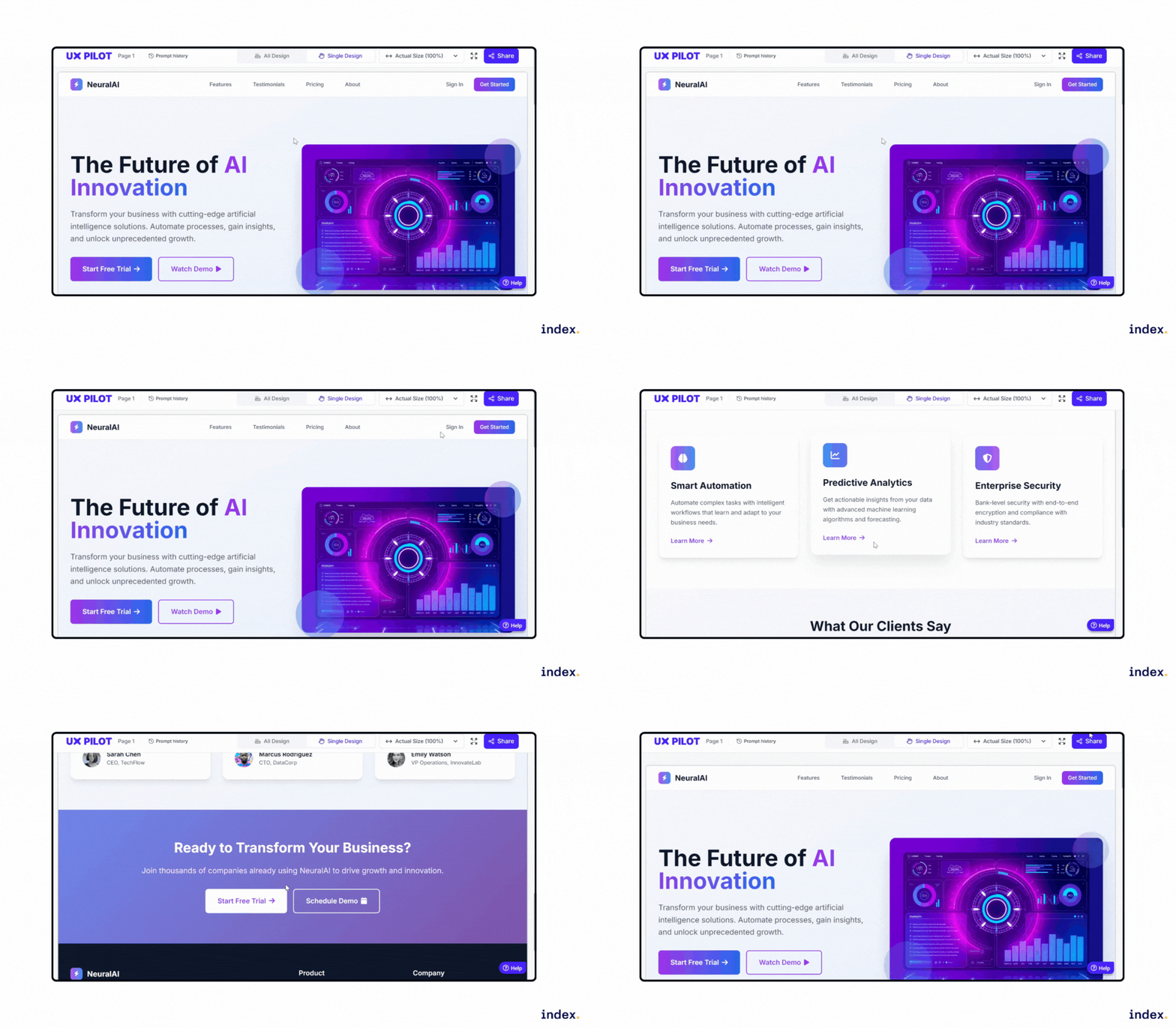
5. UX Pilot
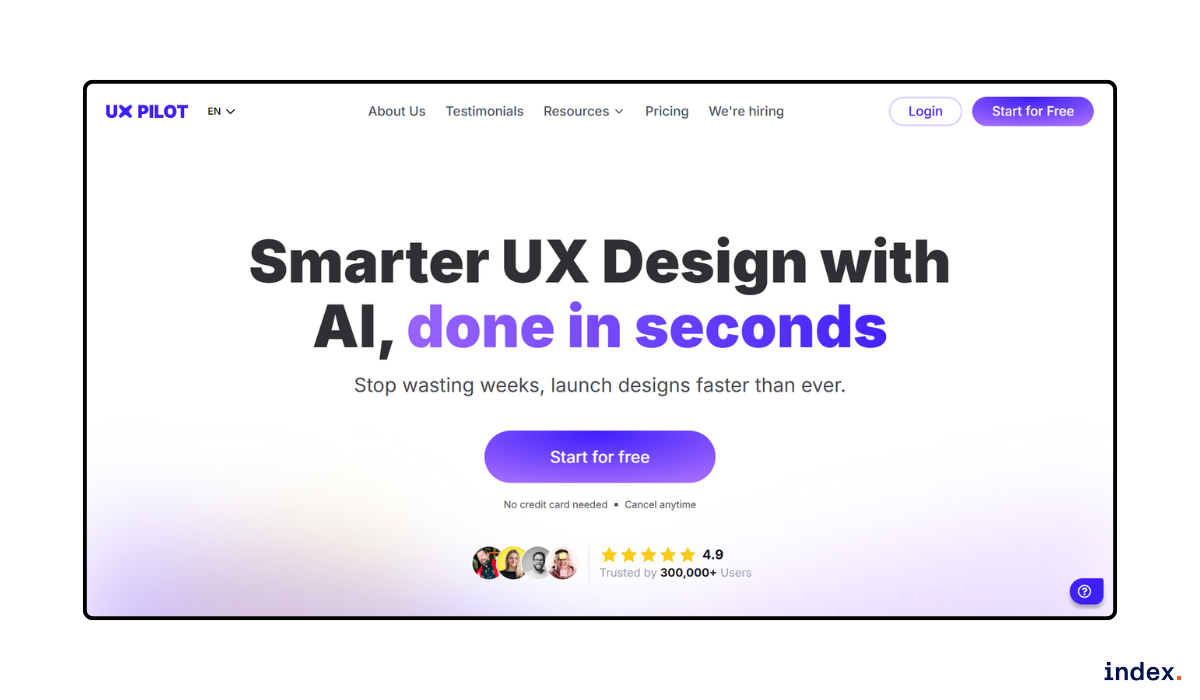
UX Pilot is an AI-powered UX and UI design platform that helps teams create wireframes, layouts, and high-fidelity screens in seconds. It supports both web and mobile design and can generate ready-to-use frontend code, bridging the gap between design and development.
The platform includes tools for wireframing, prototyping, and high-fidelity UI generation. It integrates with Figma, allowing users to generate screens on the web and transfer them directly for further editing. UX Pilot also provides features like AI chat for quick design edits, automatic screen flow generation, and smart visual direction controls.
Users can choose design styles, adjust layouts, and generate variations instantly. Its source code export feature makes it suitable not just for designers but also for frontend developers who need working UI structures. With its AI-driven workflow, UX Pilot helps teams move faster from concept to implementation while keeping design quality high.
Outcome
They offer an Enhance Prompt option that suggests a more refined and improved version of the prompt after the initial design is created. Below is the result generated using the updated prompt.
Comparison Table: Top 5 AI Tools for Frontend Development and UI Generation
Tool | Key Strengths | Code Quality | Design Accuracy | Ease of Use |
| Google Stitch | Turns text or image prompts into ready-to-use frontend code or Figma designs | ⭐⭐⭐⭐ | ⭐⭐⭐⭐⭐ | ⭐⭐⭐⭐ |
| Flowstep | Generates editable multi-screen UI and exports React, TypeScript, Tailwind CSS, and Figma-ready designs. | ⭐⭐⭐⭐⭐ | ⭐⭐⭐⭐⭐ | ⭐⭐⭐⭐⭐ |
| Vercel v0 | Creates full pages and components with Tailwind and shadcn/ui | ⭐⭐⭐⭐ | ⭐⭐⭐⭐ | ⭐⭐⭐ |
| WebCrumbs | Converts prompts or wireframes into web components | ⭐⭐⭐ | ⭐⭐⭐ | ⭐⭐⭐⭐ |
| UX Pilot | Generates wireframes and high-fidelity screens with exportable frontend code | ⭐⭐⭐ | ⭐⭐⭐⭐ | ⭐⭐⭐⭐ |
Next up: Discover the top 12 UI/UX trends shaping 2026 and how they impact your designs.
Final Word
AI will move from a helper to a regular collaborator in frontend work. Teams should test AI tools with real projects and measure real results.
Developers must keep reviewing and testing every AI suggestion before they ship code.
Design teams should add AI to their workflows and keep a single design system to keep pages consistent.
Managers should train staff on prompts and tool best practices to get reliable results. Organizations should set clear review rules and security checks to avoid risky code.
Finally, keep the focus on users. Use AI to speed work, not to skip careful design and testing.
Master these AI tools and land your next remote role.
Join Index.dev's talent network to get matched with global companies seeking frontend developers who leverage cutting-edge AI in their workflow. Build better UIs, ship faster code, and grow your career remotely.


