
Building AI agents now means connecting them to real systems, not just generating text. The Model Context Protocol allows agents to interact with tools, APIs, databases, and cloud platforms through a structured interface. This makes agents more reliable, secure, and production-ready.
In this listicle guide, we highlight seven MCP servers that power modern AI agent development in 2026. Each server solves a different integration problem, from code management to cloud control and workflow automation.
Build AI agents from start to finish – use Index.dev’s engineering team to connect, run, and manage AI systems with MCP servers.
What is an MCP server in AI Agent Development?
An MCP server is the execution layer that gives an AI agent controlled access to external systems. Instead of embedding API logic inside the agent, developers define tools on an MCP server and let the agent call them through a standard protocol.
The server translates those tool calls into real operations such as running a query, creating a ticket, or updating cloud infrastructure. It also applies authentication, scope checks, and execution limits.
This separation keeps the agent lightweight while centralizing permissions, logging, and system integrations in a structured, manageable layer.
How we selected the best MCP server for AI agent development
We selected these MCP servers based on technical depth and production readiness. Each server was evaluated for strict MCP compliance, authentication security, permission enforcement, and transport support.
We reviewed integration strength across code platforms, databases, cloud services, and business tools. Deployment flexibility, including remote, local, and container support, was also considered.
Finally, we assessed scalability factors, including rate limits, execution controls, audit logging, and enterprise adoption, to ensure the list reflects stable, future-ready solutions.
⭢ Wondering how fast enterprises are adopting AI agents? The numbers might surprise you.
Best MCP servers to build AI agents
1. GitHub
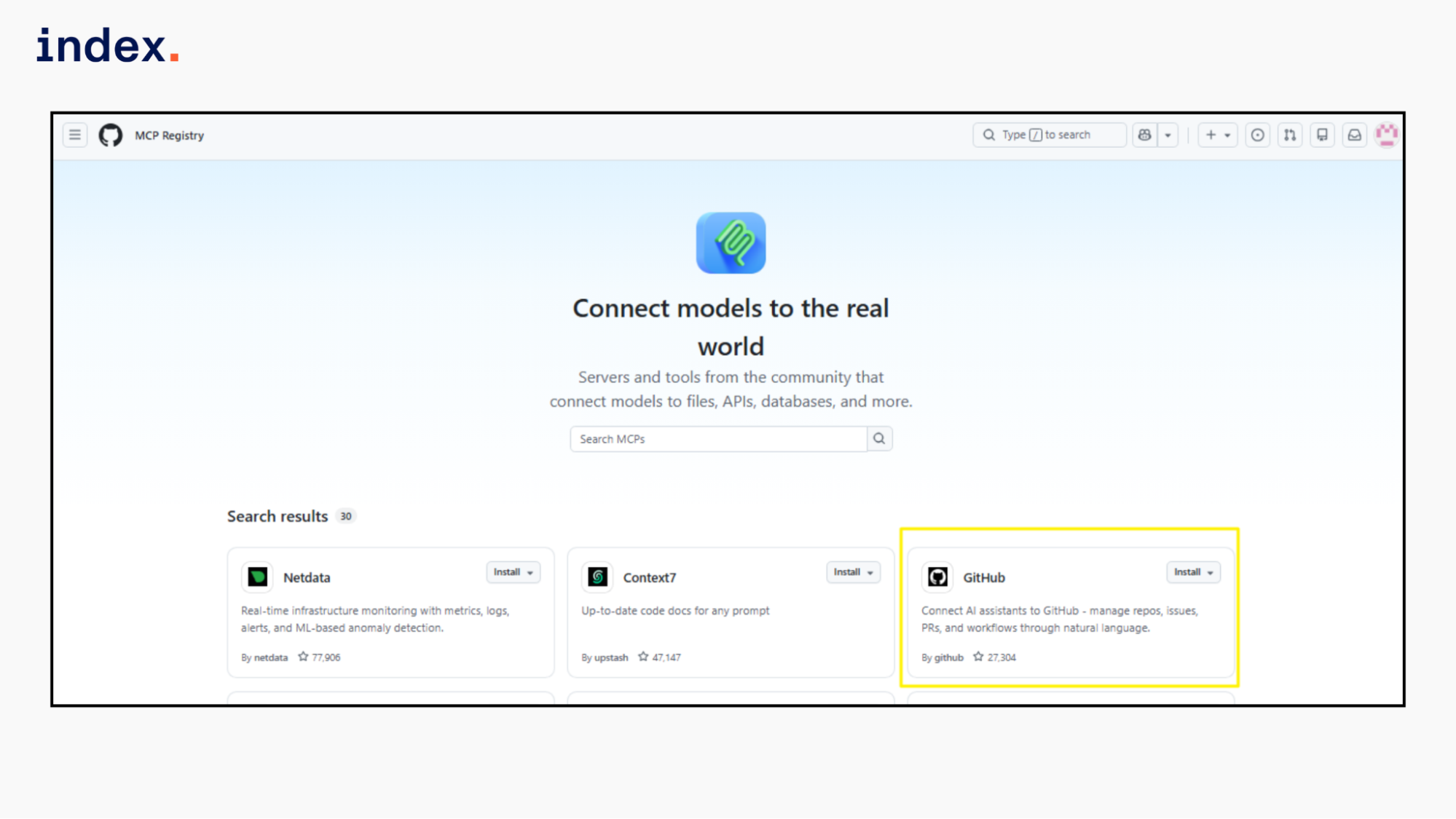
The GitHub MCP Server is a Go-based MCP server that can be hosted as a remote server, run locally as a Docker container, or as a Go binary. It connects to GitHub APIs and exposes them as MCP tools.
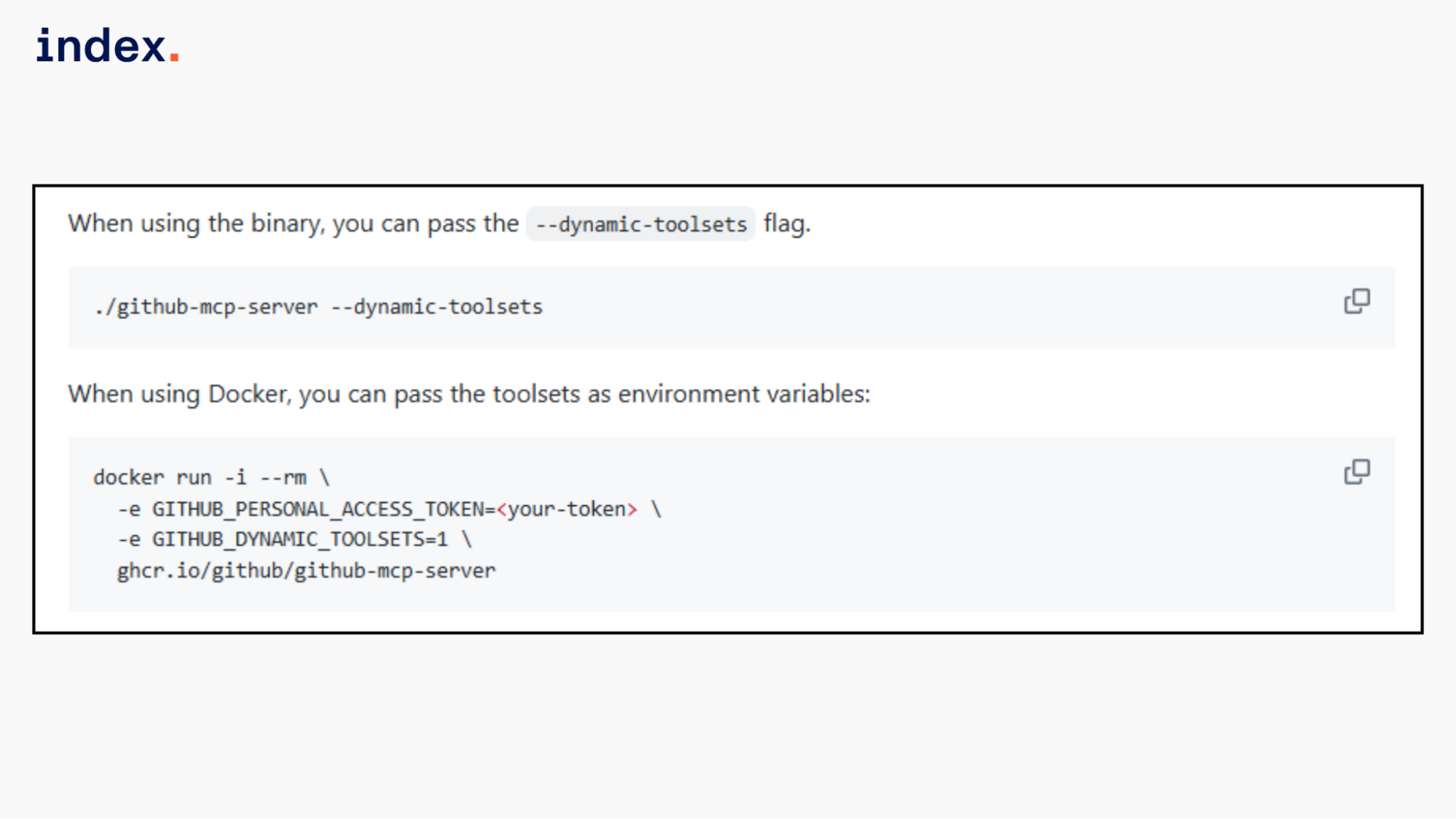
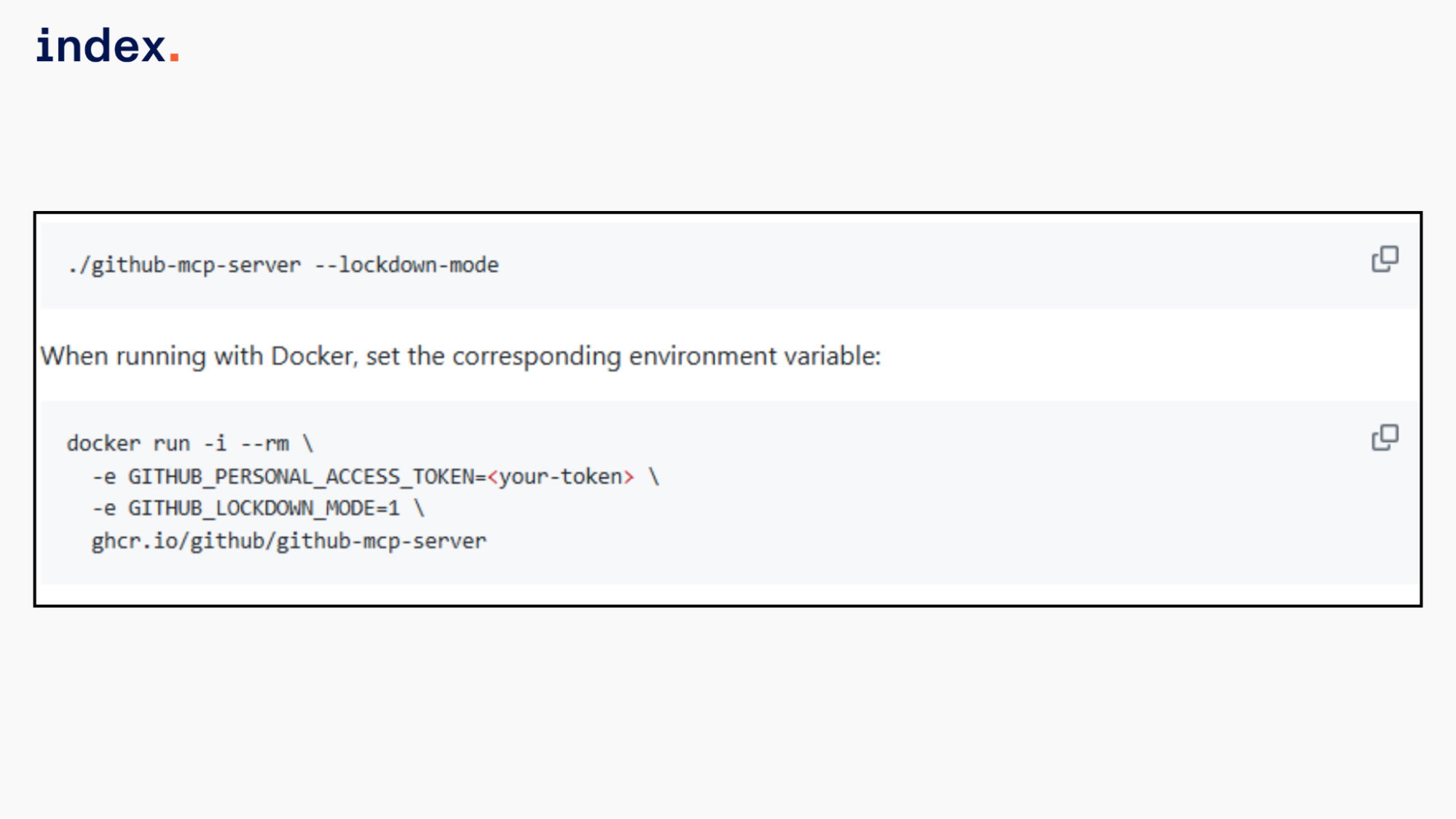
An MCP host communicates with it over HTTP in remote mode or via stdio in local mode. The server validates inputs, enforces OAuth scopes, and executes GitHub actions. You can configure toolsets, enable dynamic tool discovery, and apply read-only or lockdown restrictions for controlled execution.
You can use the hosted remote server or run it locally as a container or Go binary. In VS Code 1.101 or later, you can install it and enable Agent mode to start the server. To manually configure VS Code, you can choose the appropriate JSON block from below:
- Using OAuth
{
  "servers": {
    "github": {
      "type": "http",
      "url": "https://api.githubcopilot.com/mcp/"
    }
  }
}- Using a GitHub PAT
{
  "servers": {
    "github": {
      "type": "http",
      "url": "https://api.githubcopilot.com/mcp/",
      "headers": {
        "Authorization": "Bearer ${input:github_mcp_pat}"
      }
    }
  },
  "inputs": [
    {
      "type": "promptString",
      "id": "github_mcp_pat",
      "description": "GitHub Personal Access Token",
      "password": true
    }
  ]
}
Key Features
- Full GitHub domain coverage: Supports repositories, issues, pull requests, discussions, actions, projects, organizations, users, gists, security alerts, and secret scanning.
- Strongly typed tool schemas: Each tool defines strict input parameters, required fields, and OAuth scopes to reduce invalid execution.
- Scoped permission enforcement: Enforces GitHub OAuth scopes such as repo, read:org, security_events, and notifications per tool call.
- Granular capability grouping: Organizes tools into logical toolsets like repos, issues, pull_requests, actions, dependabot, code_security, and secret_protection.
- Additive tool registration model: Allows combining toolsets and individual tools for controlled exposure.
- Execution control flags: Supports read-only mode and lockdown mode to restrict write operations, and filter surfaced content.
- Dynamic tool discovery (beta): Enables runtime toolset activation to reduce tool overload in large configurations.
- Enterprise host targeting: Supports custom GitHub Enterprise Cloud and Server domains through host configuration.
- CLI inspection utilities: Includes tool search and translation export commands for debugging and configuration auditing.
2. Supabase
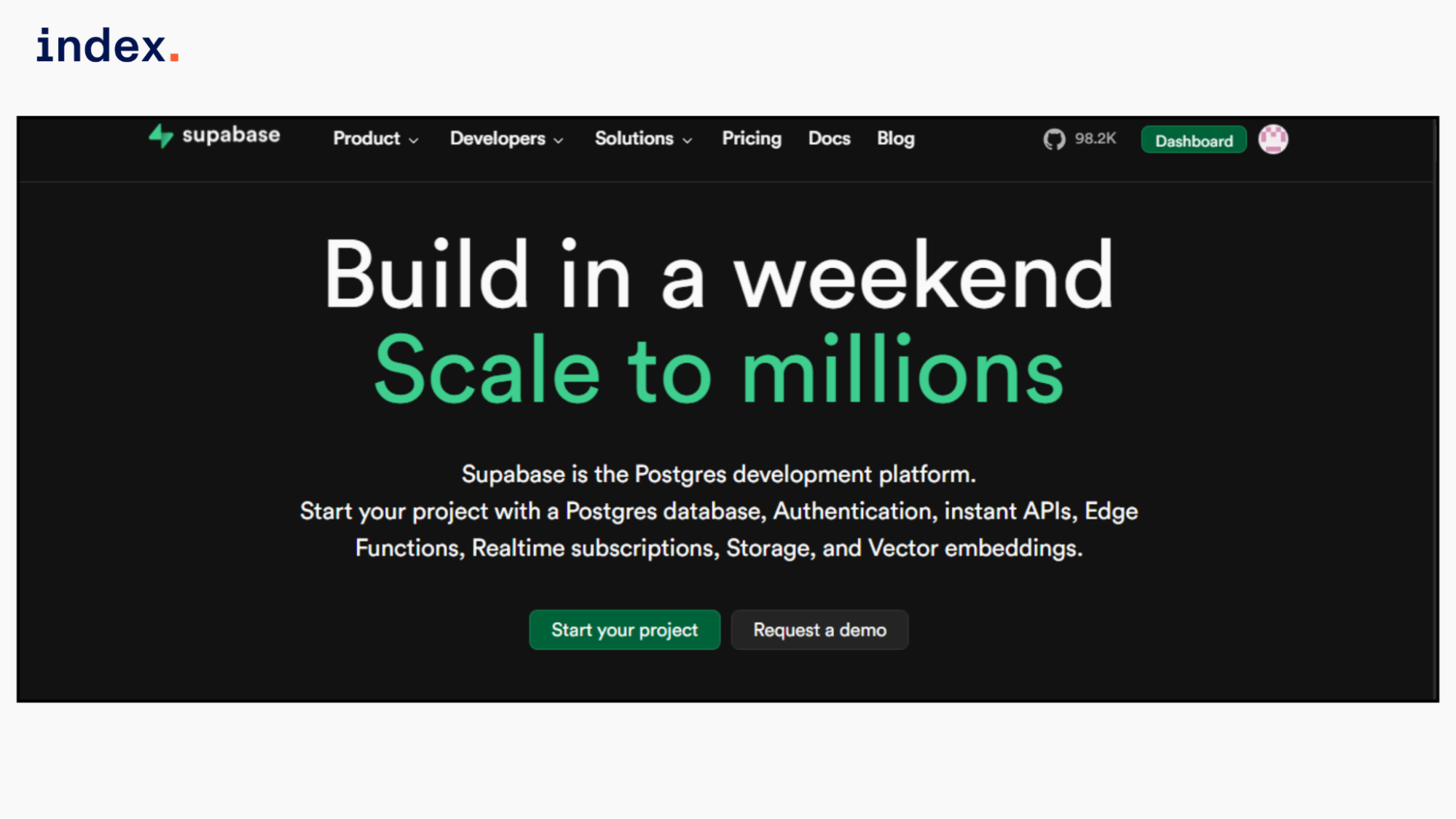
The Supabase MCP Server connects AI tools to Supabase projects using the Model Context Protocol. It runs as a hosted HTTP server at https://mcp.supabase.com/mcp and exposes Supabase features as structured MCP tools.
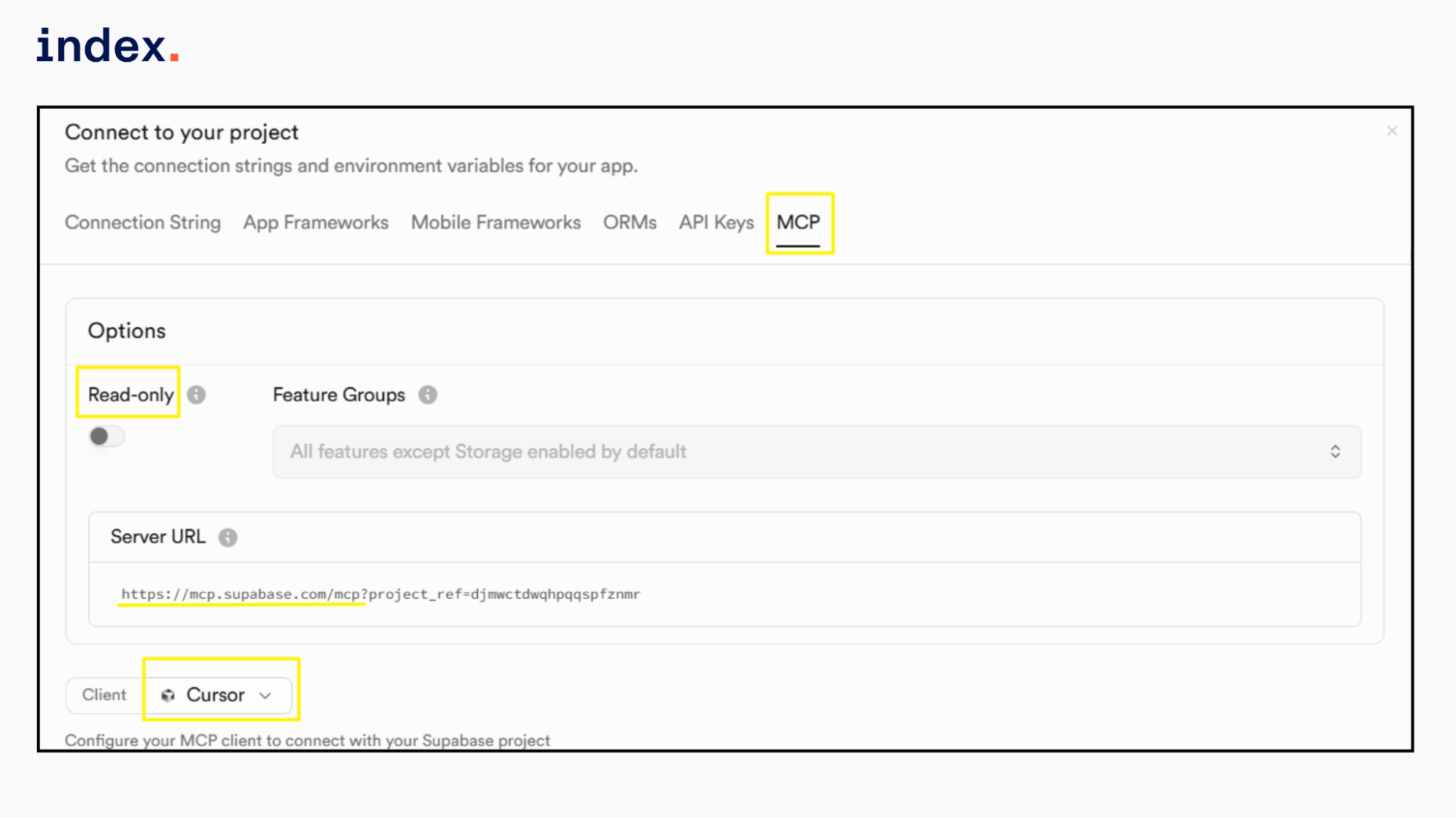
After authentication, an MCP client such as Cursor can query your Postgres database, run SQL, inspect logs, deploy Edge Functions, manage branches, and access project metadata.
The server supports project-scoped access, read-only execution, and feature group control through URL parameters. It uses dynamic OAuth login by default, removing the need for manual token setup in most development environments.
Key Features
- Direct database control through MCP tools: The server allows your AI assistant to list tables, explore schemas, run SQL queries, and apply migrations to your Supabase Postgres database via structured tool calls rather than raw prompts.
- Integrated logs and debugging access: It provides tools to retrieve API, database, Auth, Storage, and Edge Function logs, along with security and performance advisors for faster troubleshooting.
- Edge Functions deployment support: Your assistant can list existing Edge Functions, inspect their details, and deploy updates directly to your project.
- Scoped and controlled access: You can limit the server to a single project, enable read-only execution, and restrict available feature groups to reduce risk.
3. Fast.io
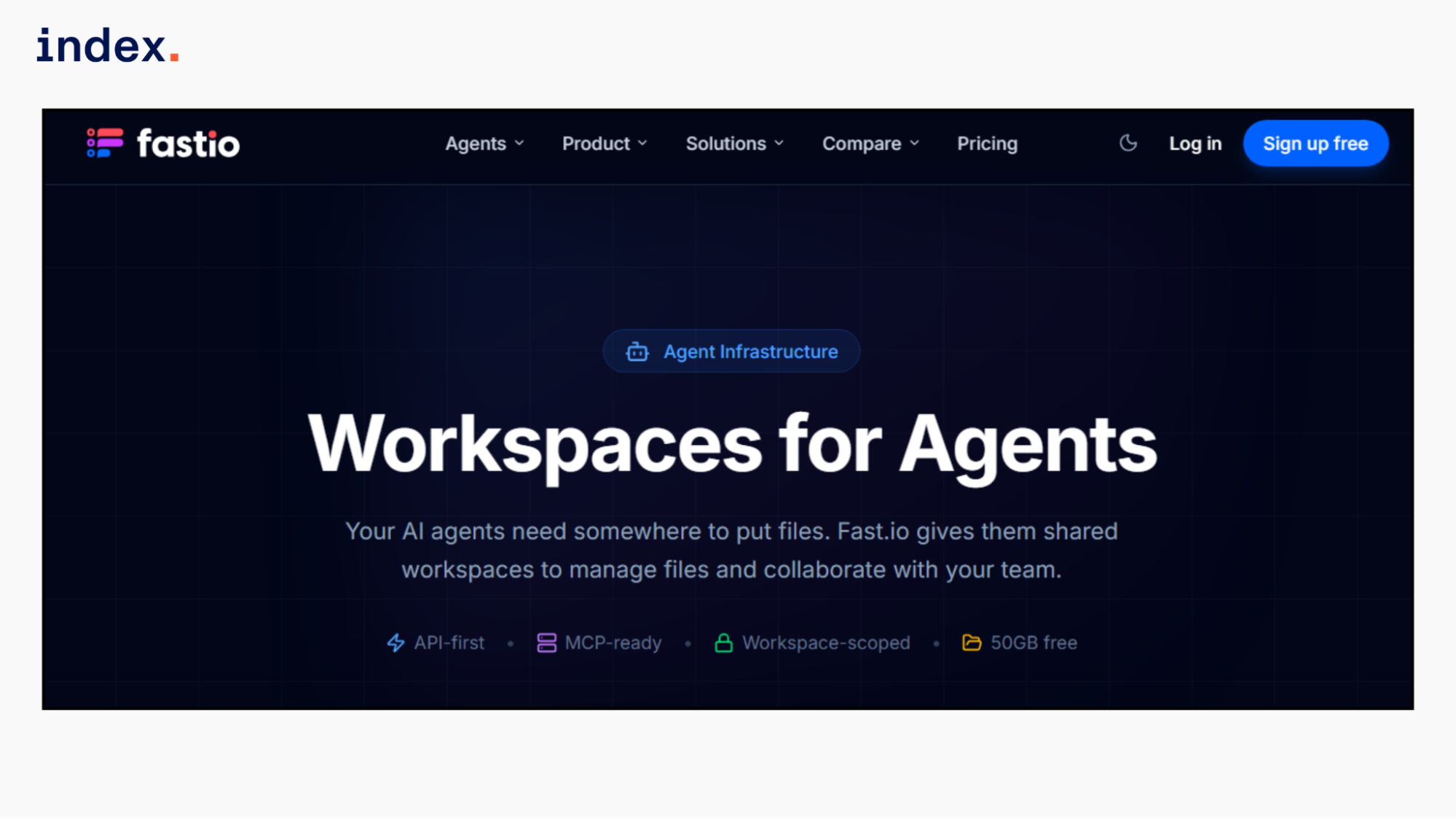
The Fast.io MCP Server provides AI agents with a shared workspace for storing, managing, and searching files. It exposes 251 MCP tools over HTTP at https://mcp.fast.io/mcp, allowing agents to upload files, import data from URLs, organize folders, run semantic search, and use built-in RAG across entire workspaces.
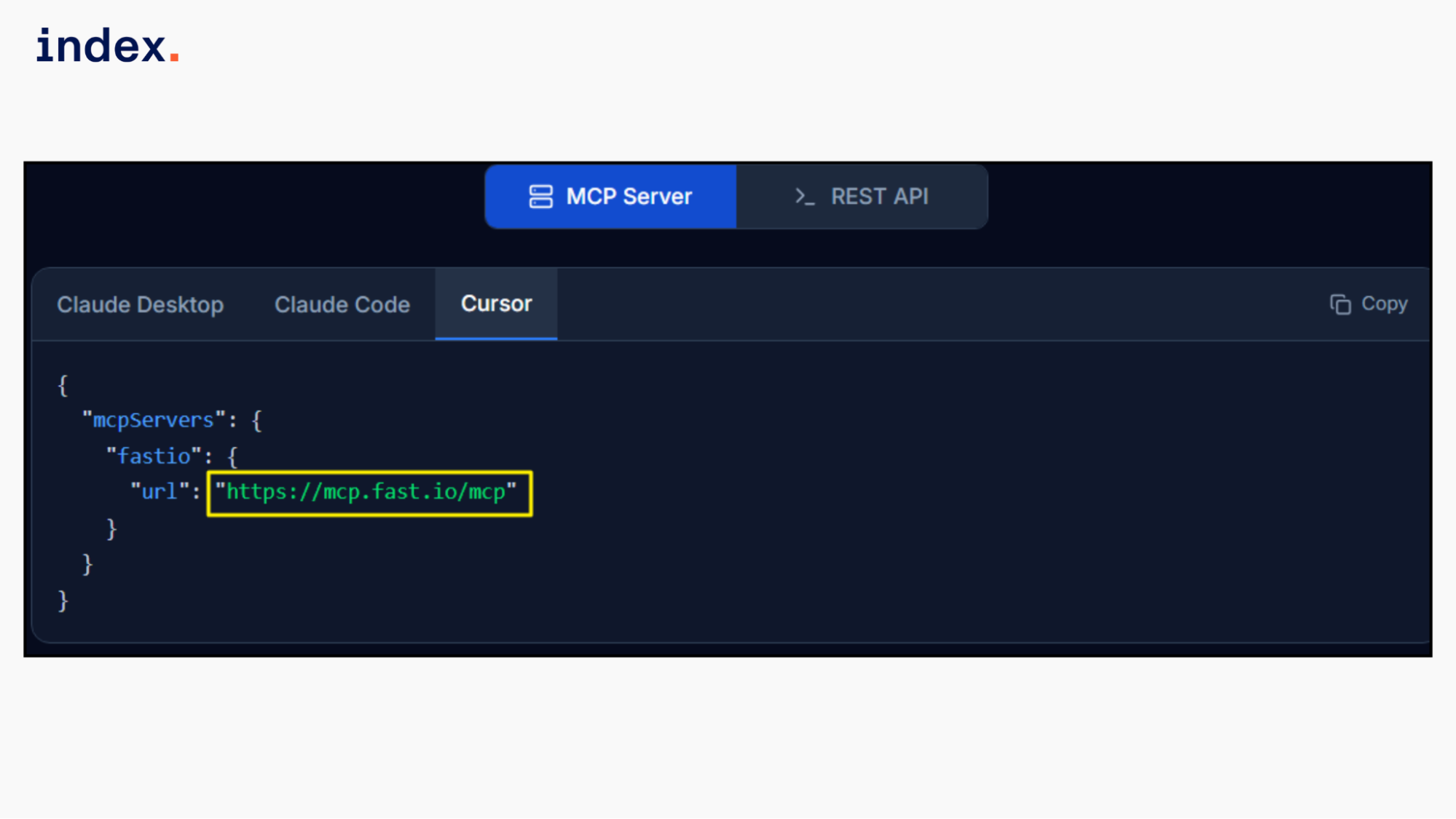
Agents and humans collaborate inside the same storage layer with version control, locks, and audit logs. You can connect through MCP-compatible clients or call the REST API directly. Each workspace includes 50GB of free storage and supports large-file uploads, streaming downloads, and persistent session state for long-running agent workflows.
Key Features
- Workspace-scoped storage for agents: Agents operate inside dedicated workspaces instead of local files, with structured folders, version history, and file-level locks.
- Large file and import support: Supports chunked uploads up to 1GB and direct imports from URLs or services like Google Drive and Dropbox without local downloads.
- Semantic search and RAG tools: Indexes files for meaning-based search and allows AI chat across entire workspaces with citations and metadata extraction.
- Streamable MCP transport: Supports HTTP and SSE transports with session state persisted in Durable Objects for long-running workflows.
- Webhooks for reactive systems: Triggers real-time events on file changes, enabling multi-agent pipelines without polling.
- Ownership transfer pattern: Allows developers or agencies to build a workspace and then transfer ownership while retaining agent access.
- Audit logging and access control: Records all agent actions and supports scoped API keys to limit access to specific workspaces.
⭢ If you're connecting AI agents to real workflows, here's how e-commerce teams are already putting them to work.
4. Notion
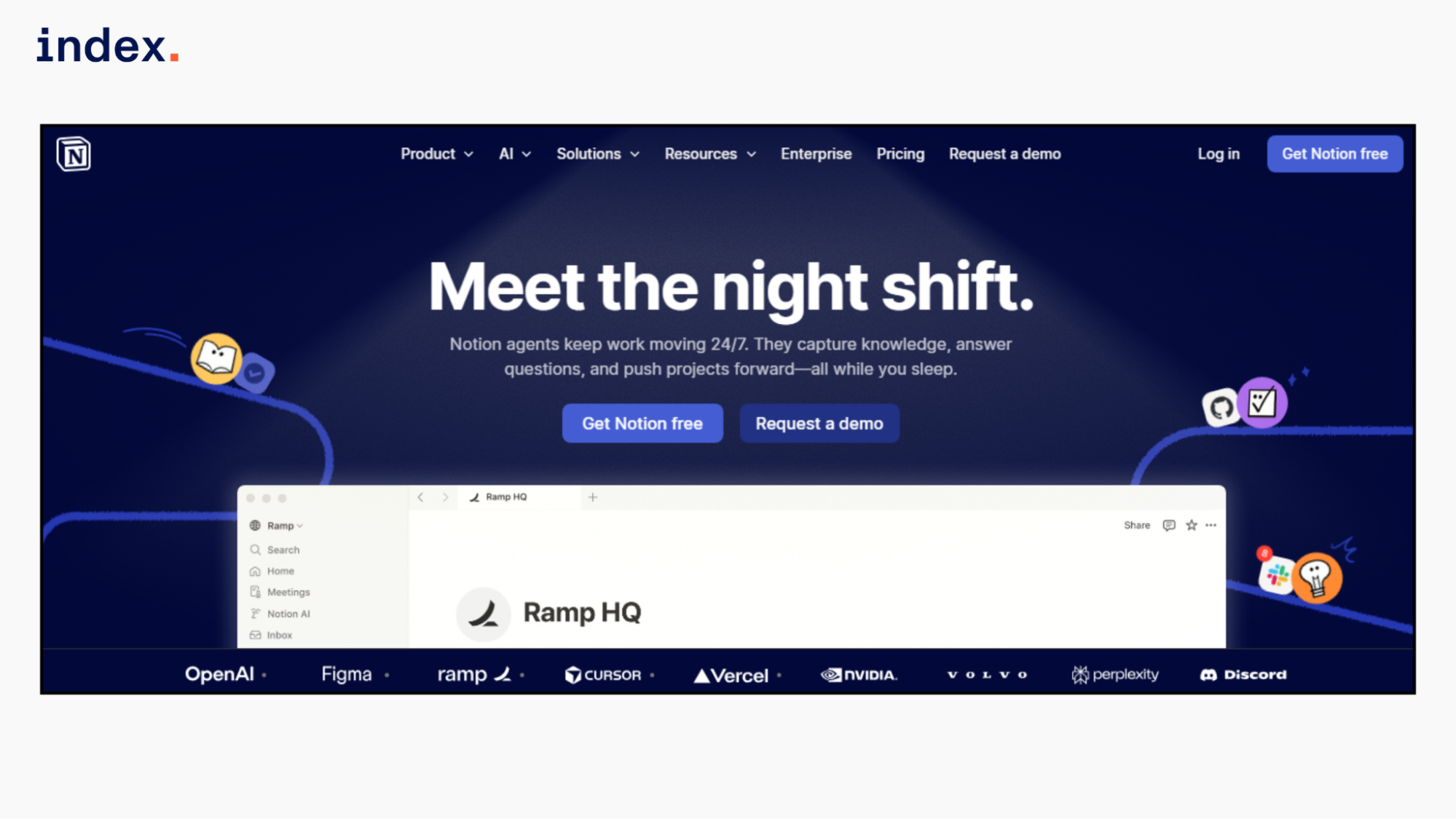
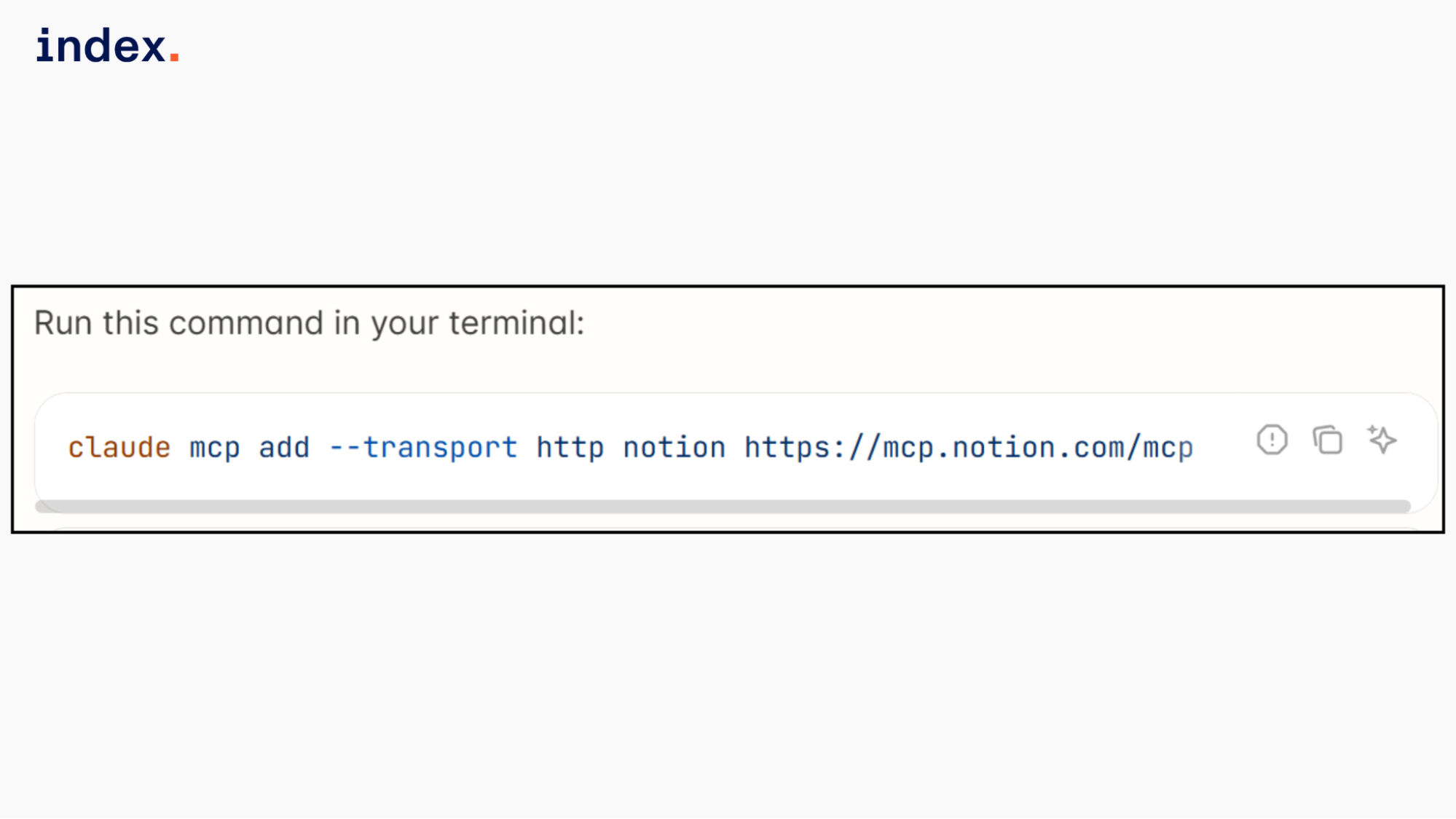
Notion MCP gives AI agents structured access to your Notion workspace through a hosted remote server. After OAuth authentication, an agent can read pages, search databases, create new documents, update properties, manage comments, and query structured data using MCP tool calls. It connects over Streamable HTTP at https://mcp.notion.com/mcp with SSE support for fallback clients.
The server follows the OAuth 2.0 Authorization Code flow with PKCE and automatic token refresh. All actions respect user permissions and workspace access rules. You can configure and showcase the MCP connection using simple JSON setup blocks inside tools like Claude, Cursor, VS Code, or ChatGPT.
Key Features
- Granular content operations: Create, update, move, and duplicate pages and databases with property-level control and template support.
- Cross-database querying: Run filtered queries, grouped summaries, and structured scans across multiple data sources.
- Secure OAuth workflow: Uses Authorization Code flow with PKCE, short-lived tokens, and refresh token rotation.
- Multiple transport options: Supports Streamable HTTP by default and SSE for clients that require event-based connections.
- Built for collaborative workflows: Add comments, fetch discussions, and manage structured workspaces through programmable tool calls.
- Controlled execution limits: Applies per-user API rate limits and tool-specific caps to prevent misuse.
5. Microsoft Azure MCP Server
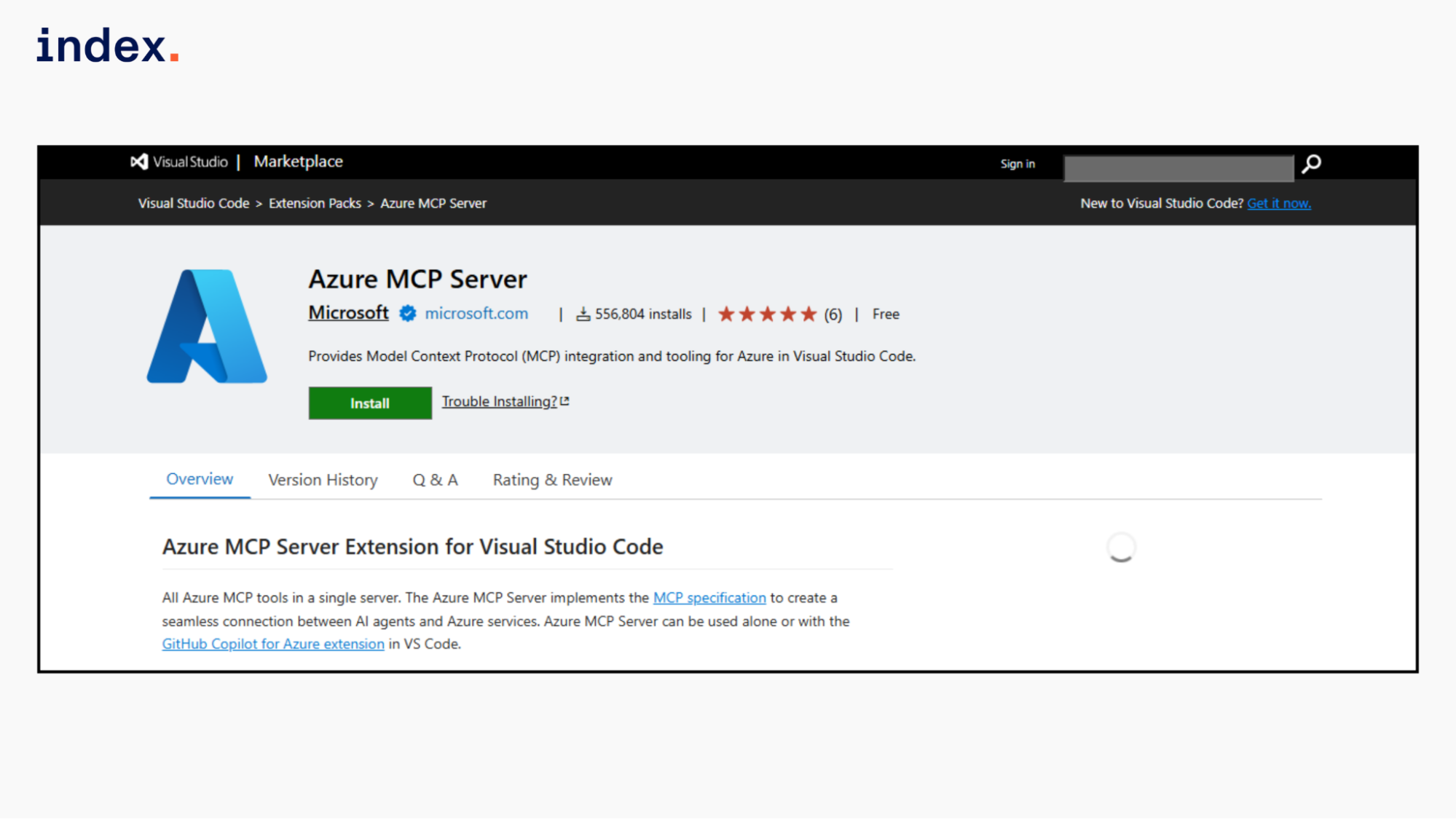
Azure MCP Server is a local or containerized MCP implementation that exposes Azure management operations as structured tools for AI agents. It runs via the @azure/mcp package and connects to your Azure subscription using credentials from Azure CLI, Azure Developer CLI, or other Entra ID authenticated sessions.
Once running, an MCP client can invoke Azure operations such as listing storage accounts, inspecting App Service configurations, querying databases, or managing resource groups. All actions execute under your existing Azure role assignments and subscription scope. It supports integration from Cursor, Visual Studio Code, GitHub Copilot agents, Python, .NET, and Docker-based workflows.
If you want to install and configure the Azure MCP Server in Cursor, go to File, click on Preferences, and select Cursor Settings. Then, open Tools & Integrations, and under MCP Tools select New MCP Server to edit the mcp.json file.
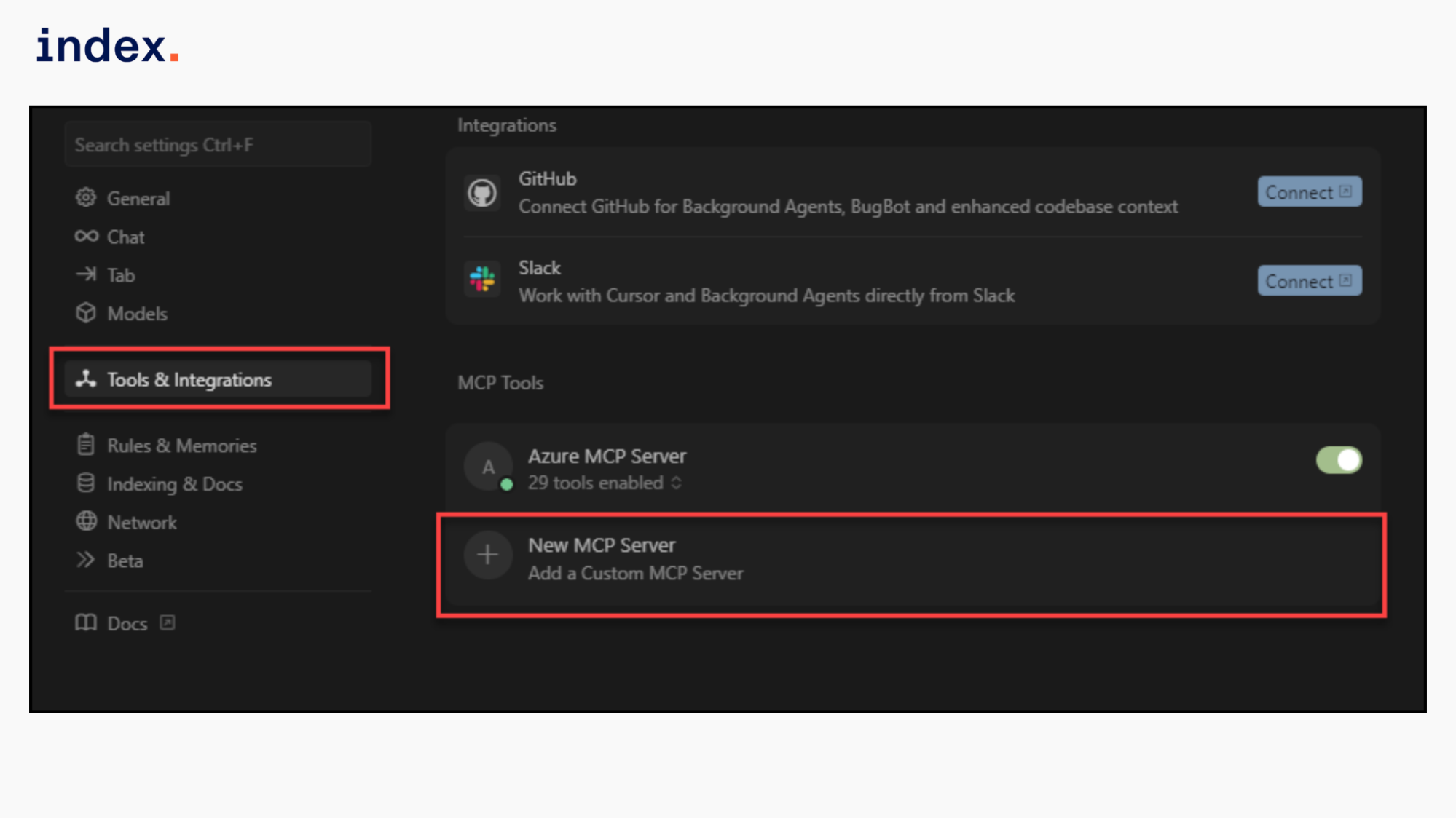
Then, add the following configuration to the mcpServers JSON object:
"Azure MCP Server": {
  "command": "npx",
  "args": [
    "-y",
    "@azure/mcp@latest",
    "server",
    "start"
  ]
}
Key Features
- Native Azure tool execution: Wraps Azure CLI and service APIs as MCP tools that agents can call to manage resources and query configurations.
- Credential reuse from local tooling: Automatically discovers authenticated sessions from Azure CLI or development environments without separate token setup.
- Role-scoped enforcement: Every request follows Azure RBAC, ensuring agents operate only within permitted subscriptions and resource groups.
- Editor and SDK integration: Connects with GitHub Copilot agent mode, Cursor, Visual Studio, and custom Python or .NET MCP clients.
- Container and headless support: Can run through Docker or package managers for CI pipelines and controlled development environments.
- Developer-only deployment model: Intended for internal development use, not for exposing Azure control surfaces to external applications.
6. Atlassian Rovo MCP Server
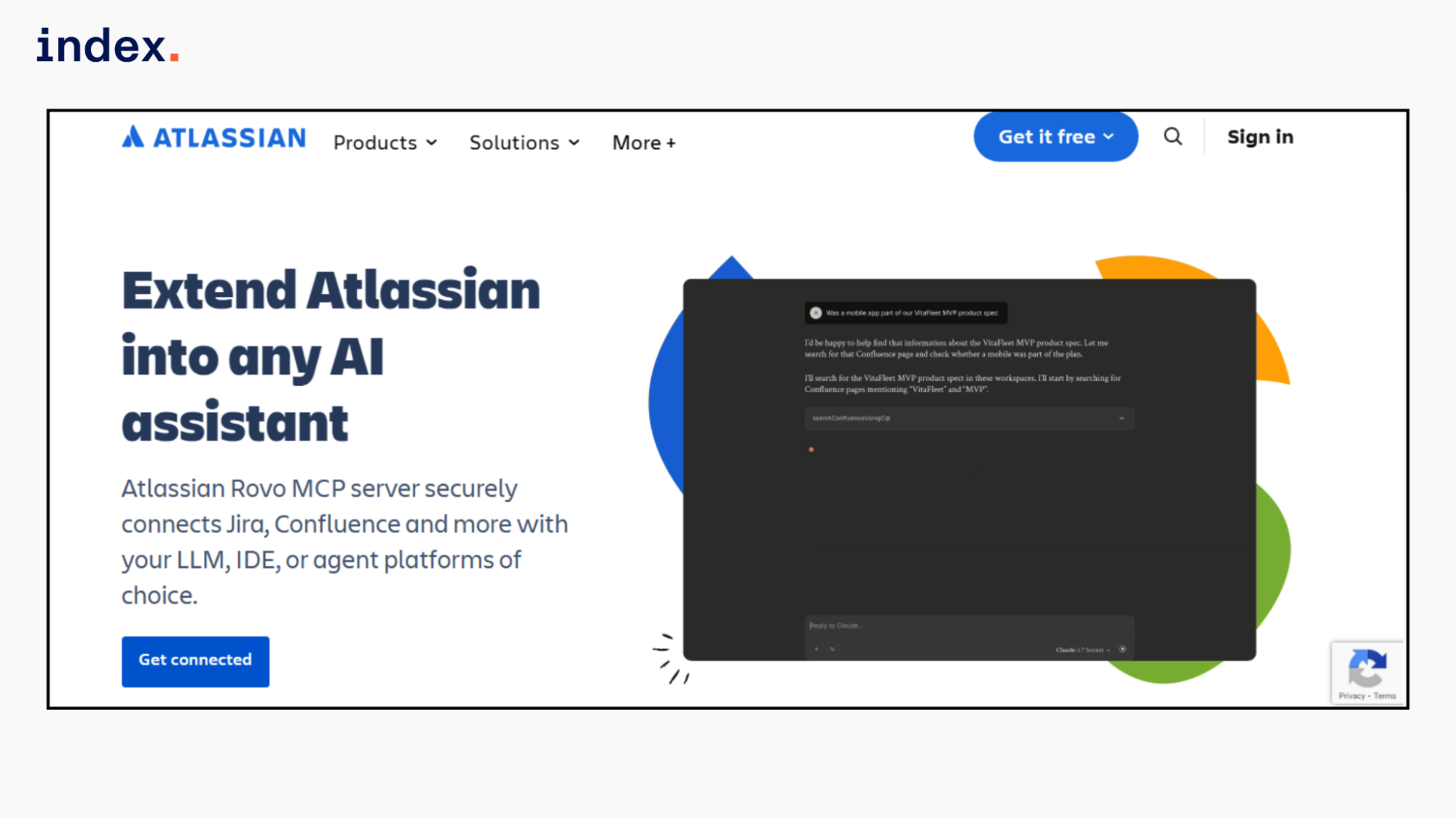
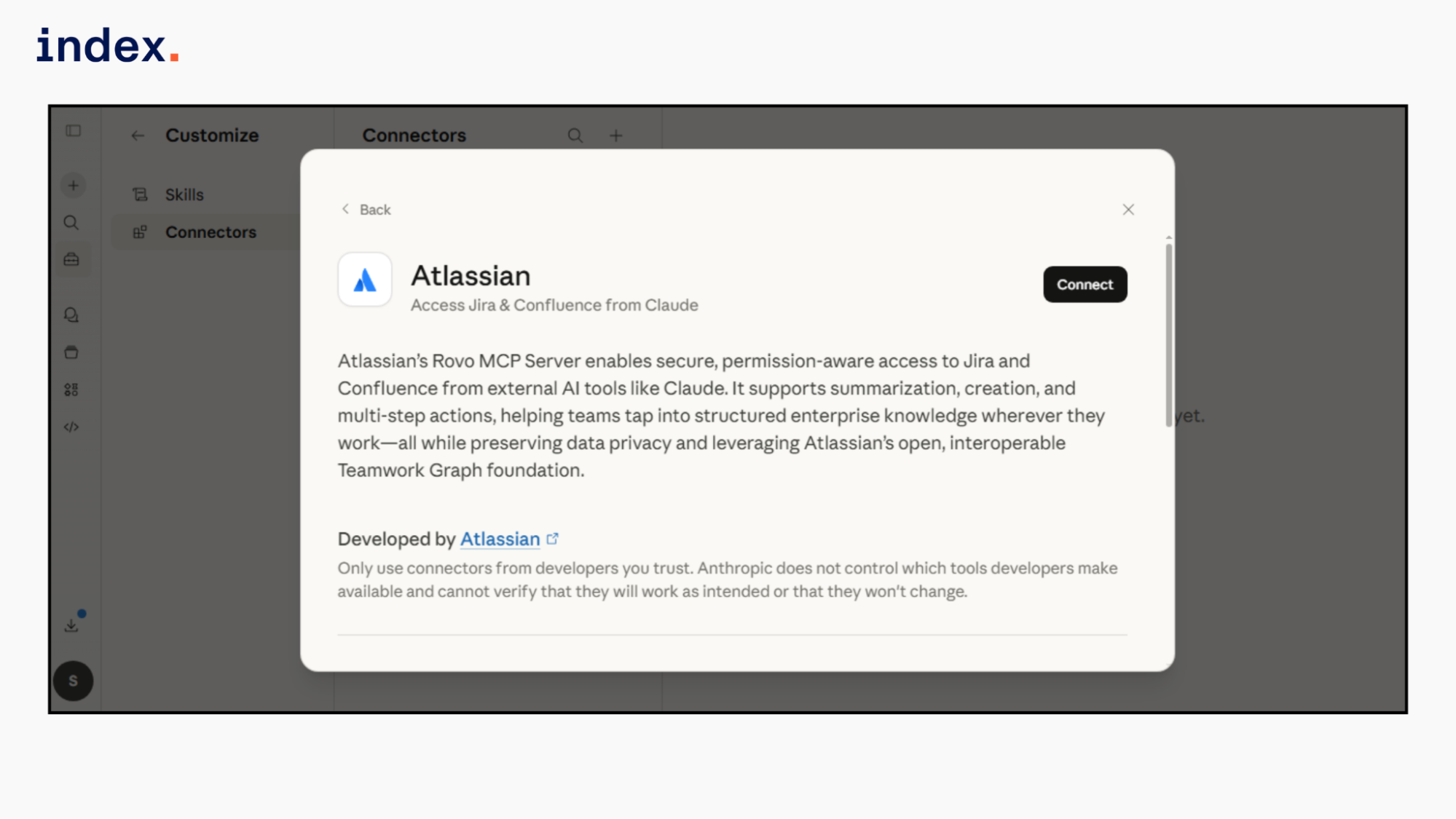
Atlassian Rovo MCP Server is a remote MCP service that lets AI assistants work directly with Jira, Confluence, and Compass data inside Atlassian Cloud. After a user completes the OAuth 2.1 consent flow, the connected AI client can search issues, summarize pages, create or update tickets, generate documentation, and link work across products.
The server endpoint https://mcp.atlassian.com/v1/mcp streams live responses and enforces the same project and space permissions the user already has. Admins can control allowed AI domains, manage IP restrictions, review audit logs, and optionally enable or disable API token-based authentication for additional governance.
The server supports ChatGPT, Claude, GitHub Copilot CLI, Gemini, Docker setups, and custom MCP-compatible local clients.
Key Features
- Direct Jira and Confluence operations: Create, update, search, summarize, and bulk generate work items and documentation from AI clients.
- Compass service integration: Query dependencies, create components, and manage service metadata inside developer workflows.
- OAuth 2.1 secured access: Uses secure browser-based consent flow with scoped tokens tied to user-level permissions.
- Granular admin controls: Admins can allow or block specific AI domains, enforce IP allowlists, and disable API token authentication.
- Real-time cloud interaction: Streams live data responses from Atlassian Cloud instead of relying on static exports.
- Audit and compliance logging: Logs MCP-based actions in Atlassian audit records for monitoring and governance.
7. Zapier MCP
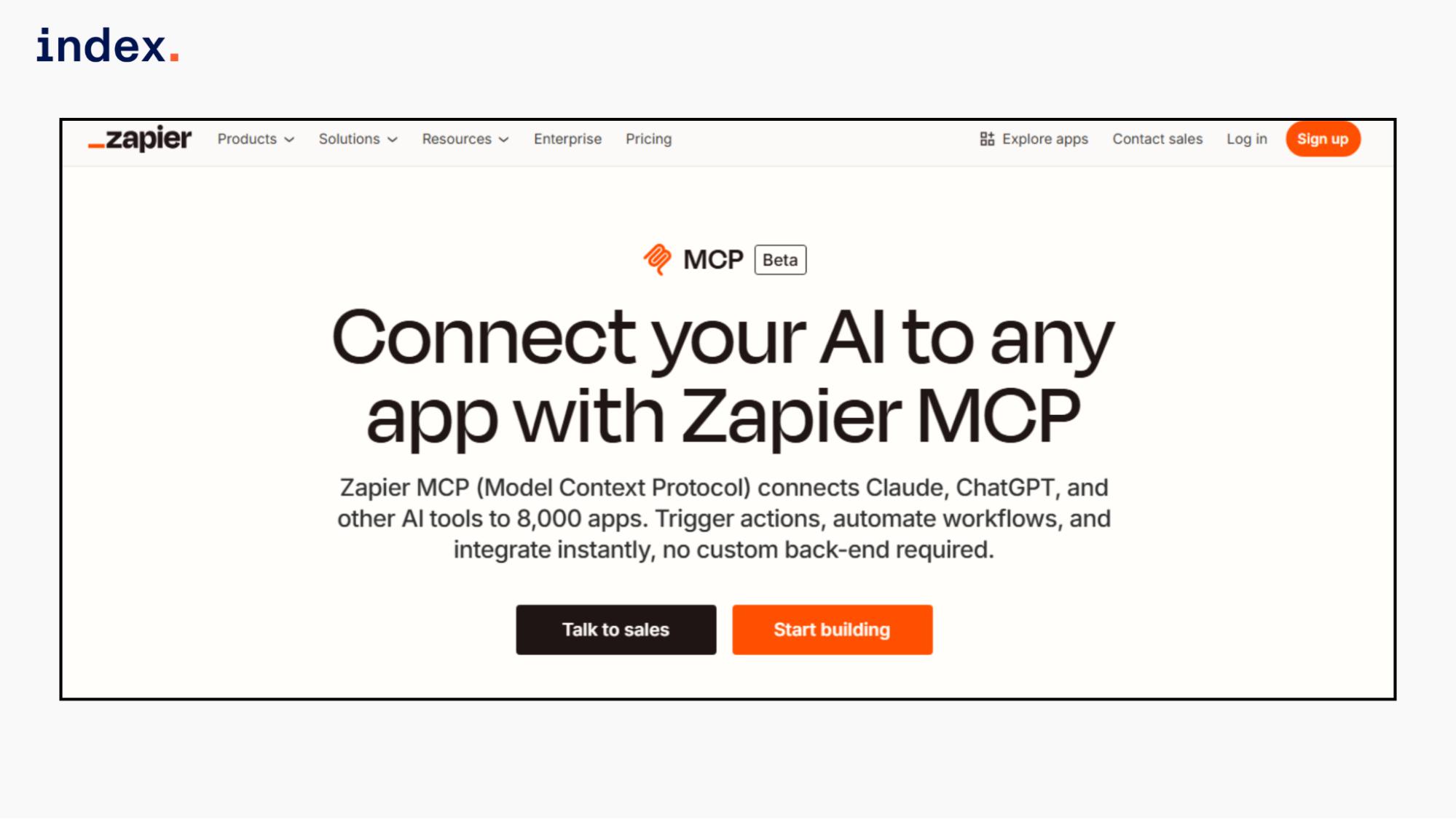
Zapier MCP lets an AI assistant run specific Zapier actions that you preconfigure in your account. You create an MCP server at mcp.zapier.com, add chosen actions like “Send Slack message” or “Create row in Google Sheets,” and then connect that server to an MCP-compatible client such as Claude or ChatGPT.
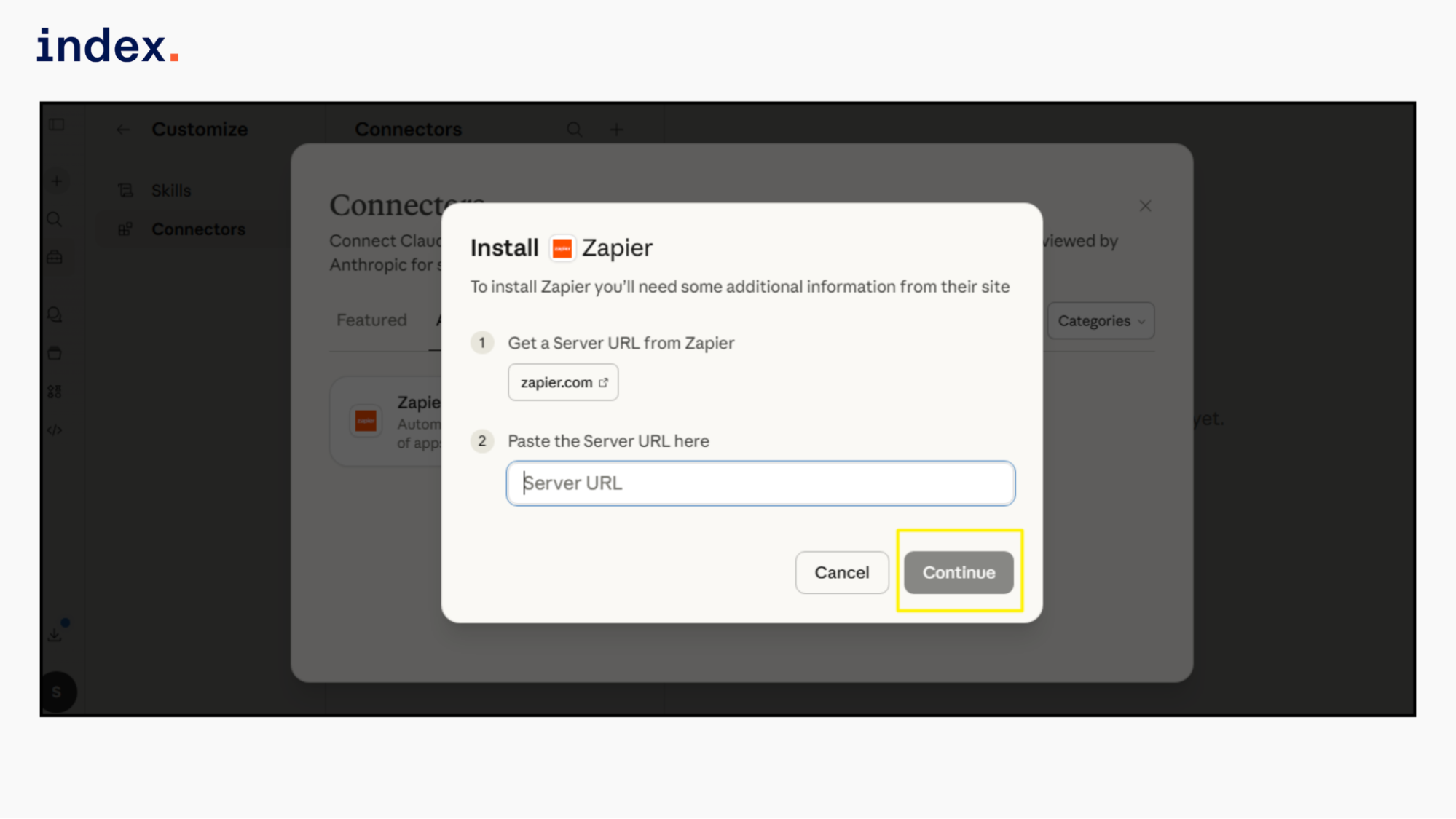
The AI cannot access all 8,000 apps by default. It can only trigger the exact actions you added. When a tool call is made, Zapier executes it using your connected app accounts. Each MCP tool call uses two Zapier tasks from your existing plan quota.
Key Features
- Action level control: You decide which exact Zapier actions the AI is allowed to run.
- Wide app coverage: Supports actions across 8,000+ Zapier integrations, including Slack, Gmail, Jira, HubSpot, and more.
- No API coding required: Uses Zapier’s existing integrations instead of building custom app connections.
- Task-based execution model: One MCP tool call consumes two tasks from your Zapier account.
- Works with multiple AI clients: Compatible with Claude, ChatGPT, Cursor, Windsurf, and other MCP-enabled tools.
- Uses existing app authentication: Runs through the app accounts already connected inside your Zapier dashboard.
⭢ Now that your MCP server is set up, see which AI coding agents are actually worth building with.
Comparison table of the 7 MCP servers for AI Agent development
| MCP Server | What It Lets Your Agent Do | Best For |
| GitHub MCP Server | Manage repos, issues, pull requests, actions, and security alerts with scoped execution control | DevOps agents and code automation workflows |
| Supabase MCP Server | Run SQL queries, inspect schemas, deploy Edge Functions, and access logs | Database-driven and backend AI agents |
| Fast.io MCP Server | Store files, run semantic search, enable RAG, and manage shared workspaces | Document-heavy and multi-agent systems |
| Notion MCP Server | Create, update, search, and query structured workspace data | Knowledge management and documentation agents |
| Azure MCP Server | List resources, manage services, and execute cloud operations under RBAC | Cloud infrastructure and platform automation agents |
| Atlassian Rovo MCP Server | Search and update Jira, Confluence, and Compass data | Project management and engineering collaboration agents |
| Zapier MCP | Trigger configured app actions across thousands of integrations | Business workflow and cross-app automation agents |
Final Words
MCP servers are becoming the backbone of serious AI agent development. They replace fragile API glue code with structured, permission-aware tool layers that agents can reliably use.
Whether you need code automation through GitHub, database control with Supabase, cloud management in Azure, knowledge access in Notion, workflow automation via Zapier, or collaboration inside Atlassian, each MCP server serves a specific operational need.
The right choice depends on your stack, security model, and execution requirements. You need to evaluate scope control, authentication flow, deployment model, and transport support before deciding. Strong MCP foundations lead to scalable, production-ready AI agents.
➡︎ Building production AI agents with MCP servers? Index.dev helps you hire vetted AI-ready engineers who understand agent architecture, tool integration, and secure system orchestration.
➡︎ Enjoyed this read? Explore our in-depth guides on the skills AI can't automate and find out whether AI agents will replace software developers. Check out the top AI skills to learn to command a higher salary and discover the 10 must-have AI roles for the future of work. For data-driven insights, dive into 50+ AI in job interview stats, AI growth statistics by country, and developer productivity stats with AI coding tools. Finally, understand the bigger picture with 50+ key AI agent statistics and adoption trends.
FAQs
Why do AI agents need an MCP server?
AI agents need an MCP server to interact with external systems in a secure and structured way. The server defines approved tools, validates inputs, and controls execution. This prevents unsafe API calls and makes agent workflows more reliable in production.
Is an MCP server only for advanced developers?
No, an MCP server is useful for both beginner and advanced developers. Many providers offer hosted servers with simple setup steps, while advanced teams can deploy custom implementations for internal systems.
How does an MCP server improve security?
An MCP server improves security by enforcing authentication, permission scopes, and role-based access control. It validates each tool call before execution and restricts actions based on user roles.
Can MCP servers scale for enterprise AI agents?
MCP servers can scale for enterprise AI agents because they support rate limits, audit logging, access controls, and container-based deployments.
What systems can an MCP server connect to?
An MCP server can connect AI agents to code repositories, SQL databases, cloud platforms, documentation tools, ticketing systems, and business applications.


