
The AI app builder market is expanding at 31.1% annually, growing from $8.1 billion in 2025 to a projected $32.4 billion by 2035. But rapid growth means more choices and higher stakes. Pick wrong, and you'll waste tokens on error loops. Pick right, and you'll ship weeks faster.
Two platforms dominate developer conversations in 2025: v0 by Vercel and Bolt.new. Both promise to turn ideas into code instantly. Both use frontier AI models. Both come with significant differences in how they work, what they cost, and what they deliver.
This guide cuts through the marketing. We tested both tools on real-world tasks, measured token consumption, examined code quality, and tracked where each one succeeds and fails.
Building with v0 or Bolt? Level up your workflow with long-term remote projects at Index.dev.
What You'll Learn
We'll walk through the mechanics of each platform, compare them on six critical dimensions, show actual test results, and help you decide which builder fits your workflow. Whether you're prototyping an MVP, building internal tools, or scaling a startup product, the choice matters.
The Tools at a Glance
v0 by Vercel: The Frontend Accelerator
v0 is Vercel's focused answer to a specific problem: frontend developers spend too much time on boilerplate. It's not trying to be a full-stack generator. It's a UI component factory.
You describe a layout. v0 generates React code with Tailwind CSS and shadcn/ui components. You iterate through chat. You export clean, production-ready code. That's the loop.
Core strengths:
- Generates clean, modern React/Next.js components
- Ships with Tailwind and shadcn/ui integration by default
- One-click deployment to Vercel's hosting
- Strong GitHub integration for team workflows
Core limitations:
- Frontend-only—backend logic falls on you
- Struggles with complex UI customization or pixel-perfect design systems
- Requires React/modern web development knowledge to extend generated code
Pricing (2025):
- Free: Free tier with $5 monthly credits
- Premium: $20/month ($20 monthly credits)
- Team: $30/user/month ($30 monthly credits per user)
- Enterprise: Custom pricing
Token model: Inputs run at $1.50 per million tokens; outputs at $7.50 per million. Larger attachments and longer prompts consume more input tokens.
Bolt.new: The Full-Stack Builder
Bolt takes the opposite approach. It's not a component generator—it's an entire development environment running in your browser.
You describe an app idea. Bolt creates the project structure, installs dependencies, writes backend logic, configures a database, and deploys—all from chat. Nothing runs locally. No setup. No terminal.
Bolt runs on WebContainers (StackBlitz technology), meaning it executes your code in the browser. You can test instantly. You can install npm packages. You can run Node.js servers. This is a fundamental difference from v0.
Core strengths:
- Generates full-stack applications from text
- No local environment setup required
- Real backend support (Node.js, databases, APIs)
- Autonomous error detection and fixing
- One-click deployment to Netlify
Core limitations:
- Token consumption is aggressive and unpredictable
- Error loops can drain tokens faster than expected
- Requires clear prompting—vague requests lead to wasted tokens
- Design customization often requires multiple iterations
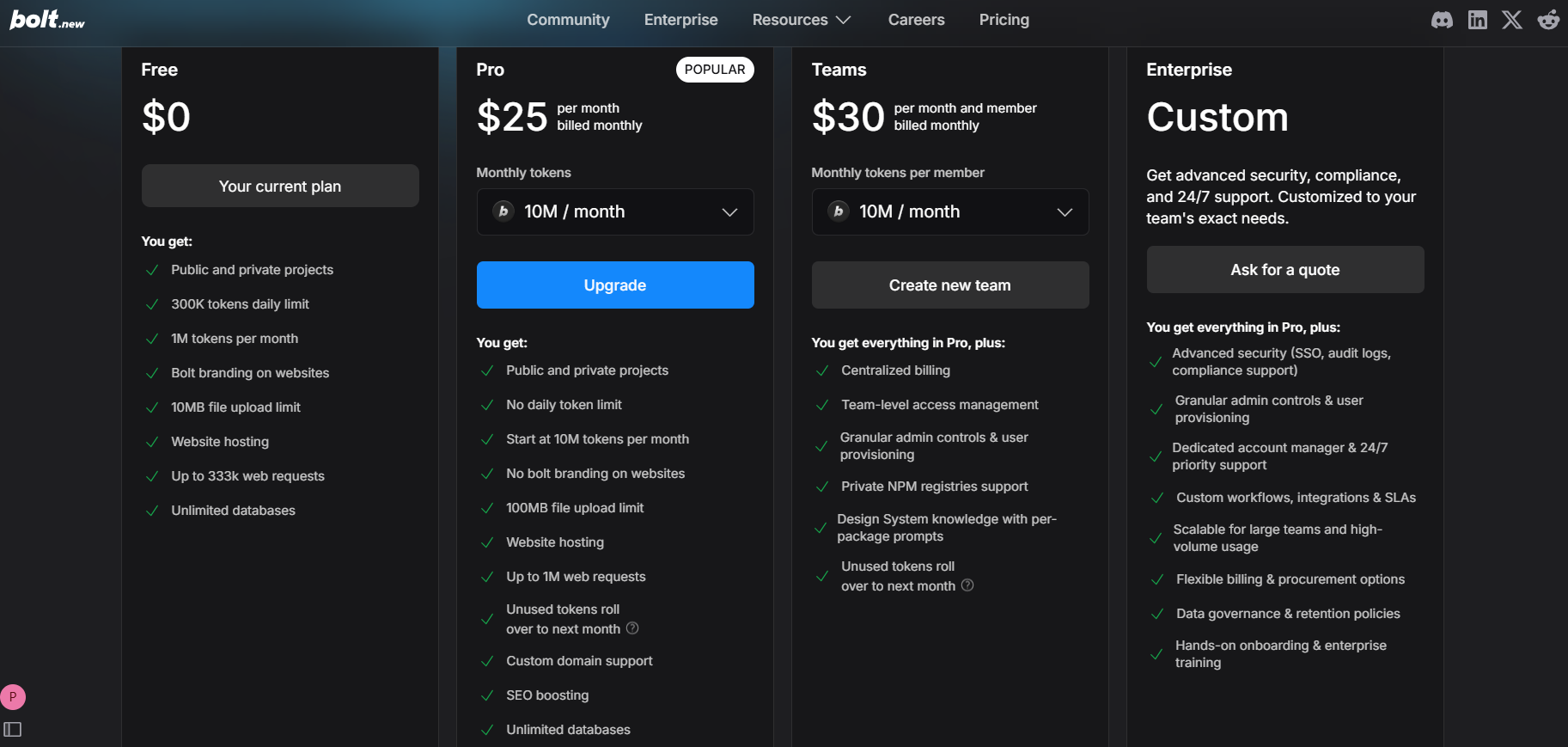
Pricing (2025):
- Free: 150,000 tokens daily; 1 million monthly
- Pro: $20/month (10 million tokens)
- Pro 50: $50/month (26 million tokens)
- Pro 100: $100/month (55 million tokens)
- Pro 200: $200/month (120 million tokens)
Tokens do not roll over month-to-month on subscription plans (though purchased reload tokens will carry forward if you maintain an active subscription).
You may also like: The top AI models built for frontend development and UI design.
Real-World Comparison: Six Dimensions That Matter
1. Speed to First Output
The Test: Generate a complete, working dashboard UI component.
Prompt: "Create a dashboard with a sidebar navigation, stats cards showing revenue/users/growth, and a line chart displaying monthly trends. Make it responsive."
v0 Result:
- Time to first output: 8 seconds
- Code quality: Production-ready on first attempt
- Iterations needed: 1-2 refinements for styling
- Token cost: ~200k input, ~400k output (estimated)
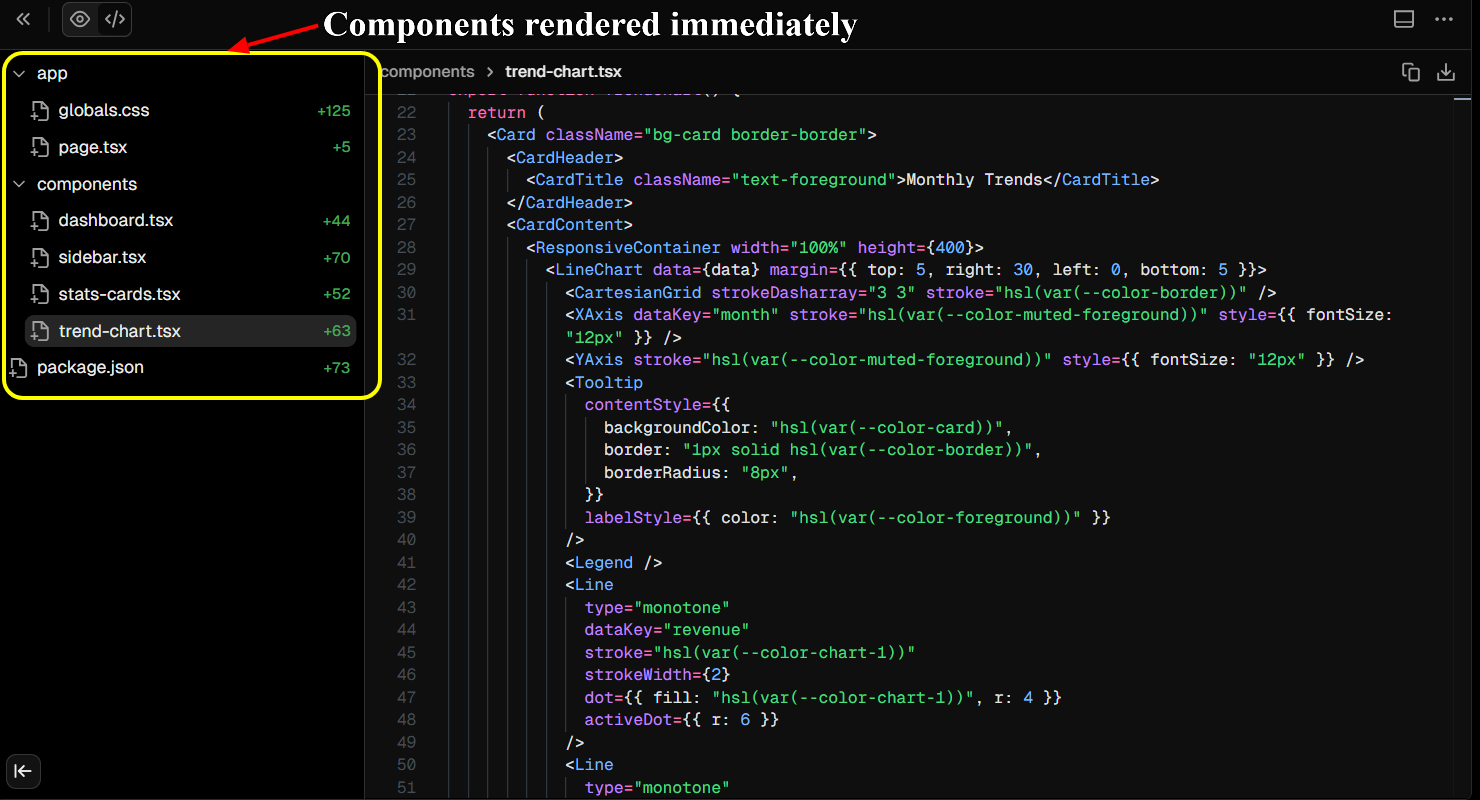
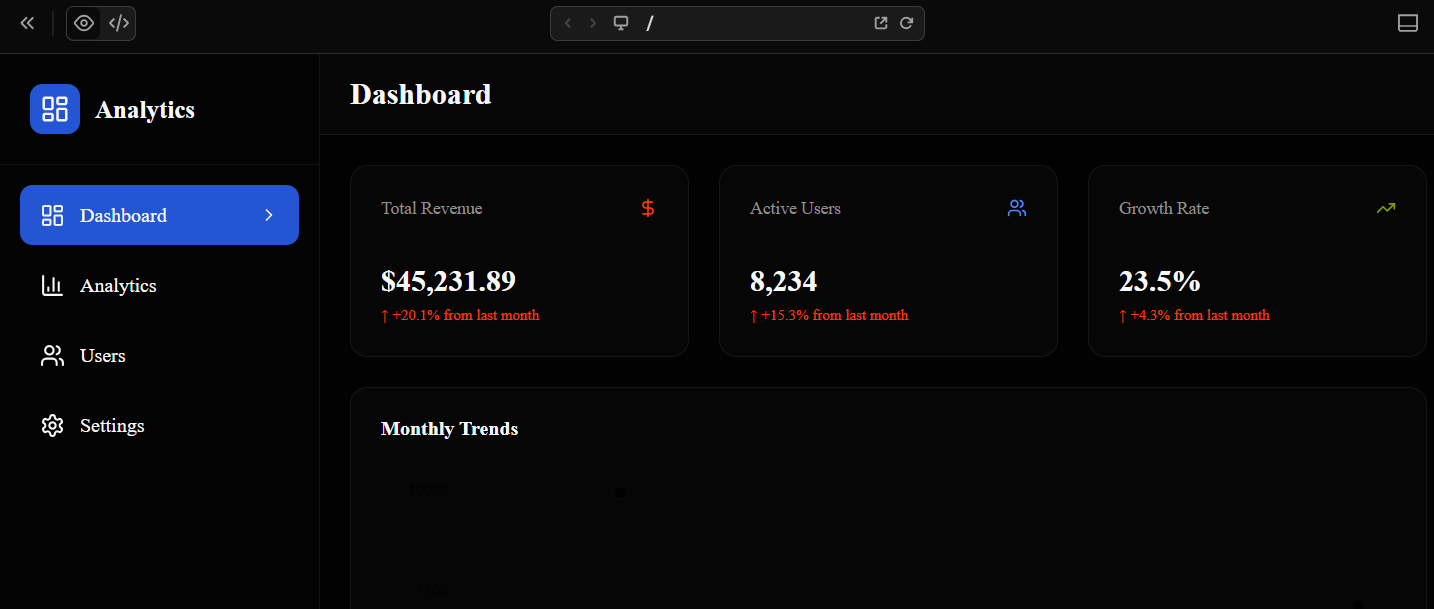
v0 delivers fast. The component renders immediately. Tailwind defaults look professional. The UI responds to viewport changes. This is where v0 shines.
Bolt Result:
- Time to first output: 12 seconds
- Code quality: Functional, full-stack included
- Iterations needed: 2-3 refinements for features and styling
- Token cost: ~1.2M tokens (estimated)
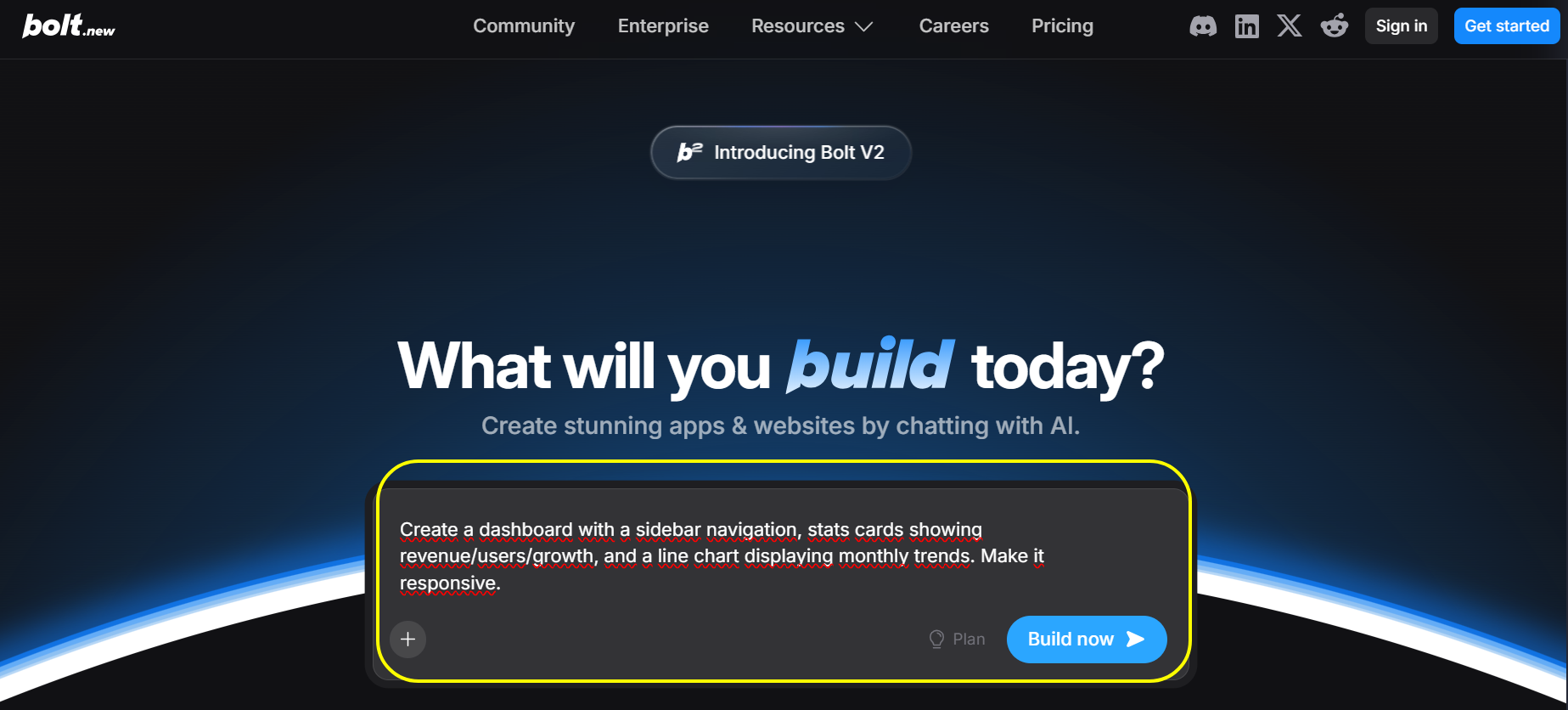
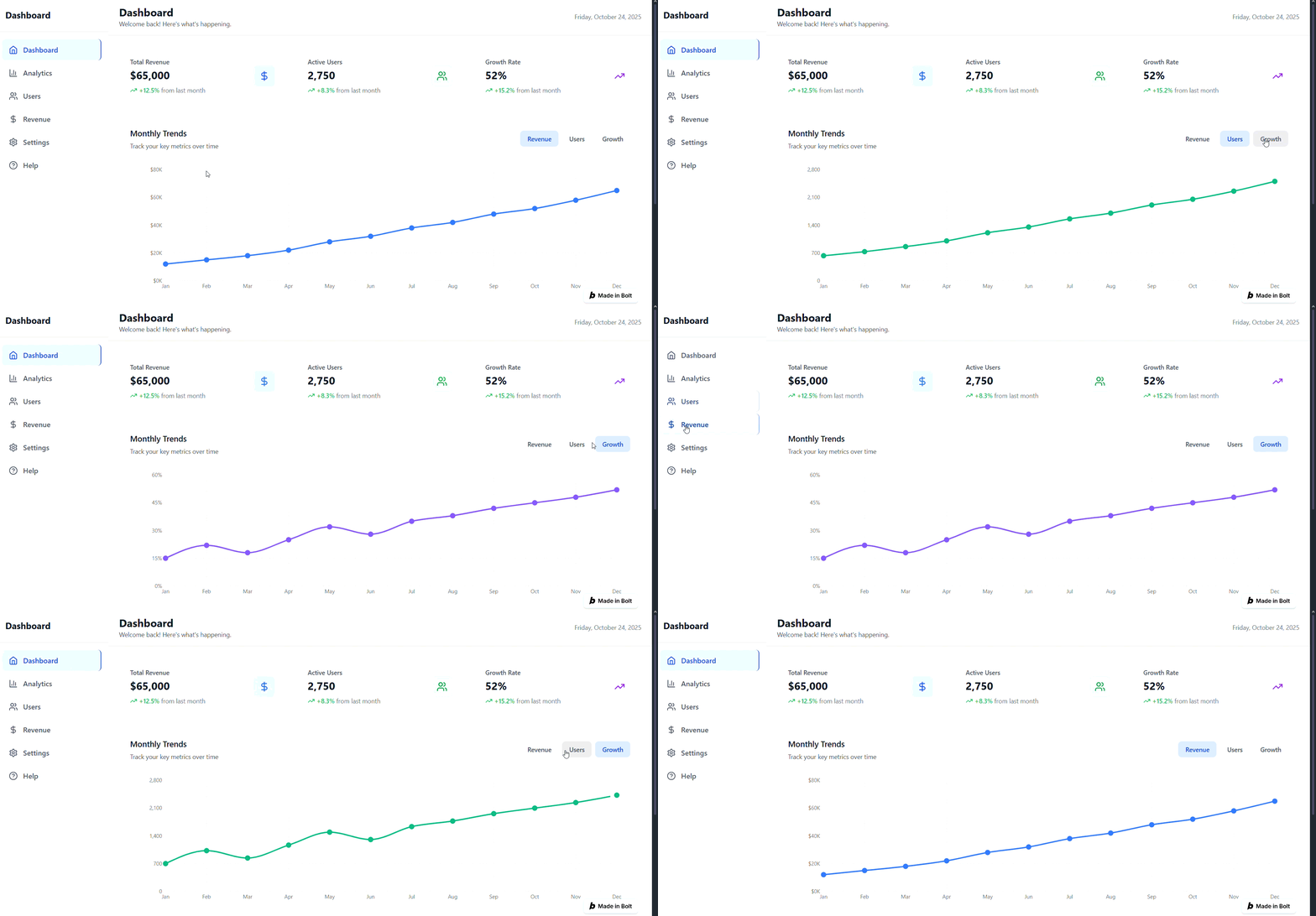
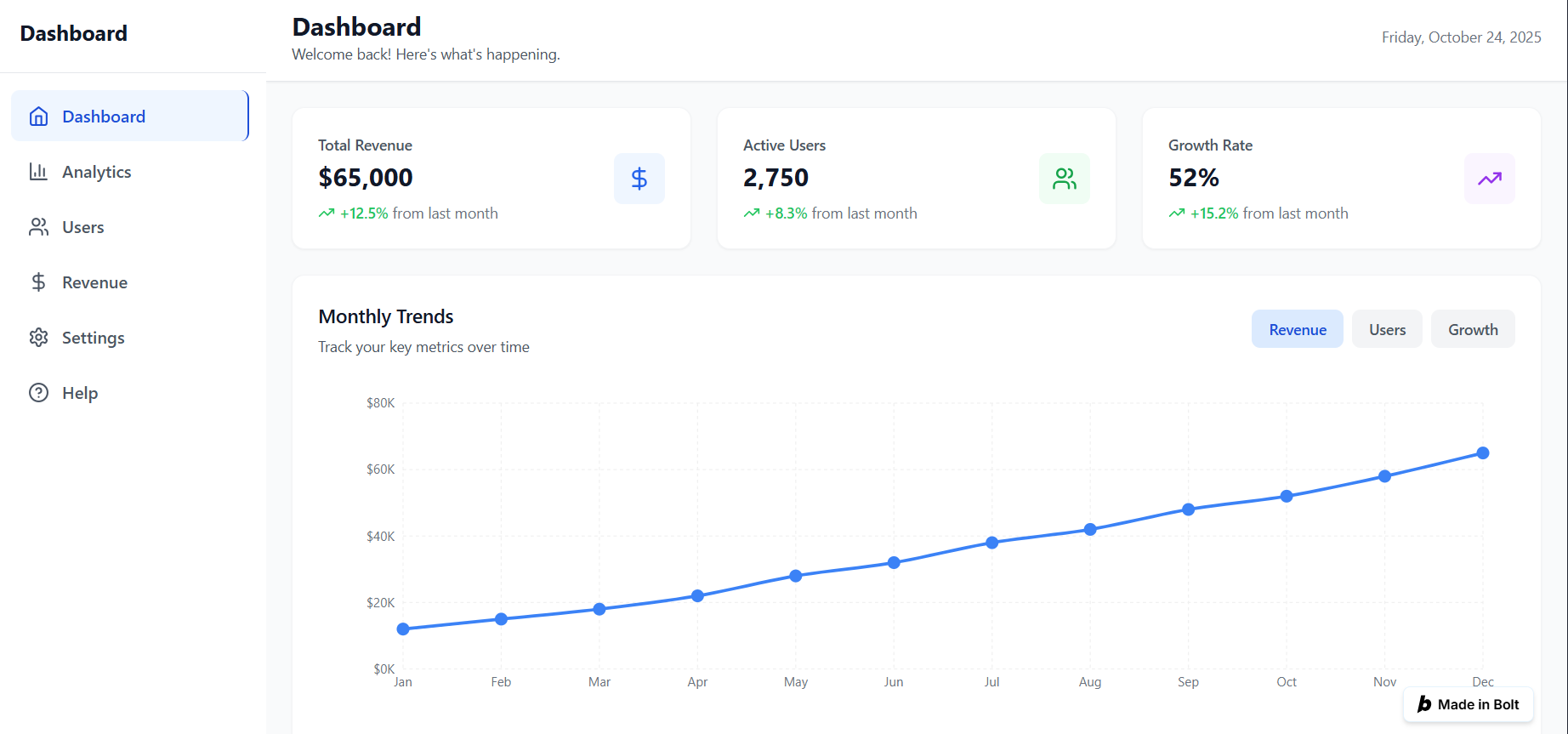
Bolt takes longer but returns more—a complete Next.js app with backend scaffolding. It installs dependencies automatically. It's not just UI; it's architecture.
Winner: v0 for pure speed. Bolt for completeness.
2. Code Quality and Maintainability
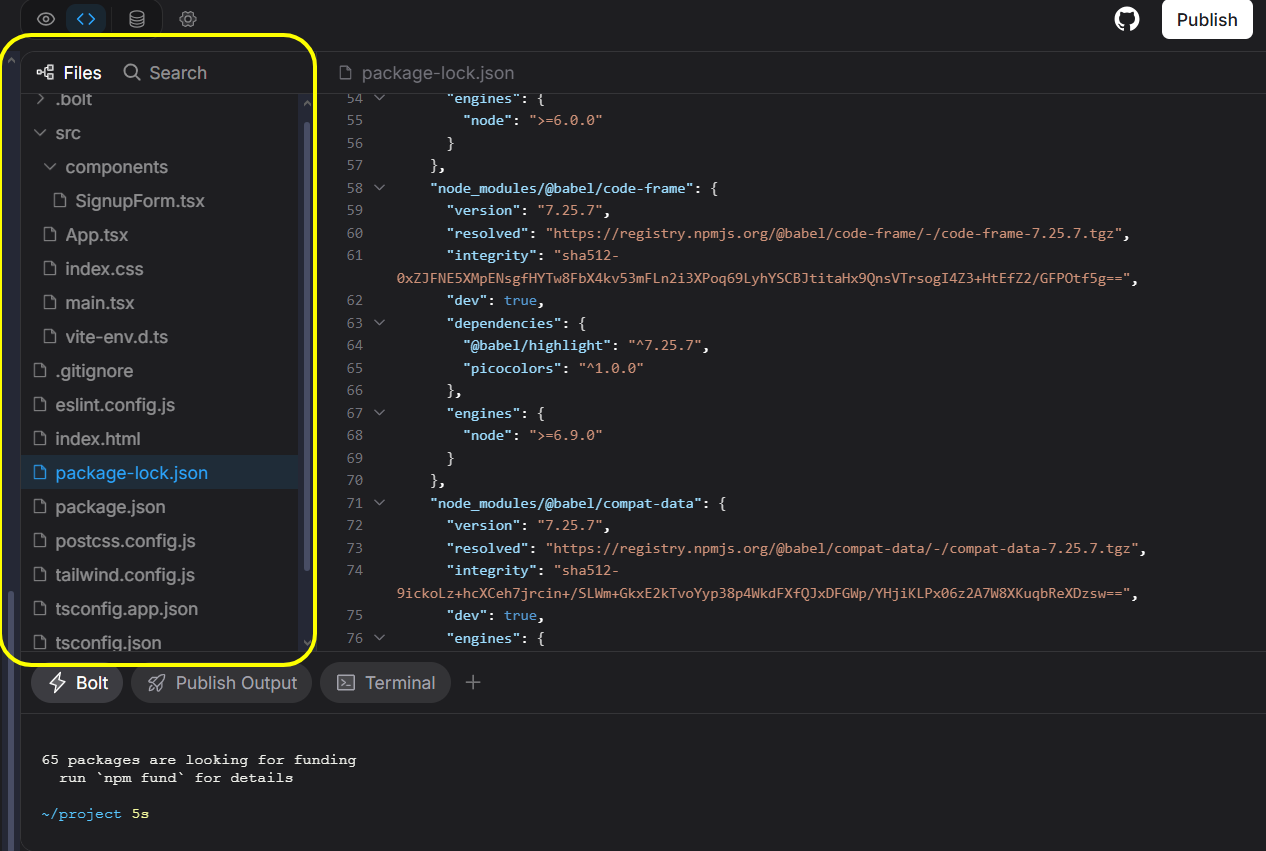
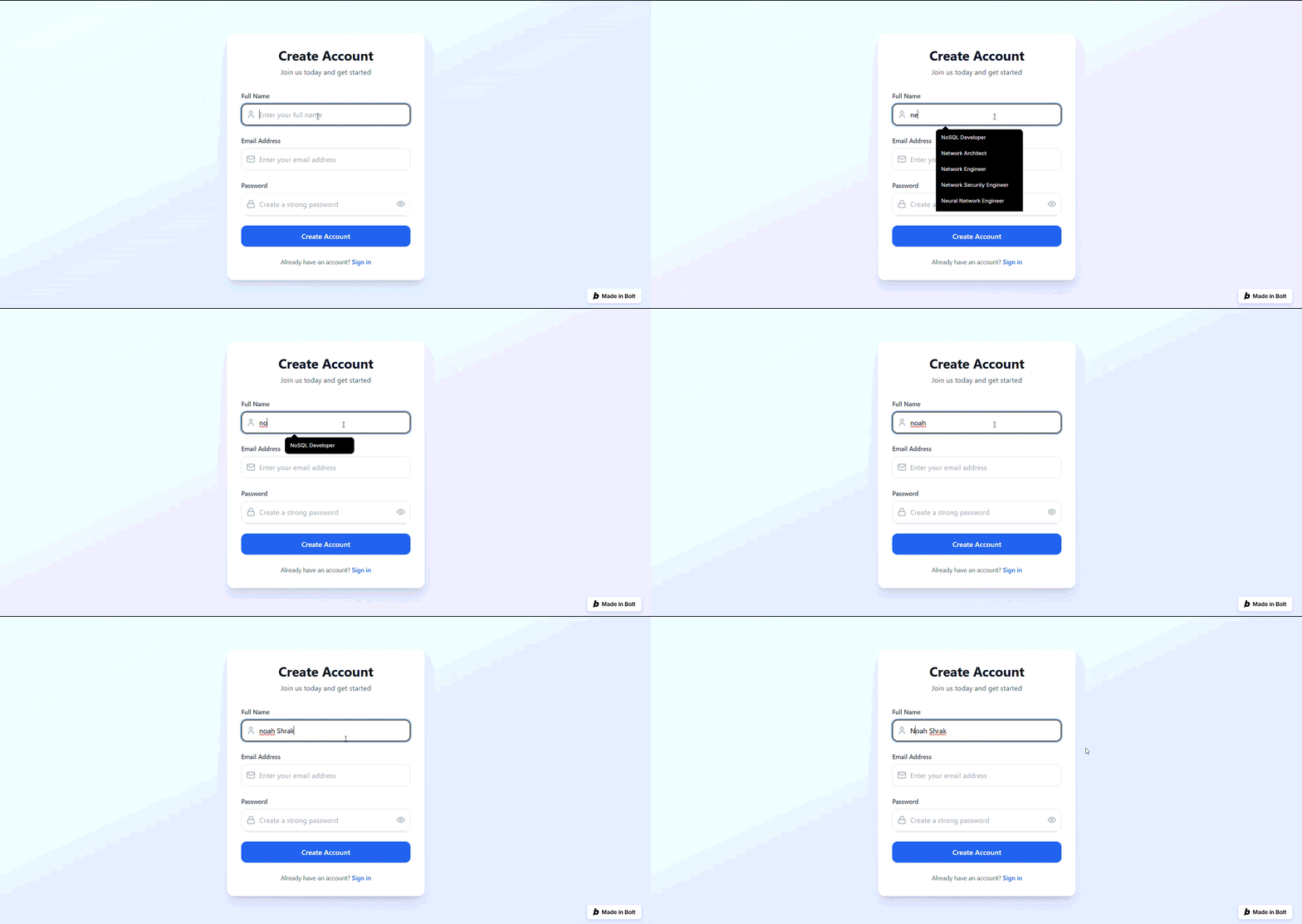
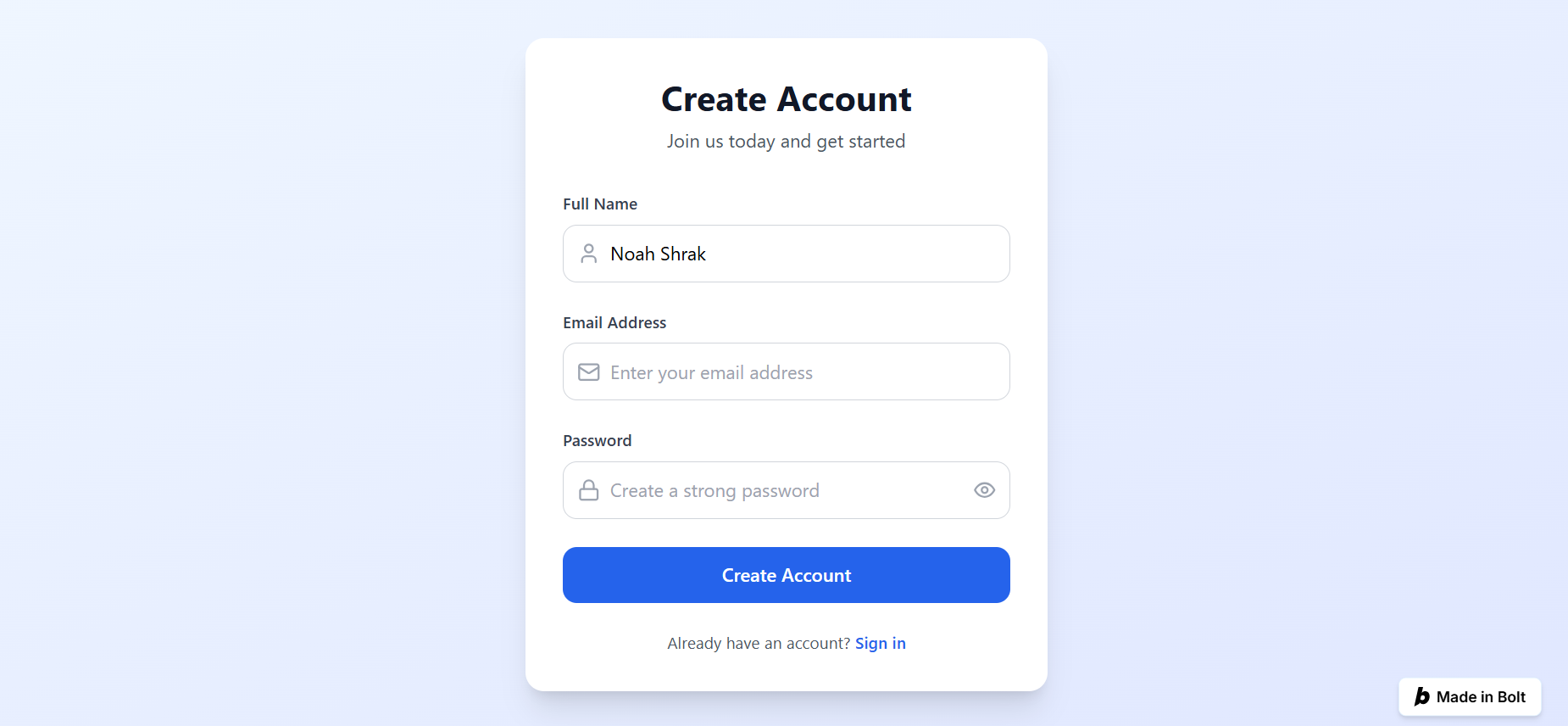
The Test: Generate a signup form with email validation, error handling, and backend API integration.
Prompt: "Build a signup form. Fields: name, email, password. Validate email format, check password strength (min 8 chars, must include number). Show error messages. Connect to a /api/auth/signup endpoint."
v0 Result:
- Generates clean HTML, form validation, error UI
- Does NOT generate backend logic
- Code is modular and easy to extend
- Relies on developer to implement actual API calls and server-side validation
- Issue: Form validation happens client-side only—security risk for production
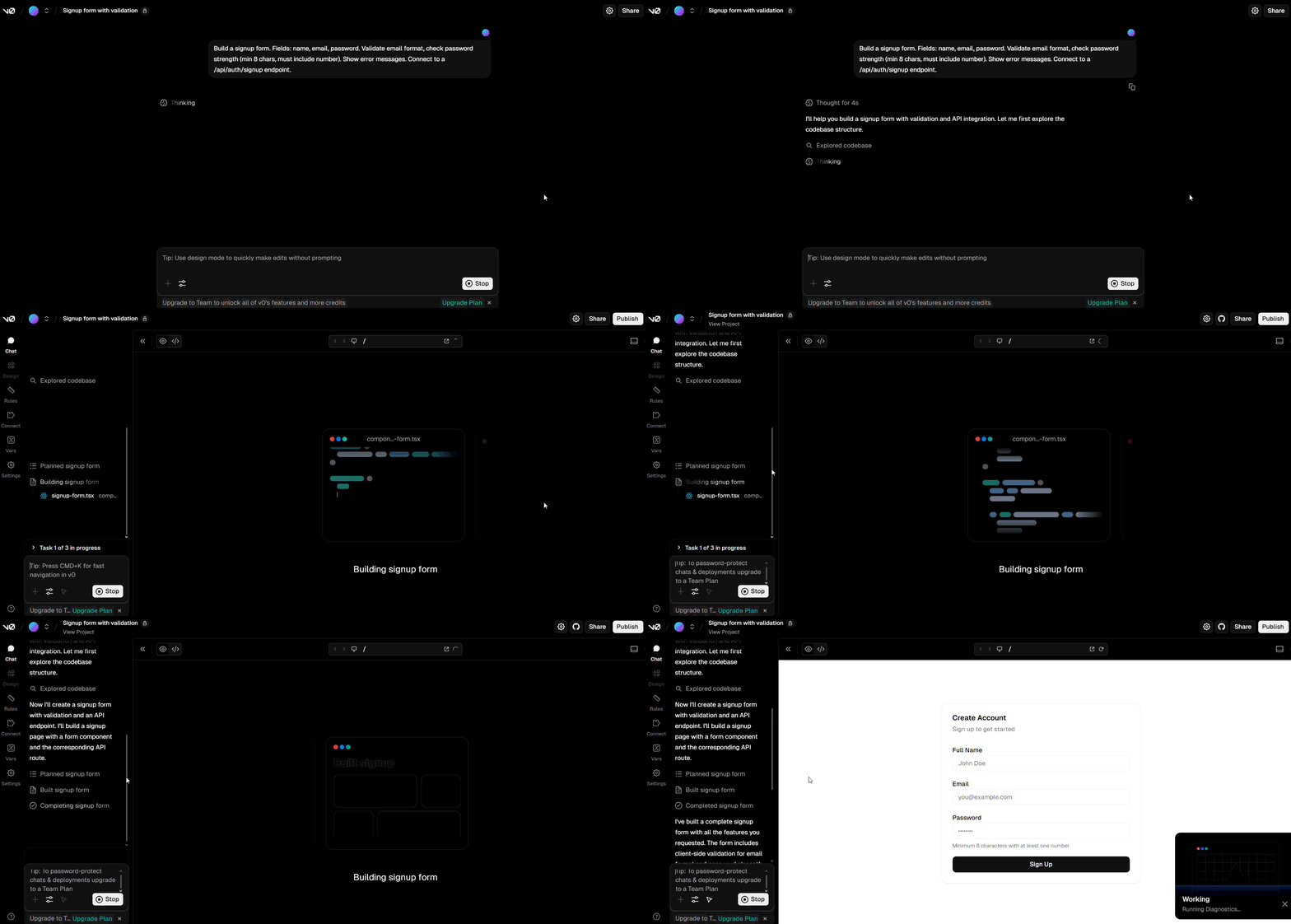
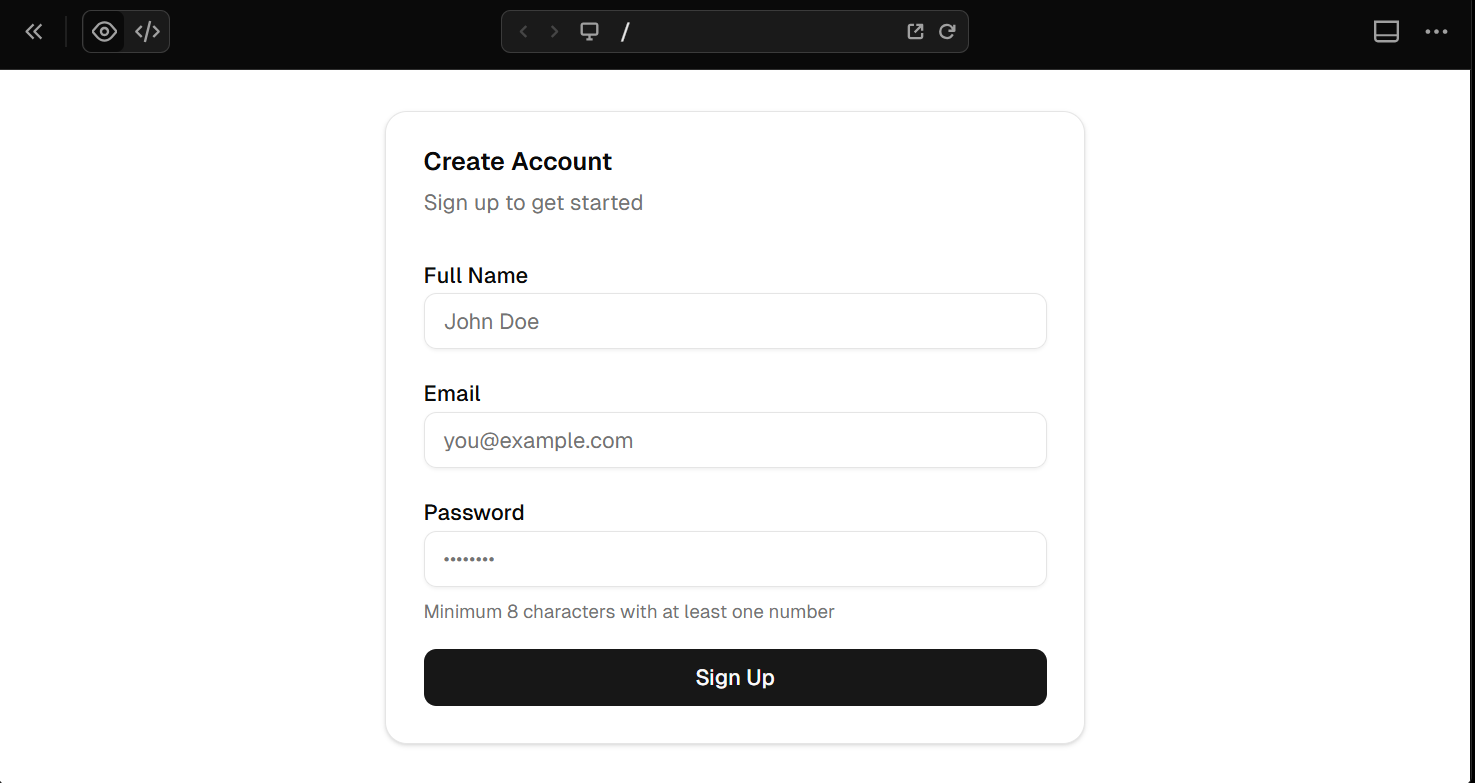
Bolt Result:
- Generates full form component AND backend route
- Implements hashing for passwords (basic bcrypt)
- Sets up database schema (Supabase integration)
- Error handling covers edge cases
- Issue: Over-engineered for simple forms, uses more tokens than necessary
Winner: Bolt for full-stack safety. v0 for frontend simplicity.
3. Token Efficiency
This is where the real cost emerges.
Scenario: Build a to-do app with add/edit/delete functionality.
v0 token burn (typical):
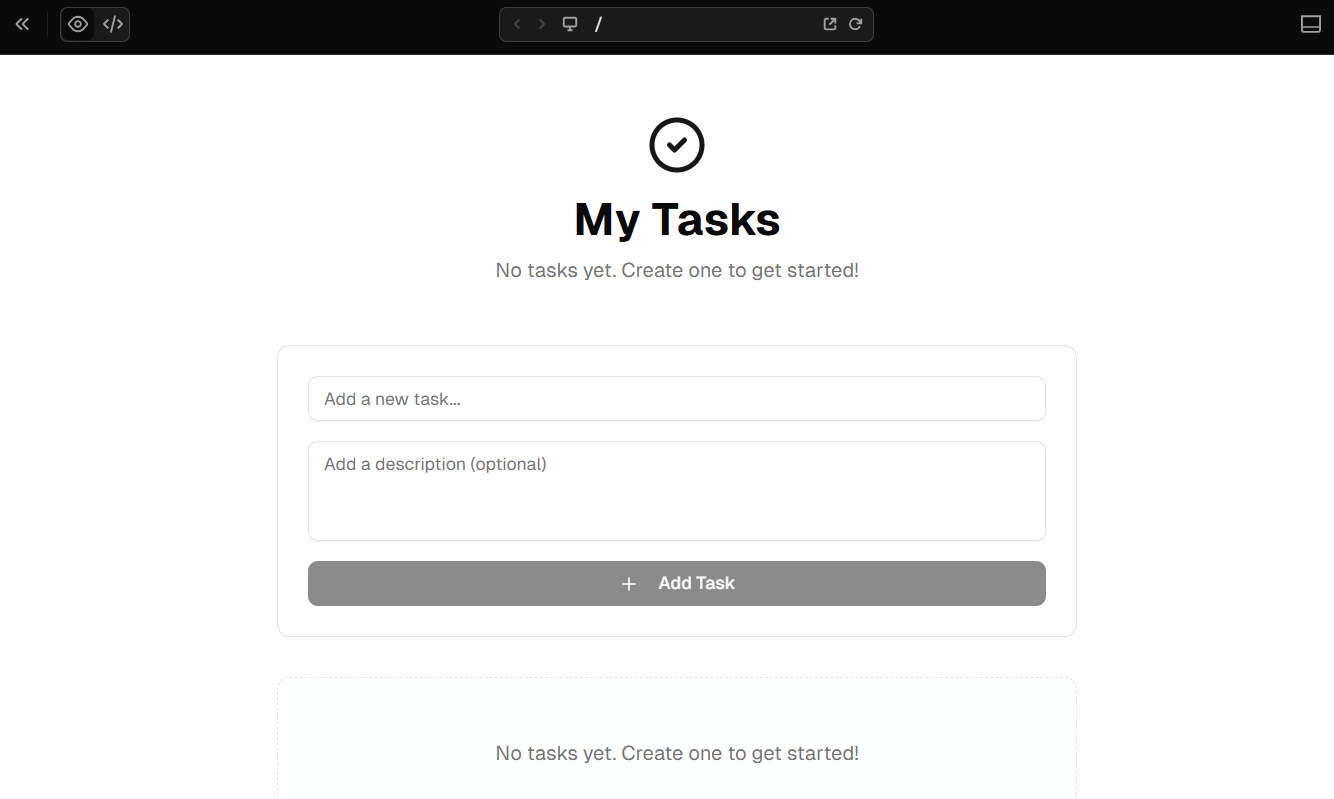
- Initial generation: ~300k tokens
- One refinement (add delete button): ~150k tokens
- Total project: ~450k tokens for working app
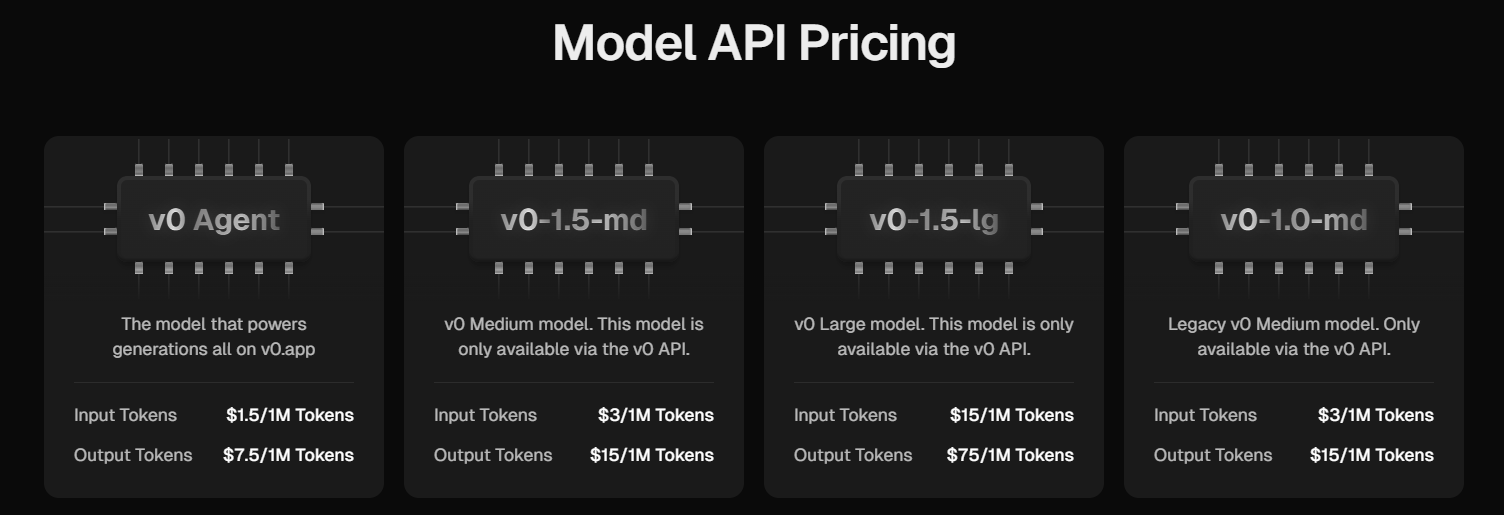
Cost: $4.50 at current token rates (with free tier credits)
Bolt token burn (real user data from February-October 2025):
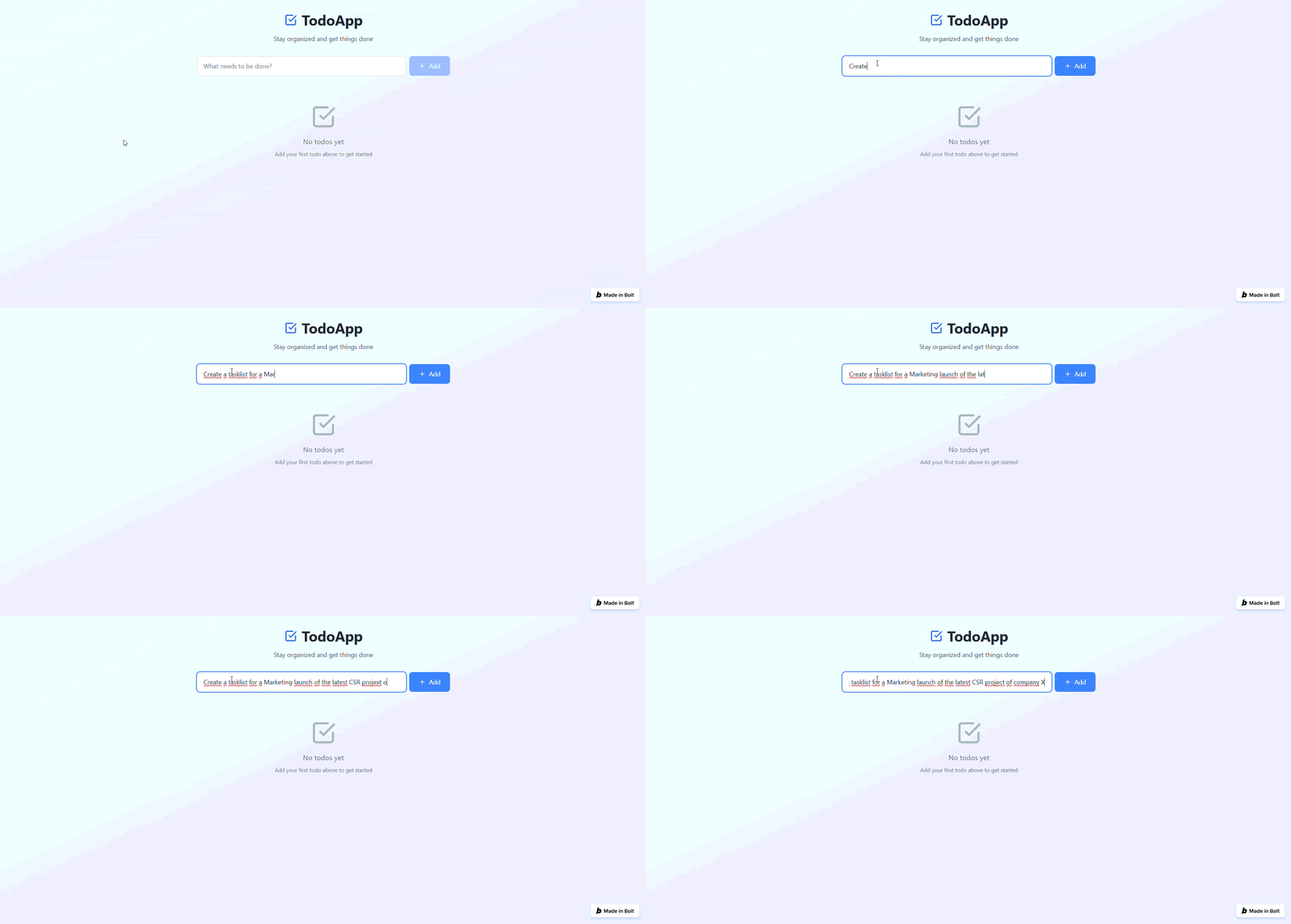
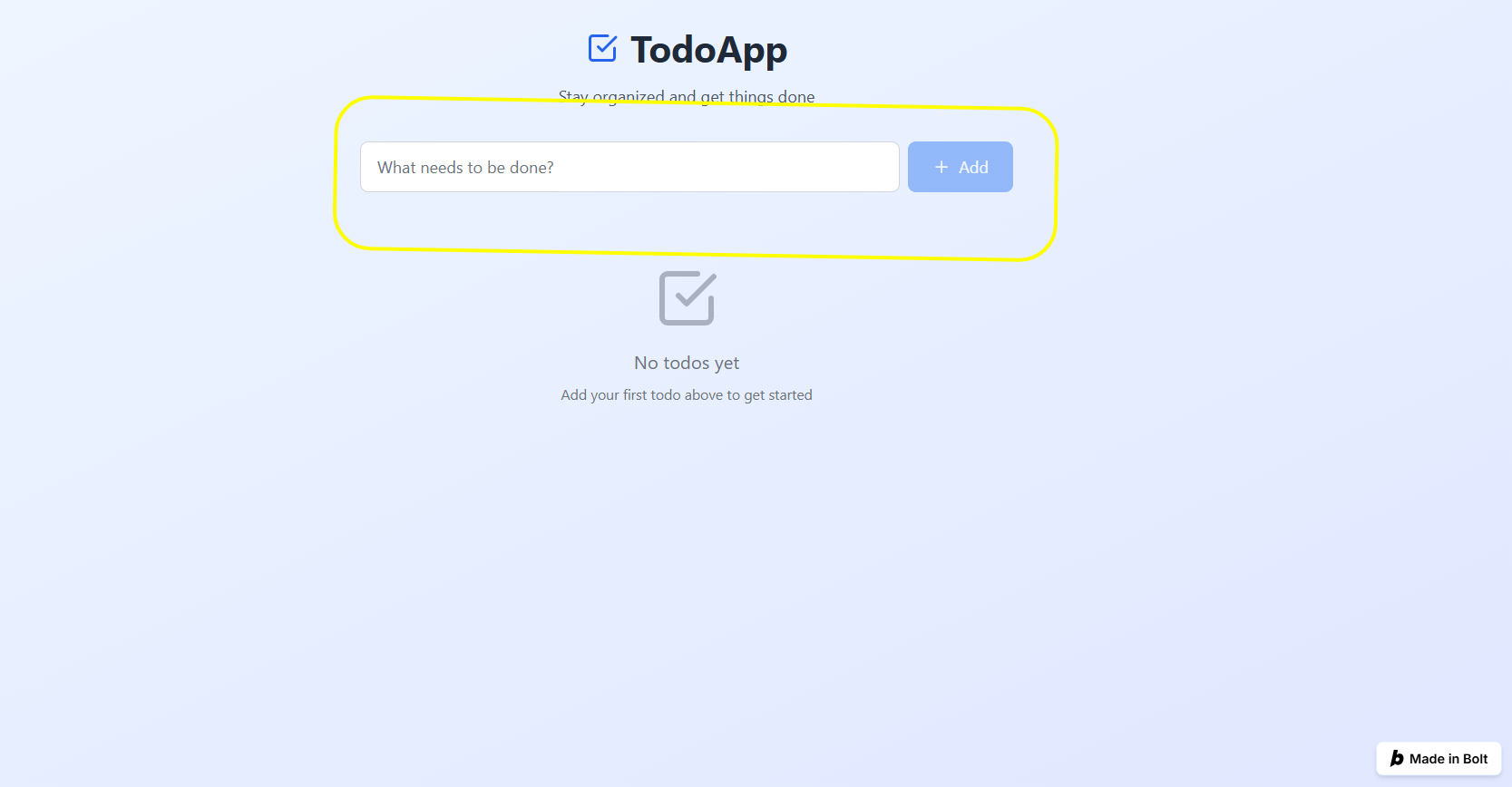
- Initial generation: ~2M tokens
- Error fixes: ~3-5M tokens (per bug, depending on complexity)
- Complete app: 5-8M tokens average
Cost: $50-100 for similar app
Why the difference?
Bolt includes full context in every request: filesystem state, dependencies, error logs, previous attempts. That context costs tokens. Error loops multiply token cost exponentially.
A simple authentication bug that takes 3 attempts to fix can consume 3-5M tokens alone. Multiple Reddit users report spending 5-8 million tokens on Supabase authentication issues. One user spent 8 million tokens in 3 hours on a single Supabase auth bug, while another spent 5 million tokens with the issue still unresolved.
Winner: v0 for cost efficiency.
Next up: Check out our hands-on Mistral AI test across 10 real coding challenges.
4. Handling Complex Requirements
The Test: Build a SaaS app with user authentication, payment processing (Stripe), role-based access control, and email notifications.
v0 Approach:
- Generates UI components for auth screens, dashboard, payment flow
- You integrate Stripe SDK manually
- You handle RBAC logic server-side
- You wire up email service yourself
Result: v0 handles maybe 30% of the work. Rest falls on the developer.
Bolt Approach:
- Generates full authentication flow with JWT/session management
- Integrates Stripe PaymentIntent API (in beta in October 2025)
- Creates middleware for RBAC
- Scaffolds email queue structure (usually with Resend or SendGrid)
Result: Bolt handles 70-80% of work. Developers refine, don't rebuild.
Trade-off: Bolt requires more tokens upfront but reduces developer decision-making. For complex apps, Bolt is faster end-to-end. For simple UIs, v0 is leaner.
Winner: Bolt for complexity. v0 for simplicity.
5. Error Recovery and Debugging
The Test: Introduce a deliberate bug (console error when chart data is missing) and ask each tool to fix it.
v0 Error Handling:
- Suggests CSS fixes and styling adjustments well
- Struggles with logic-layer bugs
- Requires developer to describe the error clearly
- Each fix attempt consumes tokens
Example: "Your line chart threw an error because the data array is undefined. Make sure your backend returns data in the right format." → The developer must then manually check the backend. v0 can't diagnose across the full stack.
Bolt Error Handling:
- "Discussion Mode" allows debugging without regenerating code
- Scans console logs and browser errors automatically
- Identifies root causes better (e.g., "Supabase client not initialized")
- Can implement fixes but often requires iteration
Issue: Error loops consume significant tokens. Community reports indicate 10-15M+ tokens spent on fixing authentication issues.
Winner: Tie—both have strengths and weaknesses. Bolt is more thorough; v0 is cheaper to debug.
6. Deployment and Integration
v0 Integration:
- GitHub sync built-in
- Deploy to Vercel with one click
- Environment variables managed through Vercel dashboard
- Works seamlessly with Next.js apps
Friction: 0—if you're already using Vercel
Bolt Integration:
- One-click deploy to Netlify
- WebContainers environment handles deployment
- Database and backend deploy together
- No local file management needed
Friction: Minimal, everything stays in browser
Winner: Tie. Both integrate well with their respective platforms.
Learning Curve and Developer Experience
For Experienced Frontend Developers:
- v0 feels natural—it's augmenting your existing workflow
- You understand the generated code immediately
- Iteration is fast because you know exactly what to ask for
For Full-Stack Developers:
- Bolt's full-stack generation is powerful but token-intensive
- You can review the entire app structure in one place
- Debugging requires understanding WebContainers limitations
For Non-Technical Founders:
- Bolt is more forgiving (whole app appears to work)
- v0 requires you to handle backend separately
- Bolt's token model is confusing; hard to estimate costs
In a nutshell, v0 for experienced frontend devs. Bolt for full-stack developers and non-technical founders.
Tables and Charts
Feature | v0 (Vercel) | Bolt.new (StackBlitz) |
| Approach | Chat-based AI agent (agentic) | Prompt-to-code AI agent in-browsergithub.com |
| Code Output | Full Next.js/Tailwind project (clean TS) | Full-stack app (UI & backend code) but may duplicate bugs |
| Deployment | One-click to Vercel (auto DB/API) | One-click to Netlify/Vercel (may need fixes) |
| Integration | Built-in DB (Supabase/Neon/Upstash), GitHub, Figma | Supports npm packages, APIs (Firestore, Stripe, etc.) |
| Pricing (2025) | Free $5 credit; $20 for $20 credit; Team $30/user | Free (~1M tokens/mo); $20–$200 for 10M–120M tokens |
| Token Consumption | Based on Vercel credits; heavy usage gets costly | High; large projects can eat millions of tokens |
| Performance | Agent plans tasks, checks work, searches web | Instant prototyping (seconds); slowdowns on complexity |
| Developer Skill | Low-code friendly; still JS stack savvy | Moderate; CLI-like, some debugging needed |
| Best Use Cases | Full-stack MVPs, dashboards, auto-deploy apps | Quick UI prototypes, demos, static sites |
| Limitations | Costly at scale; recent output quality concerns | Not production-ready; token-heavy debugging |
Overall, Bolt.new and v0 represent “vibe coding” AI tools reshaping app development. They are best viewed as rapid creation engines rather than complete replacements for developers. Use Bolt for rapid front-end concepting, and v0 for more structured full-stack builds.
Each has trade-offs in code quality and cost. Choose based on your project scope: prototypes and simple apps go to Bolt, while data-driven, multi-page web apps fit v0’s strengths.
Read next: See how Perplexity and Google AI compare for developer-focused answers.
When to Use Each Tool
Use v0 by Vercel When
- You're building React components or Next.js frontends quickly.
- You already have a backend API—you just need polished UI.
- You're a frontend developer who wants AI to handle repetitive layouts.
- You care deeply about code quality and maintainability.
- You want predictable costs (token consumption is relatively stable).
- You're working within a Vercel/Next.js ecosystem.
- Budget is a priority—v0 is cheaper per project.
Use Bolt.new When
- You need a full-stack app scaffolded from text descriptions.
- You're prototyping an MVP fast and don't have a backend yet.
- You want AI to make architectural decisions (database, auth, deployment).
- You're comfortable with higher token costs for faster feature delivery.
- You need an all-in-one solution without external tools.
- You're building something with complex backend logic.
- You're a non-technical founder or designer wanting to explore ideas quickly.
Conclusion
Neither tool is "better." They solve different problems.
v0 is the better choice if you want speed, code control, cost efficiency, and you already have a backend.
Bolt is the better choice if you want full-stack generation, architectural scaffolding, and you're willing to pay for convenience.
The real strategy: understand your constraints (budget, timeline, team skills) and pick the tool that removes the most friction from your specific workflow.
Try both. Run the test prompts above. See which one makes your next project feel faster. That's your answer.
➡︎ Building with v0 or Bolt? Level up your workflow with long-term remote projects at Index.dev. Join top engineering teams, work with modern AI stacks, and get matched to roles that fit your skills. No bidding, no noise, just great offers.
➡︎ Hiring developers for AI-driven products? Index.dev connects you with pre-vetted engineers skilled in React, Next.js, AI agents, full-stack development, and modern tooling like v0 and Bolt. Build faster with reliable talent, predictable costs, and 1:1 hiring support.
➡︎ Want to explore more real-world AI performance insights and tools? Dive into our expert reviews — from Kombai for frontend development and ChatGPT vs Claude comparison, to top Chinese LLMs, vibe coding tools, and AI tools that strengthen developer workflow like deep research, and code documentation. Stay ahead of what’s shaping developer productivity in 2025.
FAQs
Q: Can I use v0 for backend development?
A: v0 can generate API routes and server components for Next.js, but it's not its primary focus. For complex backend logic, Bolt is better suited.
Q: Will Bolt tokens expire if I don't use them?
A: Monthly subscription tokens do not roll over. Purchased reload tokens carry forward while your subscription is active. Plan accordingly.
Q: Is the generated code production-ready?
A: v0 code is typically production-ready for UI. Bolt code requires security audit (especially auth and data handling). Both benefit from code review before shipping to production.
Q: What's the learning curve?
A: If you know React and Next.js, v0 is immediately intuitive. Bolt requires understanding full-stack concepts but abstracts away much setup complexity.
Q: Can I migrate from one tool to the other?
A: Both generate standard frameworks (React, Next.js). Migration is possible but requires refactoring. Choose your tool early.
Q: Which is cheaper long-term?
A: v0 typically costs less per project. But if Bolt's development speed cuts your timeline in half, the higher token cost could pay for itself in saved developer hours.
Q: Why do Supabase authentication issues cost so much in Bolt?
A: Supabase authentication requires proper token handling and session management, which Bolt sometimes struggles to implement correctly on first attempt. Users report authentication errors causing multiple regeneration cycles, each consuming millions of tokens.


