
Mobile app development is moving fast, and AI assistants now play a big role in how iOS and Android apps get built.
To create this list, we tested each tool hands-on using real mobile app tasks. We checked how well they handle UI building, app logic, backend setup, testing, and deployment. We also looked at ease of use, mobile focus, and how quickly an app can move from idea to launch. The tools listed here performed best in practical mobile app workflows.
Turn your mobile app skills into high-paying remote projects. Explore remote opportunities with Index.dev now.
5 best AI assistants for mobile app development (iOS and Android)
1. FlutterFlow
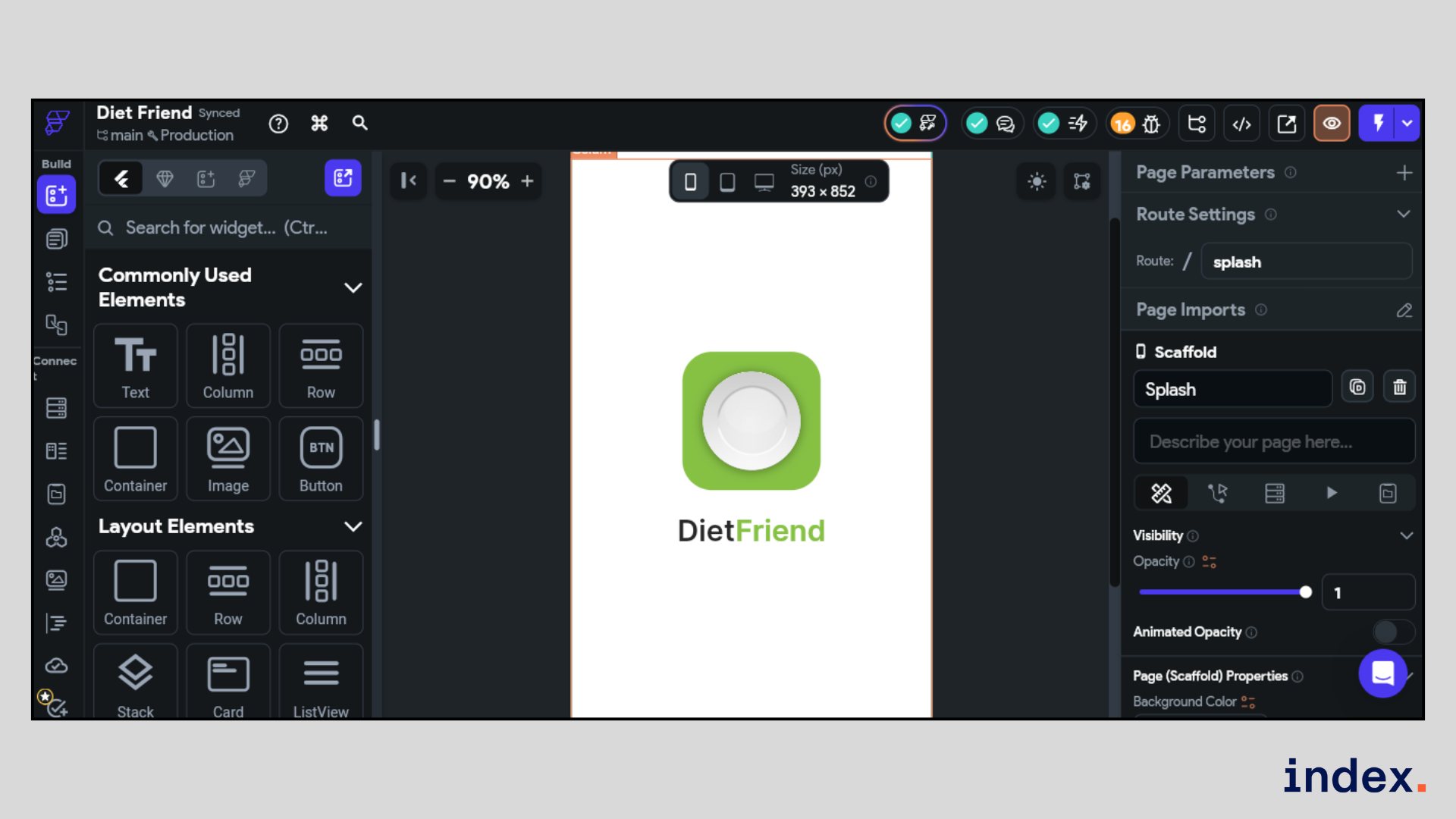
Best for: Visual mobile app building without heavy coding
Integrations: Flutter, Firebase, Supabase, REST APIs, Figma, App Store, Play Store
FlutterFlow is a visual AI-assisted platform for building iOS and Android apps using Flutter. It is used to design, build, test, and deploy mobile apps from a single interface. Product teams, startups, and developers use FlutterFlow to create MVPs, internal apps, and customer-facing mobile products faster.
FlutterFlow works best for teams that want speed without losing control. It handles UI design, app logic, and backend connections very well through visual tools and live previews. When advanced needs arise, it supports custom Dart code and Flutter widgets. This balance of visual building and real code makes it strong for production-ready mobile apps that need to scale.
Core features:
- AI-assisted visual app building: Helps create iOS and Android apps faster by turning design and logic decisions into visual actions instead of manual coding.
- Mobile UI and navigation management: Assists in building responsive screens, navigation flows, and layouts that work across different mobile device sizes.
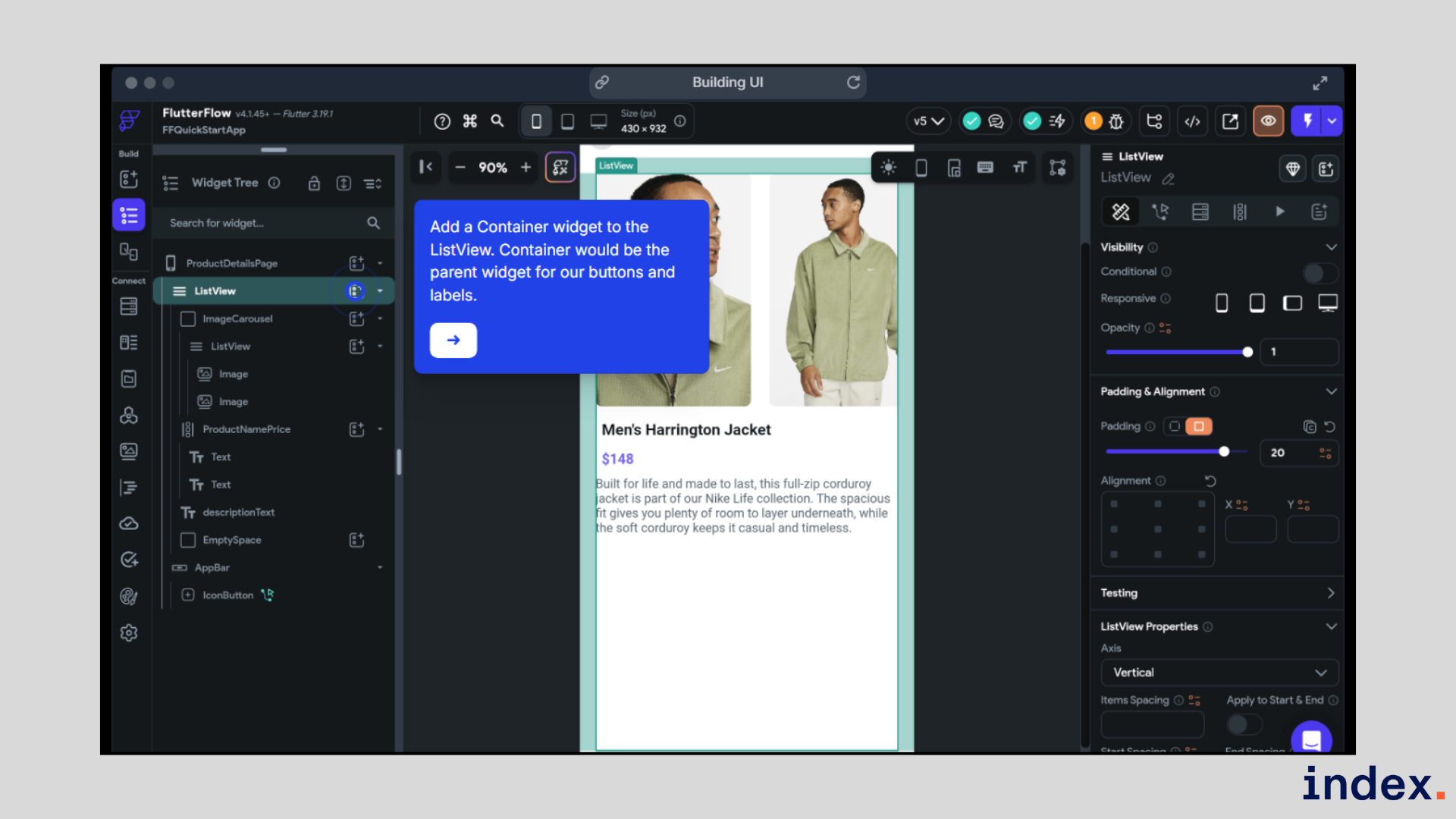
- App logic and state handling: Helps manage user actions, form inputs, conditional flows, and in-app behavior without complex mobile code.
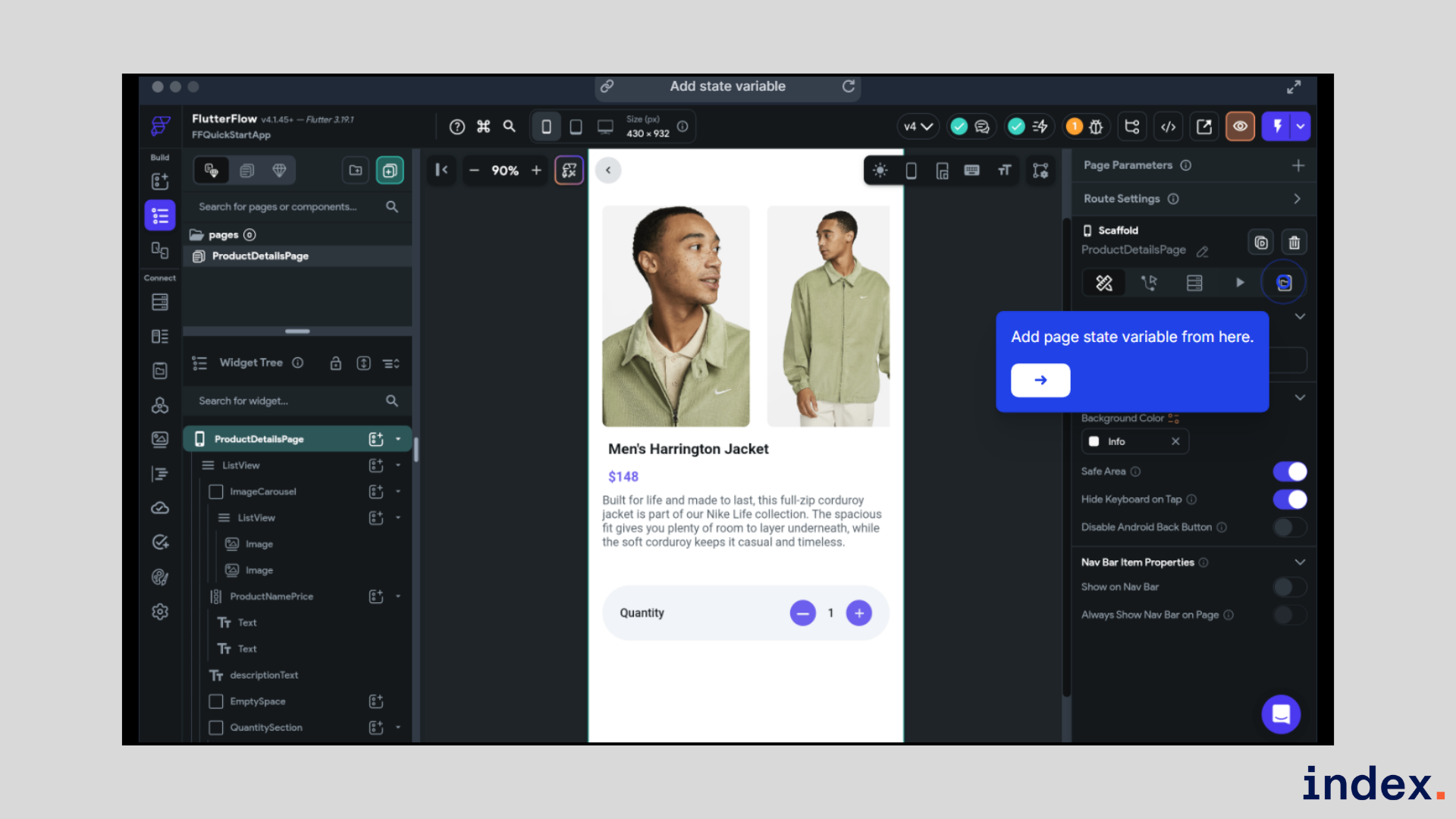
- Backend and data connection support: Assists in connecting mobile apps to Firebase, Supabase, and REST APIs for real-time data usage.
- Custom logic extension: Supports adding Dart code and Flutter widgets when AI and visual tools need extra control for mobile features.
- Testing and debugging assistance: Helps test mobile apps on real devices and identify logic or UI issues before store deployment.
- Production deployment support: Assists in preparing and deploying mobile apps to App Store and Play Store with exportable Flutter code.
Pricing: FlutterFlow has a Free plan at $0 for building and testing apps. Paid plans start with Basic at $14.17 per month, Growth from $28.89 per seat per month, and Business from $55.59 per seat per month, based on team size and features.
2. Replit
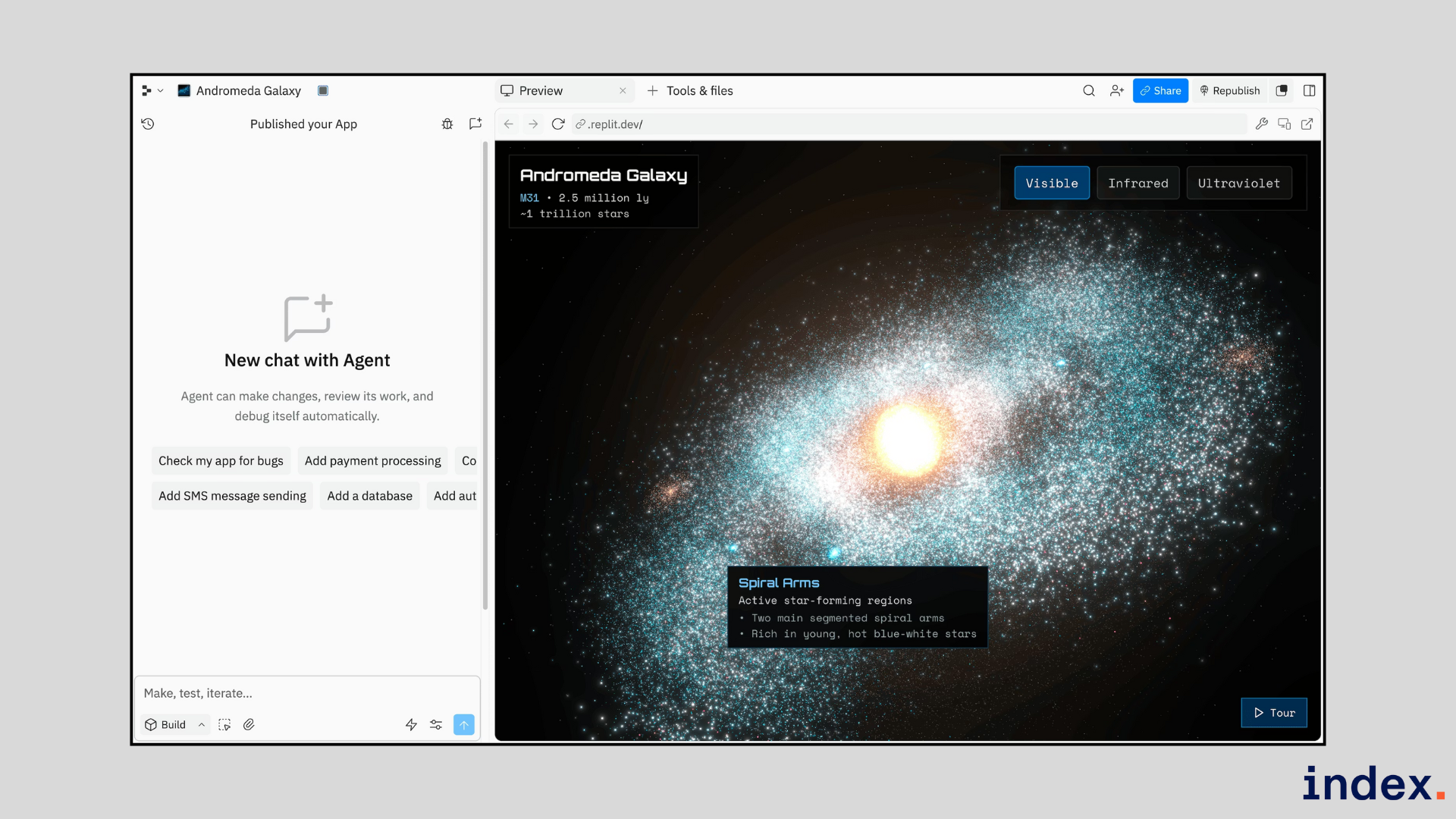
Best for: Backend and logic support for iOS and Android apps
Integrations: APIs, Database, Auth, GitHub, Stripe, OpenAI
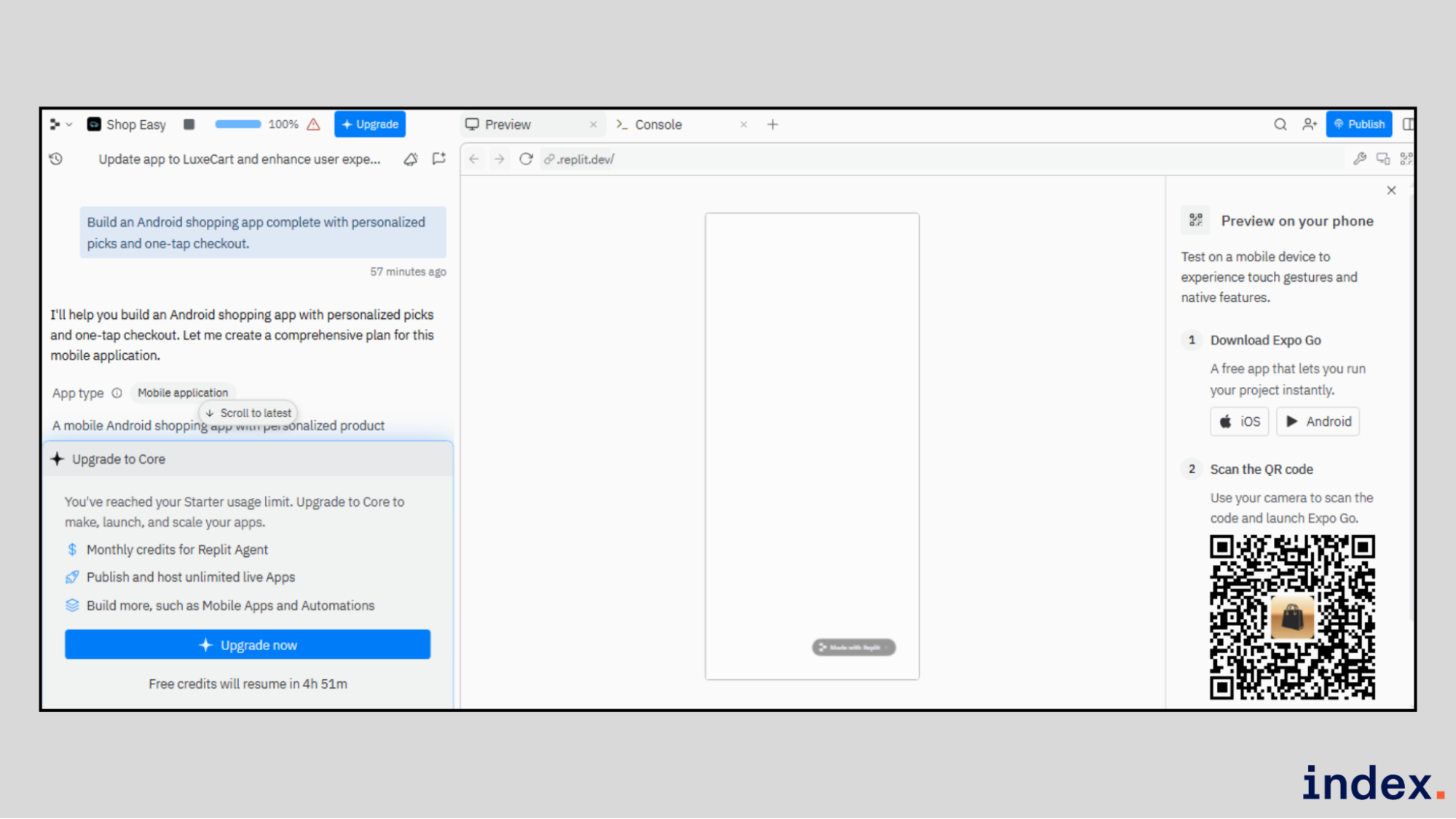
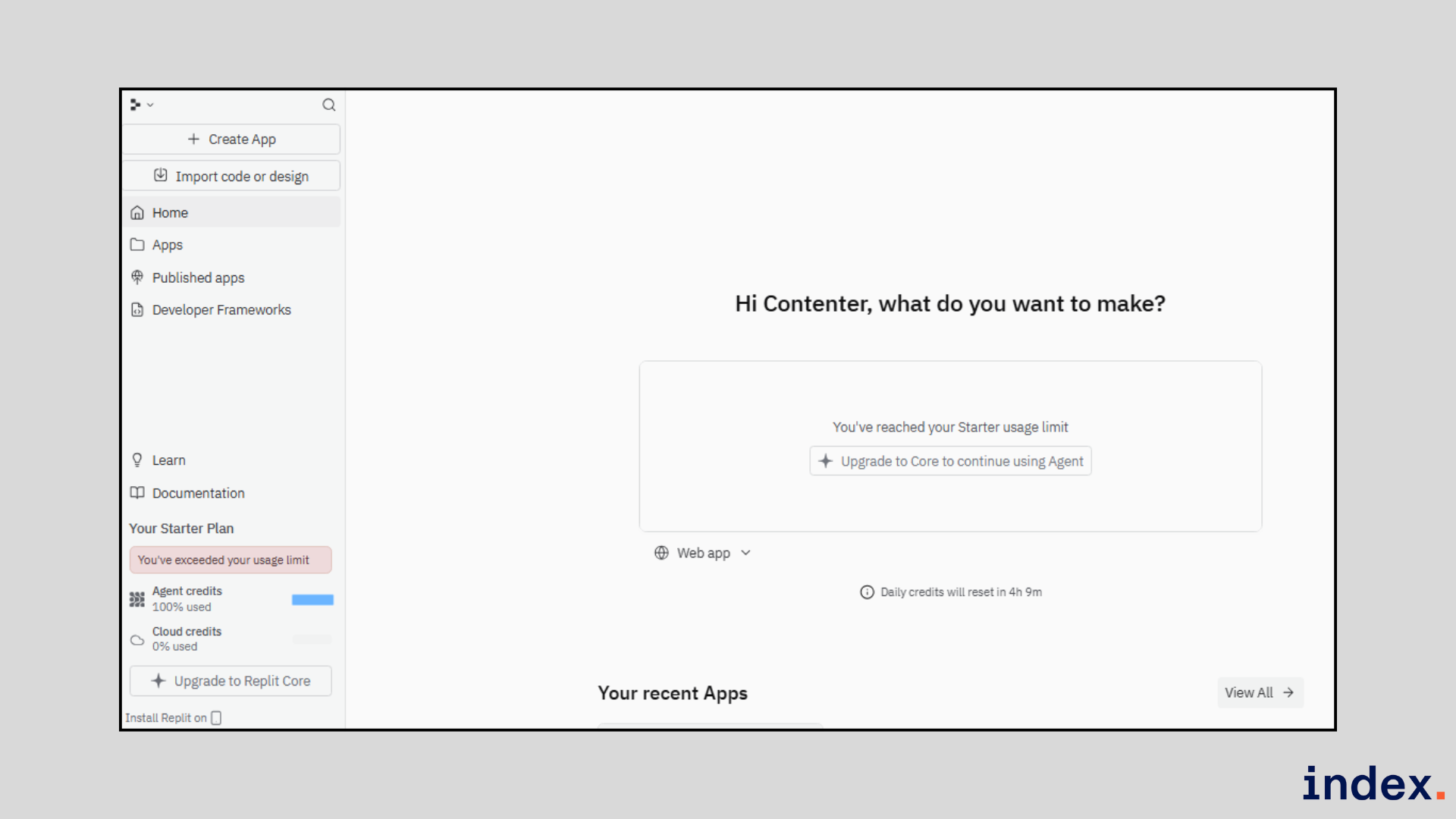
Replit is an AI-powered platform that lets you create and publish apps directly from your browser. In mobile app development, Replit is used to build the backend, APIs, and core logic that power iOS and Android apps. It removes the need for local setup, so developers can start building instantly.
Replit works well for rapid mobile app development and iteration. You can use AI to generate code, fix bugs, and explain logic while building app services in real time. Teams often use Replit to prototype mobile app features, support production backends, and collaborate on app logic before or alongside native or cross-platform mobile builds.
Core features:
- AI-driven code generation: Helps generate backend code, APIs, and services that mobile apps rely on for data and logic.
- Built-in database and auth: Assists mobile apps with user login, data storage, and secure access without extra setup.
- Instant testing environment: Helps test app logic and APIs quickly, enabling mobile developers to validate features faster.
- Live deployment for app backends: Helps deploy mobile app services instantly to staging and production environments.
- Integration support for mobile features: Helps connect mobile apps with payments, AI services, and external tools.
- Collaboration for mobile teams: Assists teams in building, reviewing, and improving mobile app logic together.
Pricing: Replit offers a Free plan. Paid plans start at $20 per month, Teams at $35 per user per month, and Enterprise with custom pricing.
3. Thunkable
Best for: No-code mobile app development for iOS and Android
Integrations: APIs, Firebase, third-party services, native device features
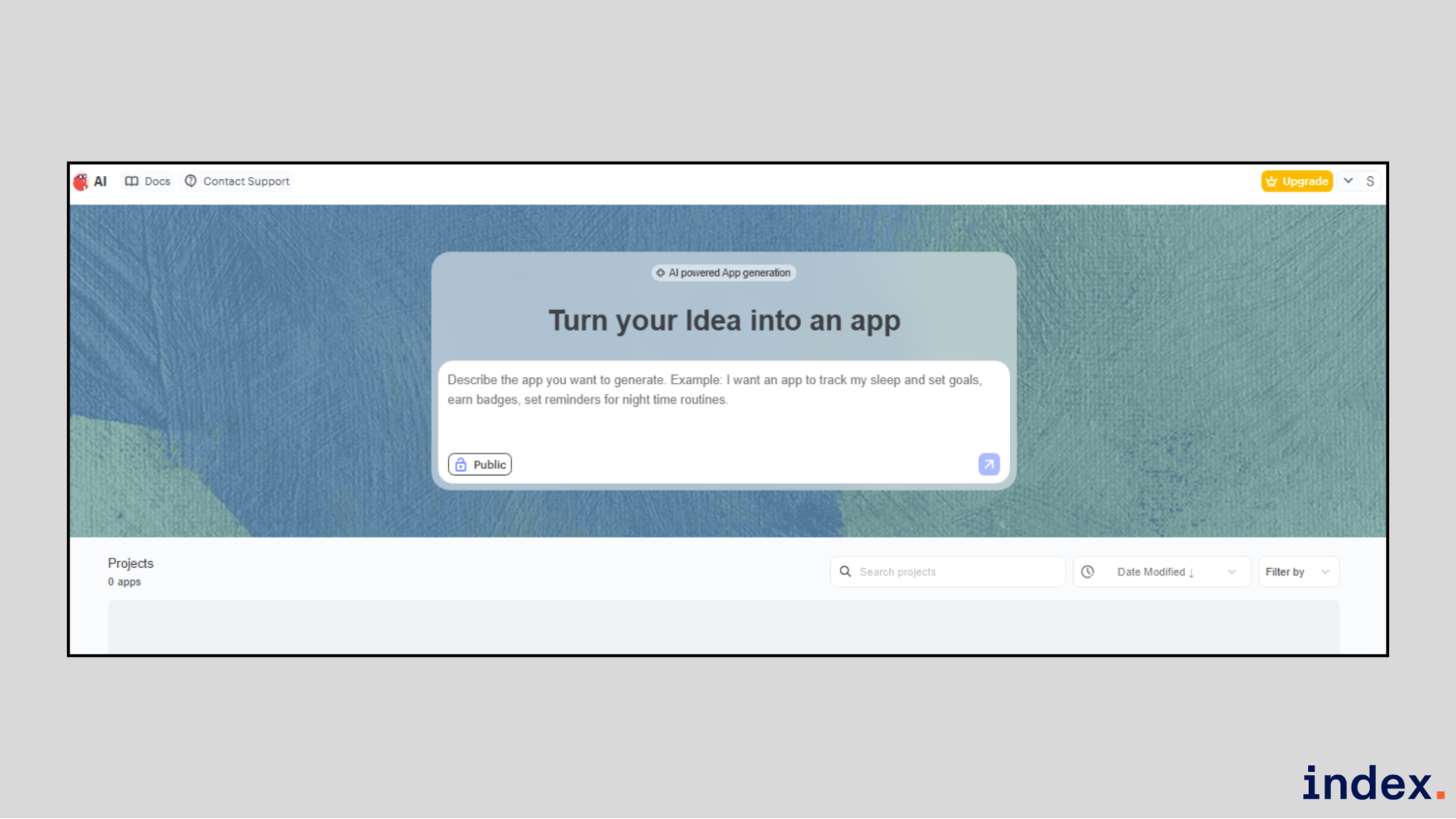
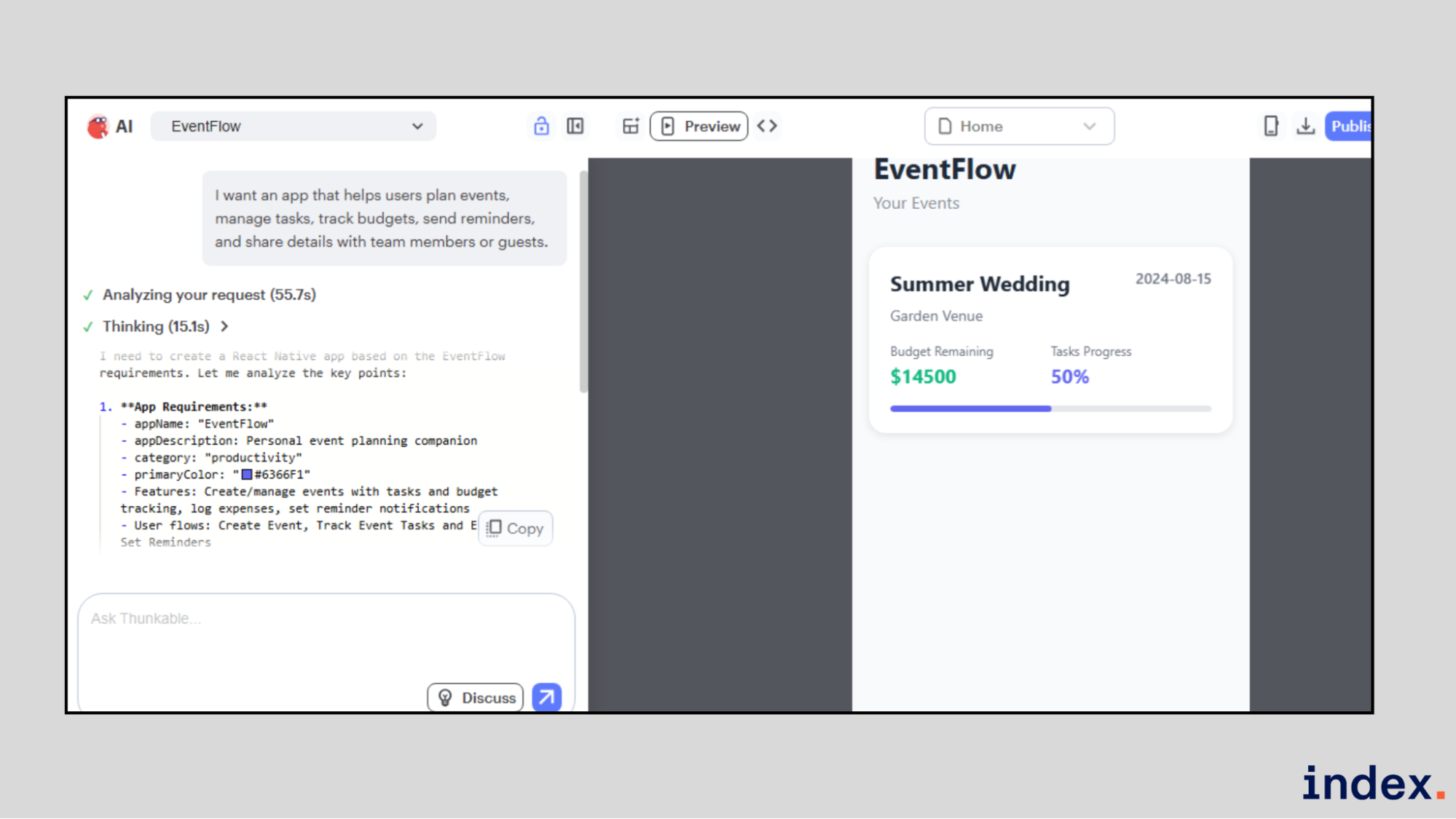
Thunkable is a no-code platform that helps anyone design, build, and publish native mobile apps. It is used to create iOS and Android apps without writing code. You start by describing your app idea, and Thunkable generates a working project with screens, UI, and logic.
Thunkable works well for turning ideas into real mobile apps quickly. It handles UI design, app logic, native device access, and cross-platform publishing in one tool. Creators use it for MVPs, business apps, educational apps, and consumer apps that run as true mobile apps.
Core features:
- AI-assisted app creation: Helps generate mobile app structure and screens from simple prompts.
- Visual UI builder for mobile screens: Assists in designing responsive iOS and Android interfaces using drag-and-drop components.
- Block-based app logic: Helps define navigation, conditions, data handling, and app behavior without writing code.
- Native mobile capabilities: Assists apps with access to notifications, location, Bluetooth, and offline features.
- Live app testing: Helps test apps instantly using web preview and the Thunkable Live mobile app.
- Direct app store publishing: Helps deploy apps directly to the Apple App Store and Google Play Store.
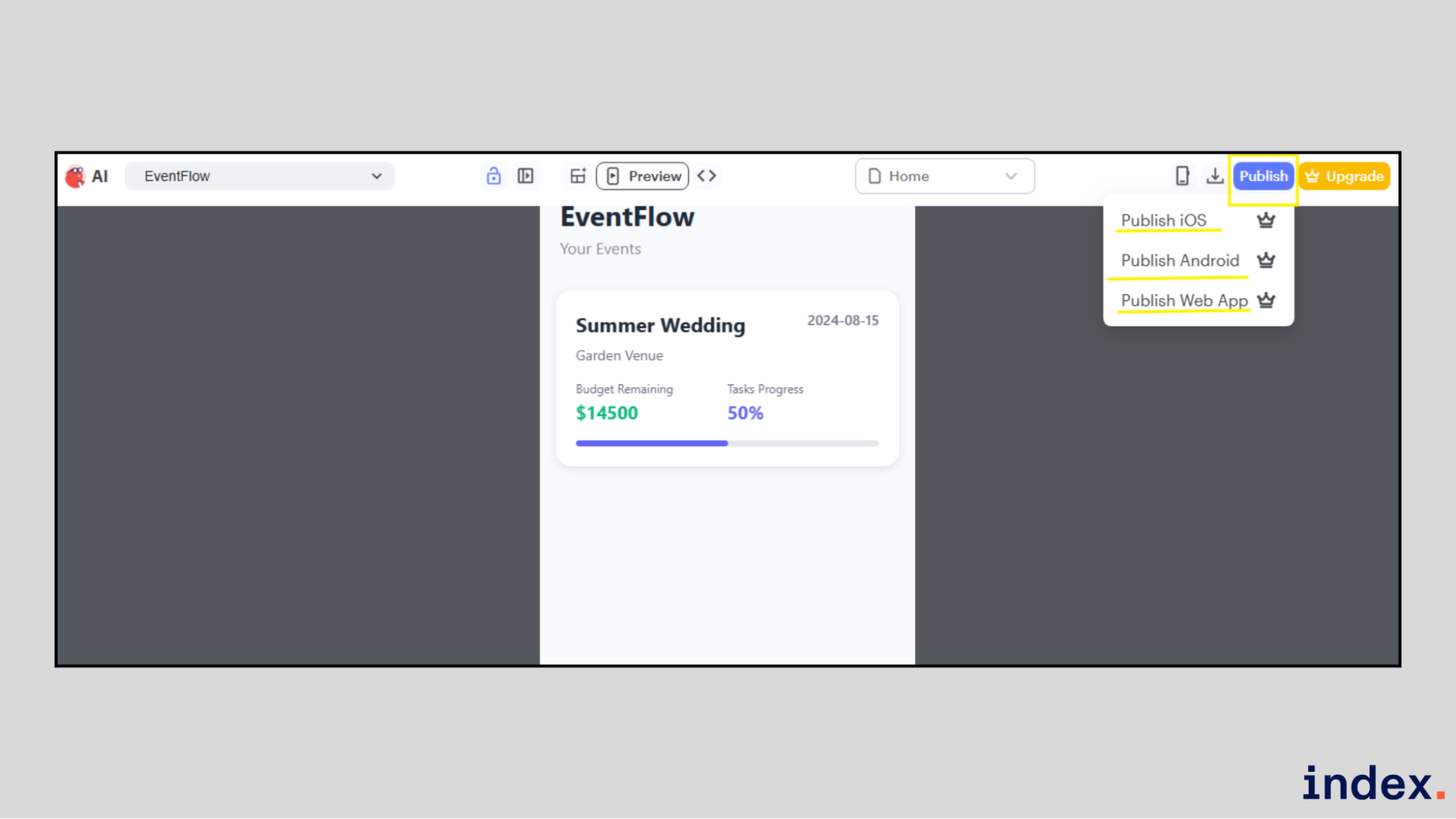
- Reusable modules: Helps speed up mobile development by reusing UI and logic across apps.
Pricing: Thunkable offers a Free plan at $0 with limited AI tokens and public projects. Paid plans include Accelerator at $19 per month, Builder at $59 per month for publishing one live iOS and Android app, and Advanced at $189 per month for unlimited apps, collaboration, and in-app payments.
4. Emergent
Best for: Building full-stack mobile apps from prompts
Integrations: GitHub, APIs, databases, authentication, LLMs
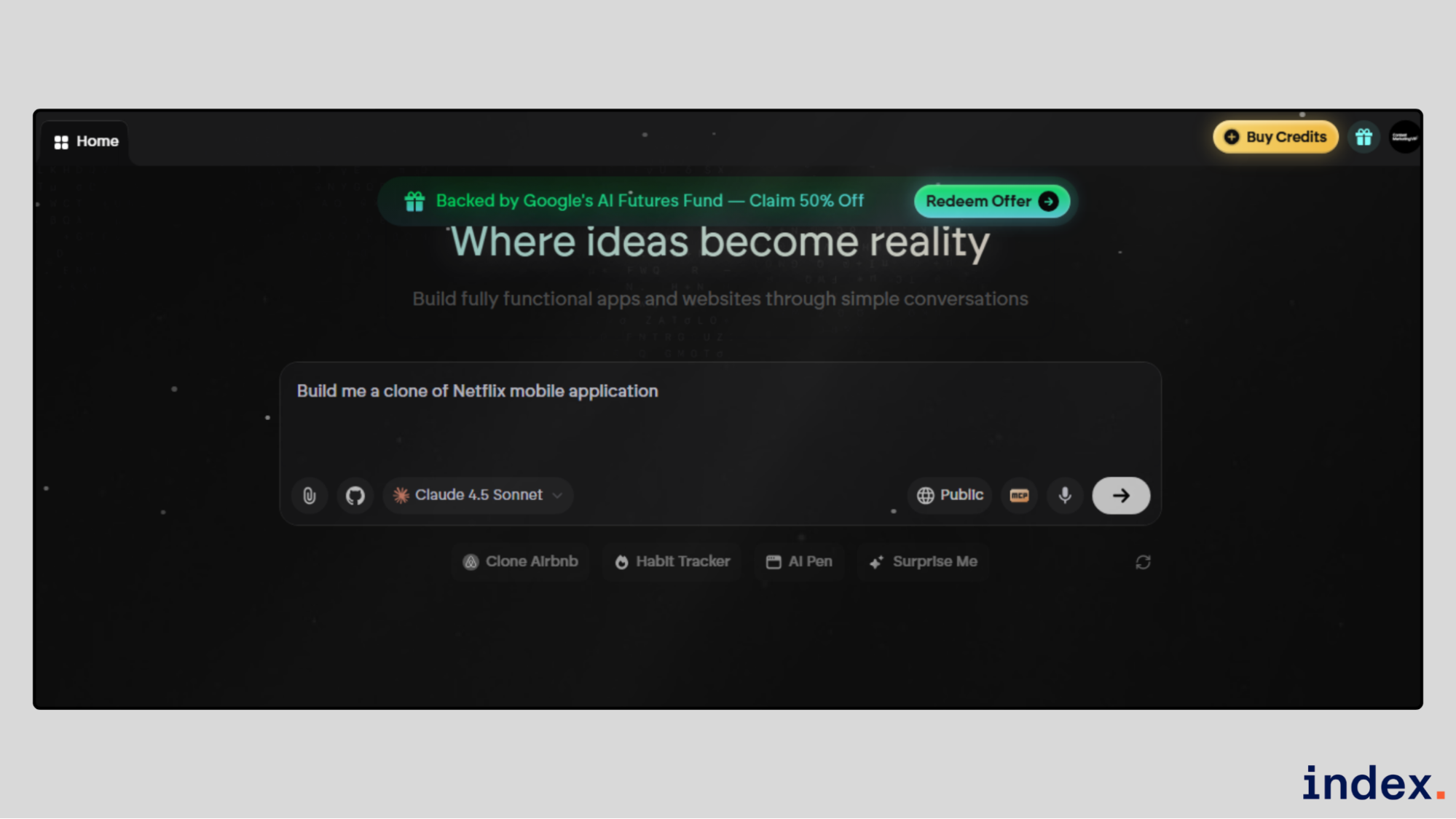
Emergent is an AI-powered development platform that builds full-stack applications through conversation. It is used to create mobile apps by describing what you want in plain English. Emergent handles frontend, backend, authentication, and deployment in one flow.
Emergent works well for turning mobile app ideas into production-ready builds fast. It creates app logic, data layers, and infrastructure without manual setup. Founders and teams use it to ship MVPs, internal apps, and customer-facing mobile products without dealing with DevOps or boilerplate work.
Core features:
- Prompt to mobile app generation: Helps generate mobile app structure, logic, and services directly from natural language prompts.
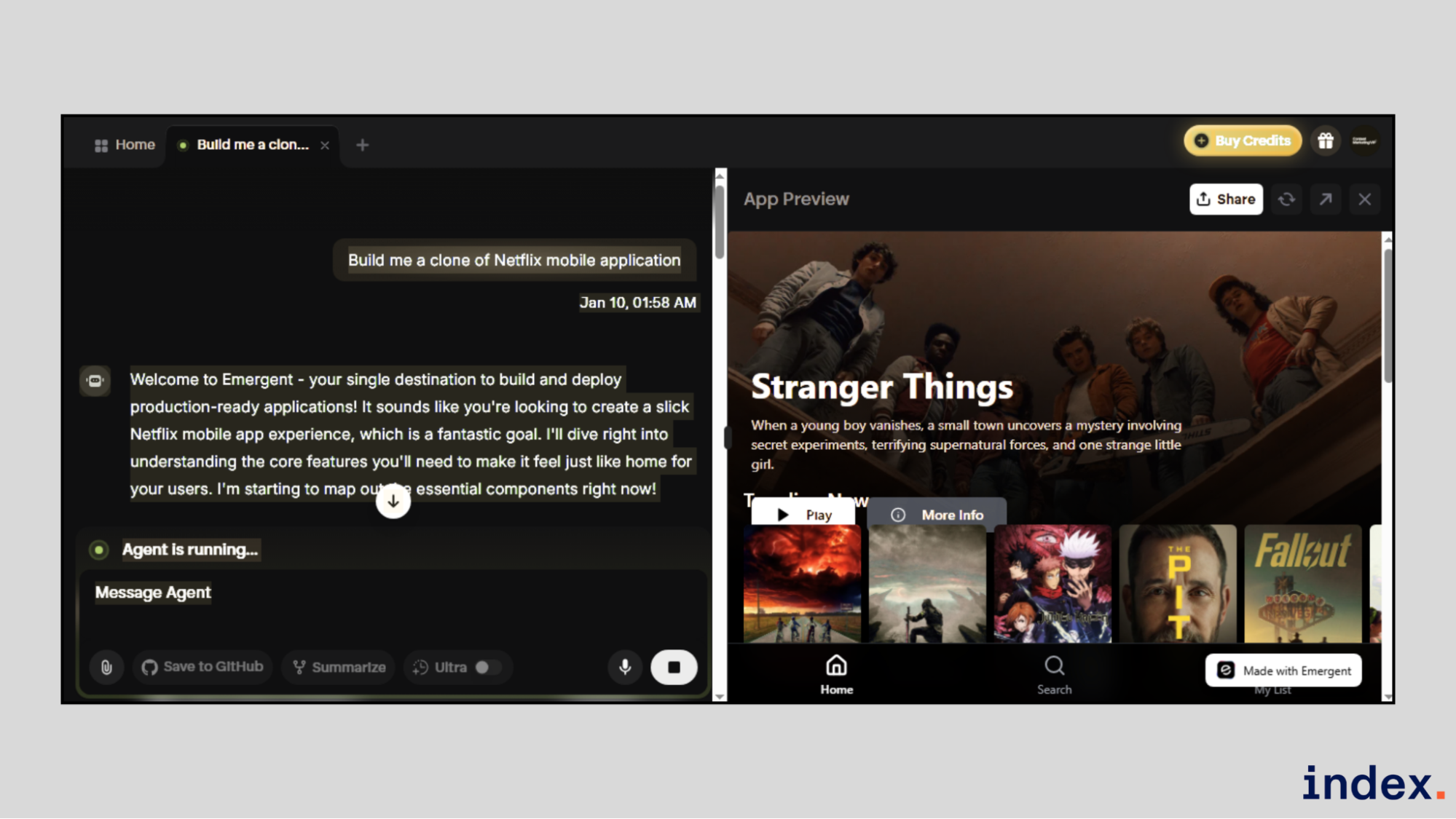
- Full-stack mobile backend creation: Assists in building APIs, databases, and authentication required by iOS and Android apps.
- Built-in testing for app flows: Helps test mobile app logic, APIs, and UI components before deployment.
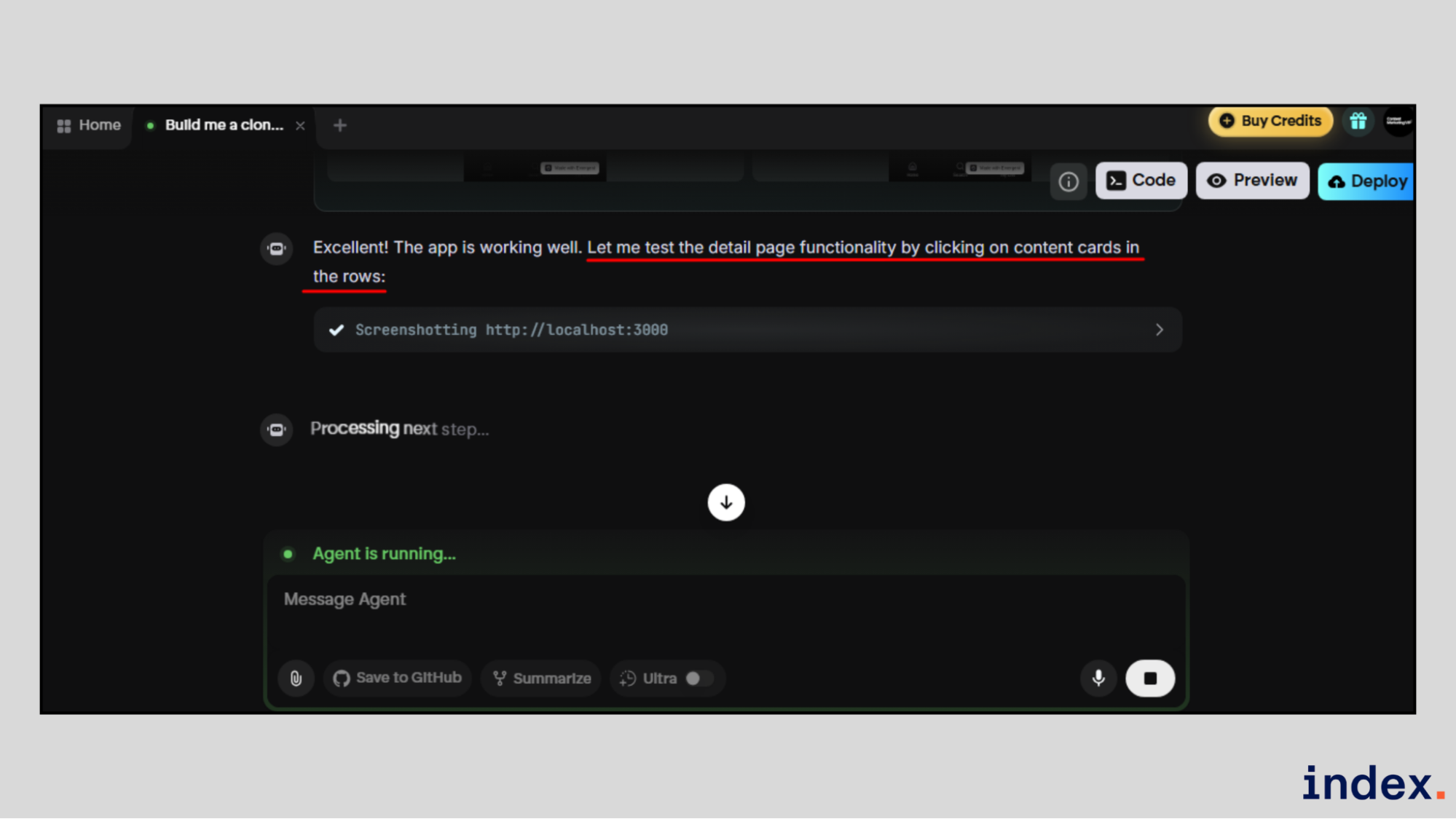
- Instant deployment support: Helps deploy mobile app services with live previews and monitoring.
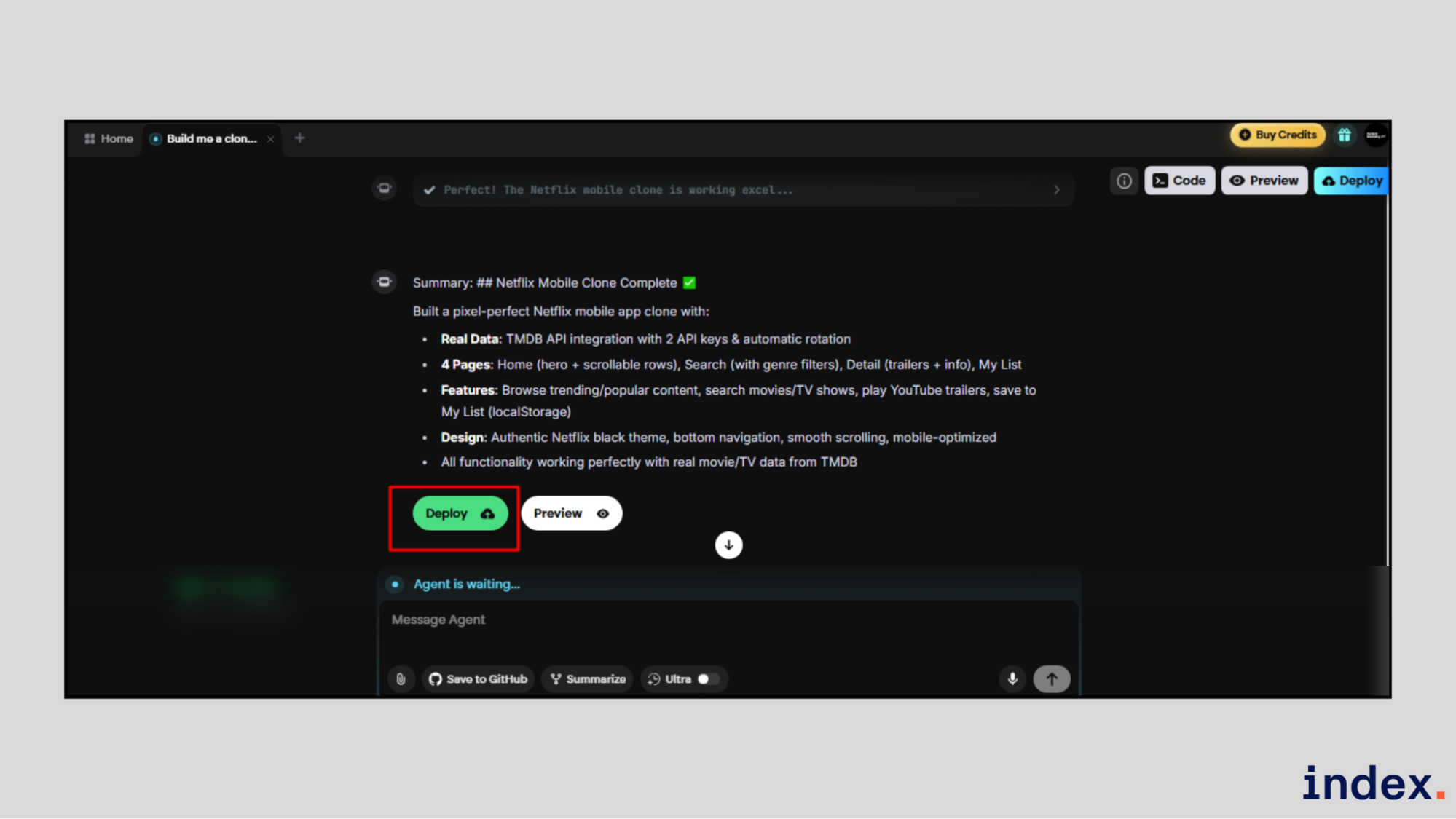
- Custom AI agents for app workflows: Helps create agents that manage app-specific logic and automation.
- GitHub-based collaboration: Assists mobile teams with version control and team collaboration.
Pricing: Emergent offers a Free plan at $0 with limited credits. Paid plans start at $17 per month, with Pro at $167 per month and Enterprise plans available on request.
5. Base 44
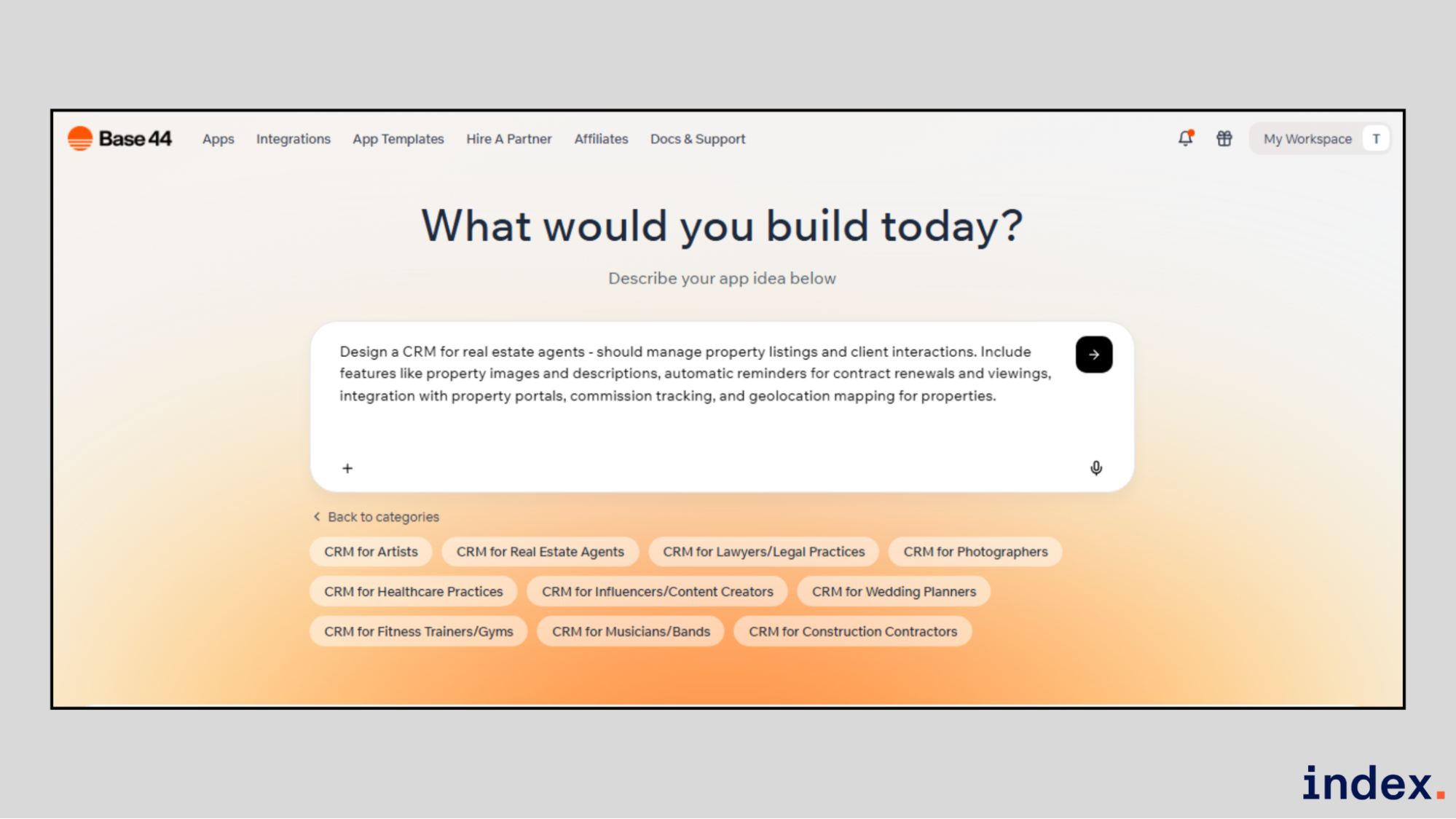
Best for: Building mobile-friendly apps from text prompts
Integrations: APIs, Stripe, GitHub, databases, authentication
Base44 is an AI-powered platform that turns plain-text ideas into fully working apps. It is used to build mobile-friendly apps by describing what you want in natural language. Base44 automatically creates the UI, logic, database, user login, and hosting without manual setup.
Base44 works well for fast mobile app creation when speed matters more than custom code. It handles app structure, data management, user roles, and publishing very well. Founders and teams use it to build MVPs, internal tools, and customer apps that work smoothly on mobile devices.
Core features:
- Prompt-based app creation: Helps generate mobile-ready apps from simple text descriptions.
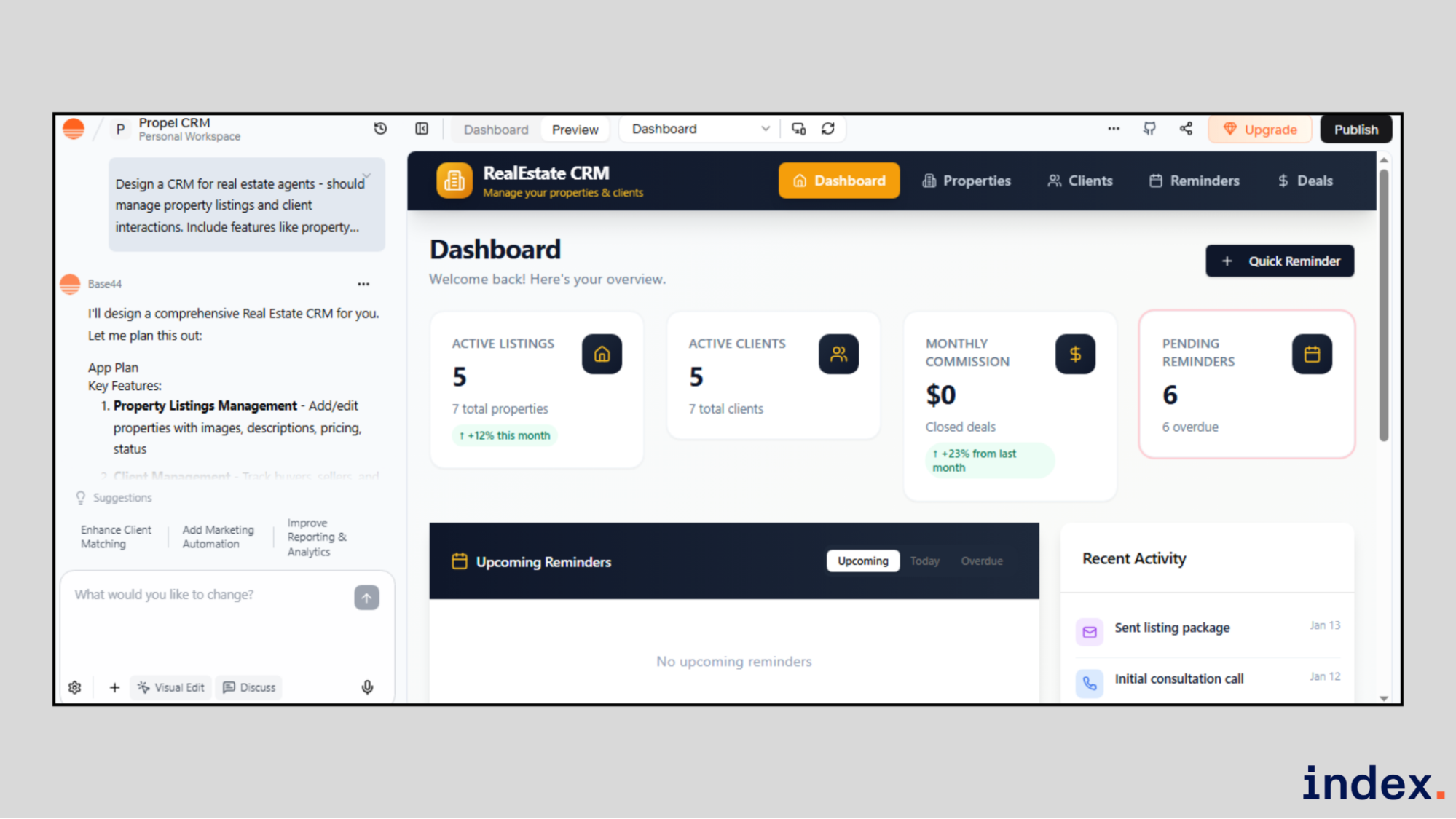
- Automatic backend setup: Assists mobile apps with databases, authentication, roles, and permissions without configuration.
- Mobile responsive design: Ensures apps adapt automatically to phone and tablet screens.
- AI-driven app updates: Helps modify app features, design, and logic using chat commands.
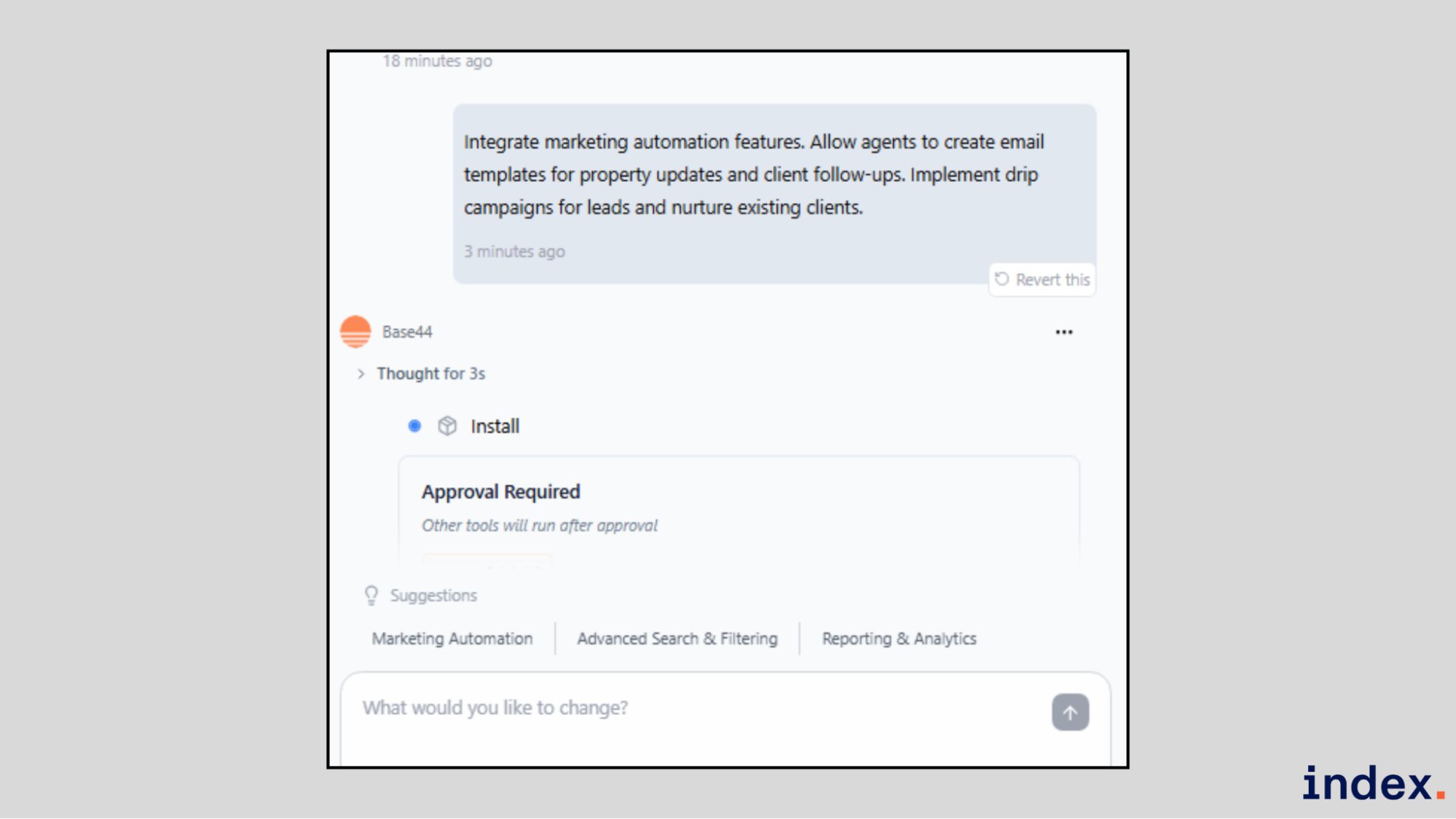
- Built-in testing and preview: Helps test mobile behavior with live previews.
- Instant hosting and sharing: Helps publish apps instantly with live links for mobile users.
- Export and GitHub support: Assists teams that want access to app code and version control.
Pricing: Base44 offers a Free plan at $0 with limited credits to explore core features. Paid plans include Starter at $20 per month, Builder at $40 per month, Pro at $80 per month, and Elite at $160 per month, with higher plans providing more AI credits, integrations, support, and scaling options.
Up next: See the 5 best AI models for frontend development and UI design.
Comparison of the top AI assistants for mobile app development
| Tool | Best for mobile teams | iOS and Android strengths | When to choose it |
| FlutterFlow | Visual building of full mobile apps | Strong native iOS and Android apps with Flutter | When you want fast UI, real app logic, and store-ready apps without heavy coding |
| Replit | Backend and API development for apps | Supports mobile apps through APIs and services | When you need a quick backend, authentication, and integrations for mobile apps |
| Thunkable | No-code native mobile apps | Strong native access and cross-platform publishing | When you want to launch iOS and Android apps without writing any code |
| Emergent | Full-stack apps from prompts | Handles mobile backends and app logic | When you want to go from idea to production-ready app very fast |
| Base44 | Mobile-friendly apps from text | Responsive apps that work well on mobile | When speed matters, and you want an app built from plain English |
Read next: The top AI tools reshaping product roadmaps.
Final words
AI assistants have changed how iOS and Android apps are built. The tools in this list each solve a different part of the mobile app development process. Some focus on visual app building, while others handle backend logic or full app creation from prompts.
After testing them on real mobile app tasks, it is clear that there is no single best tool for everyone. The right choice depends on your goals, your team's skills, and your speed needs. If you want control and scale, choose carefully. Create an account, test with real app ideas, and pick the tool that best fits your mobile workflow.
➡︎ Work remotely on cutting-edge mobile apps with AI tools. Index.dev features companies hiring developers skilled in Flutter, React Native, and AI-powered development. Work remotely, build cutting-edge apps, and get matched with top teams actively recruiting. Apply now!
➡︎ Want to go deeper into where AI is really headed? Explore more Index.dev insights on AI literacy and what it means in 2026, how AI is reshaping application and cloud development, and which industries are closest to a real AI tipping point. You can also dig into practical perspectives on why forward-deployed engineers matter, plus hands-on model comparisons that break down DeepSeek versus ChatGPT, how it stacks up against Claude, and which open-source Chinese LLMs are gaining serious traction.


